How to Generate a Website Hero Image
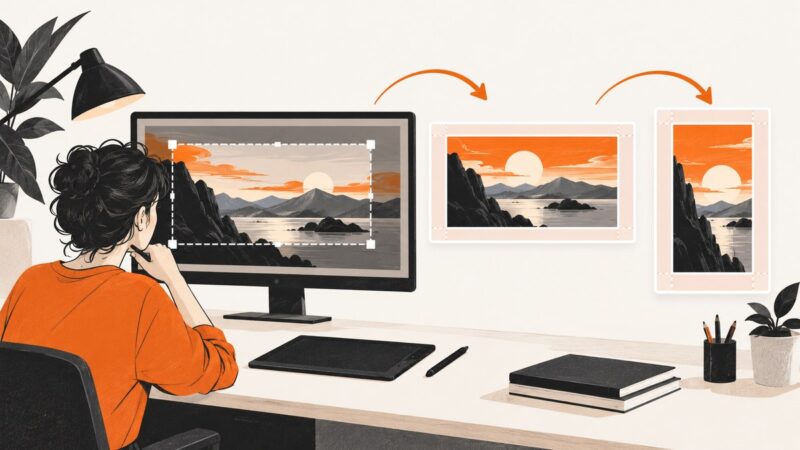
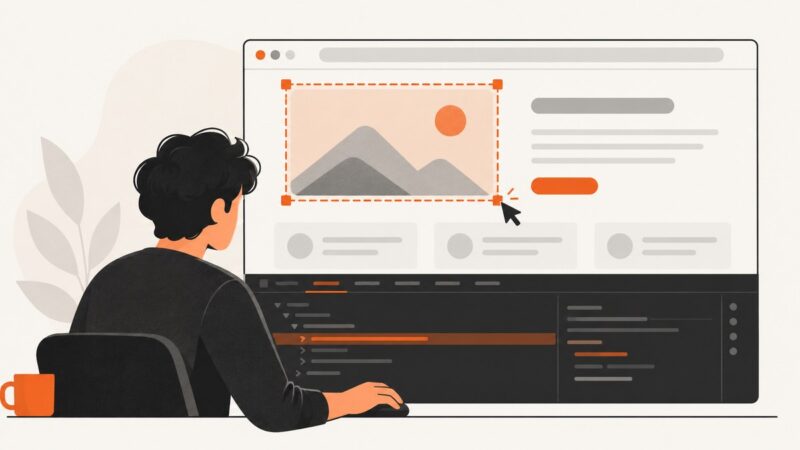
Create a hero image that supports your message, survives responsive crops, loads quickly, and stays accessible.
Create a hero image that supports your message, survives responsive crops, loads quickly, and stays accessible.
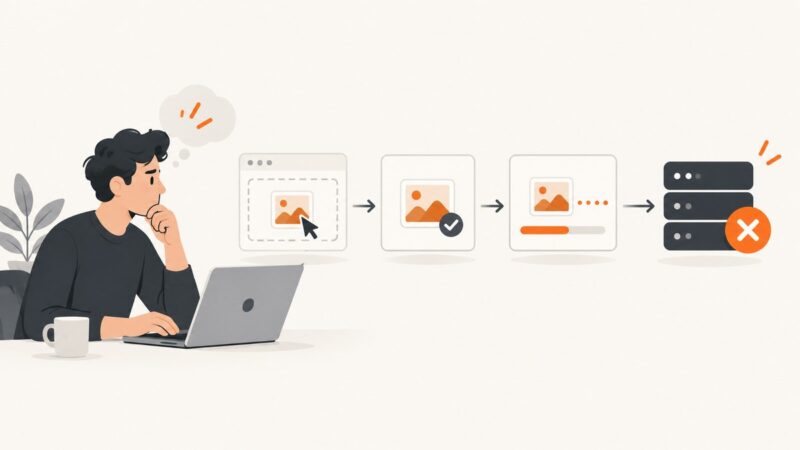
Find out why a website rejects your picture, identify whether format, size, or server rules are responsible, and fix the problem methodically.
Convert any image to the right YouTube thumbnail size without stretching, with crop, padding, export, upload, and automation instructions.
Learn whether Edge can convert WebP to PNG, how to capture a page, and how to convert the original file with Paint.NET.
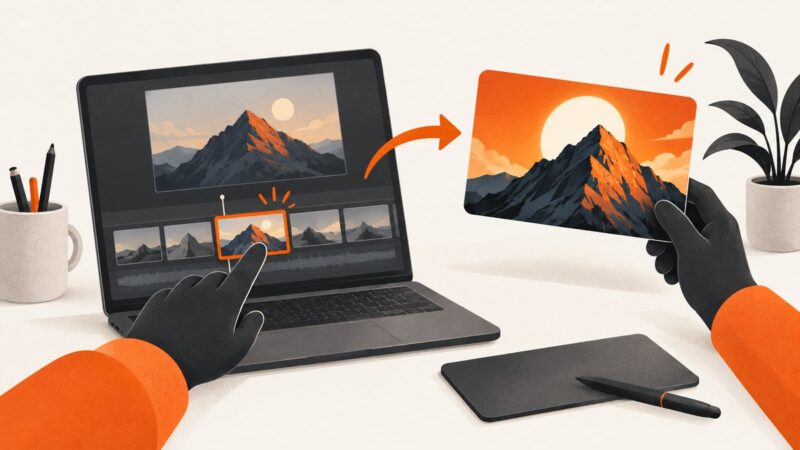
Turn a video frame into a YouTube thumbnail: choose the right still, size it correctly, design it, and upload it in Studio.
Set up TestNG and Selenium in Java with Maven, explicit waits, suites, parallel runs, troubleshooting, and a ScreenshotNeo option.
Send a WordPress draft preview safely to clients, with or without a login, using expiry, revocation, and screenshot options.
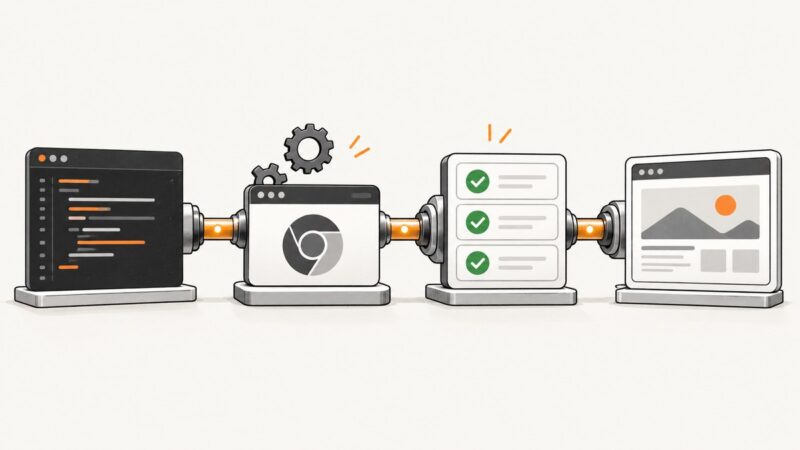
Build a Java Selenium TestNG project with Maven, testng.xml, parallel execution, Selenium Manager, Grid, and CI-ready practices.
Chrome’s documented screenshot workflow uses the DevTools Command Menu, not the Console. Capture an area, full page, DOM node, or page-load state with the right workflow.
Save a web image with Chrome’s normal download command, or use Inspect and Network to locate the loaded image resource when that option is unavailable.
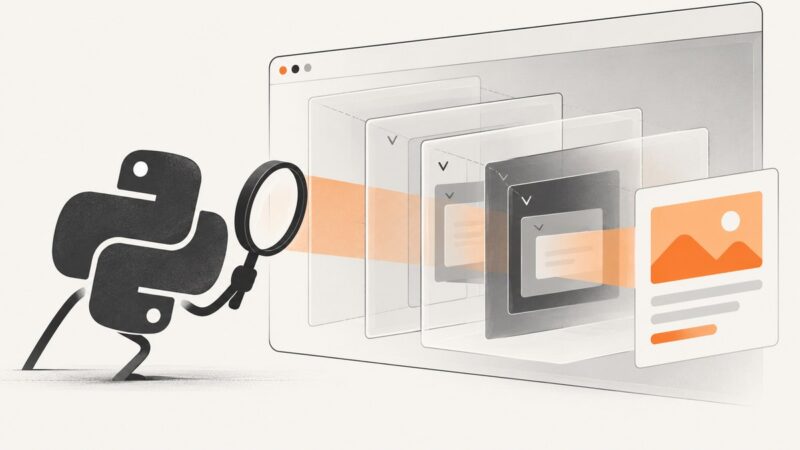
Read text or HTML inside open and nested Shadow DOM roots with Pyppeteer, handle async rendering, and diagnose closed-root failures.
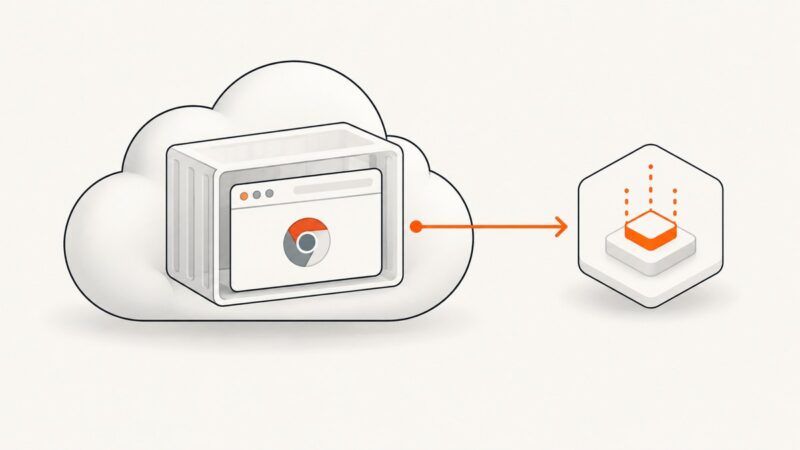
Deploy Puppeteer or Playwright with Chromium on Cloud Run, configure sandboxing, concurrency, timeouts, and troubleshoot common failures.
Create a custom YouTube thumbnail on your phone or computer, export it correctly, and upload it in YouTube Studio.
Separate Pyppeteer timeouts from closed targets, collect browser evidence, fix waits and Chromium setup, and know when to switch tools.
Create and navigate a new Pyppeteer tab with browser.newPage() and page.goto(), including incognito contexts, wait conditions, timeouts, cleanup, and troubleshooting.
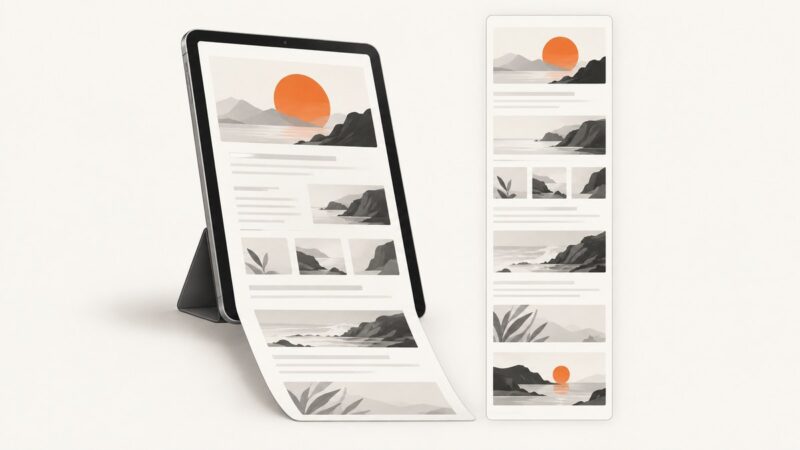
Capture a full Safari webpage on iPad, inspect and crop it, then save it as an image in Photos or a PDF in Files.
Compare stable screenshots with reviewed baselines in Playwright, investigate diffs, and run reliable visual regression checks in CI.
Learn how to place two iPhone screenshots side by side, stack them vertically, or stitch overlapping captures into one long image.