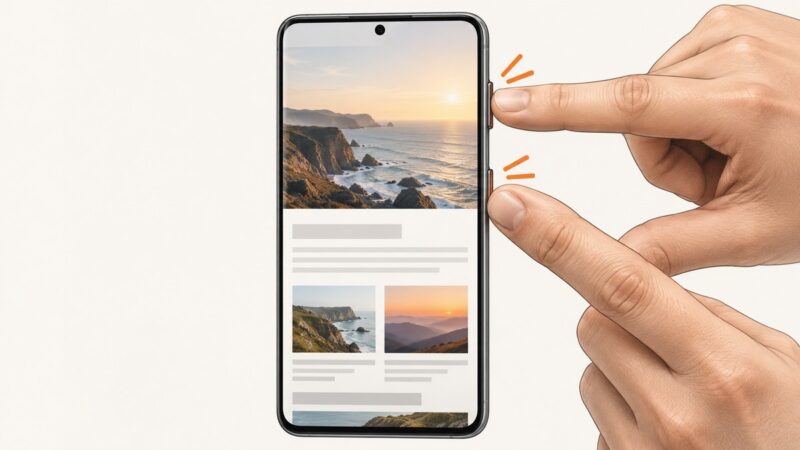
How to Take a Manual Screenshot on Samsung
Press Power and Volume Down together on most Samsung Galaxy devices. Learn Scroll capture, Palm swipe, troubleshooting, and where screenshots are saved.
Press Power and Volume Down together on most Samsung Galaxy devices. Learn Scroll capture, Palm swipe, troubleshooting, and where screenshots are saved.
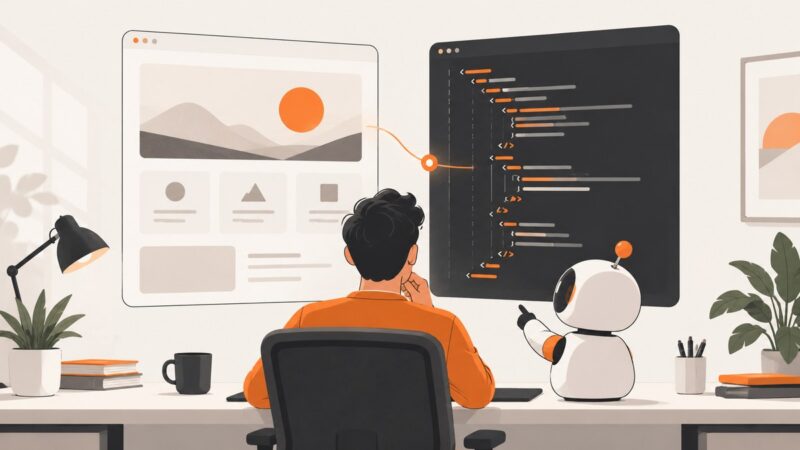
Turn a screenshot into maintainable UI code with GPT using a repeatable prompt, preview loop, responsive checks, and ScreenshotNeo captures.
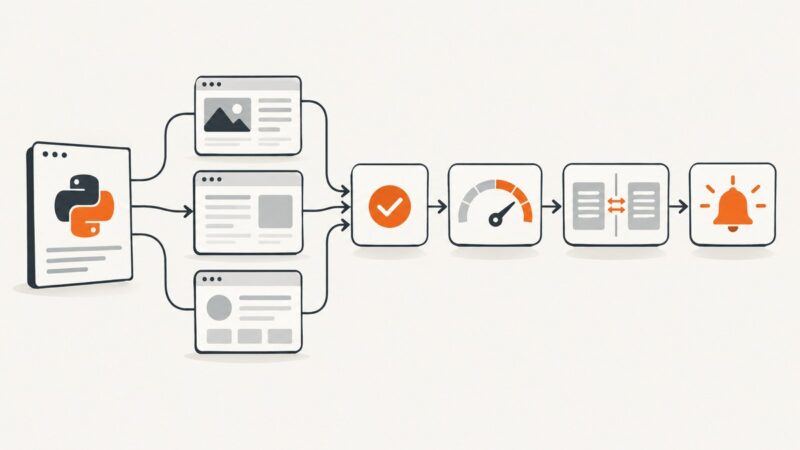
Build a reliable Python website monitor with timeouts, retries, content checks, stateful alerts, security controls, and production guidance.
Use Playwright's persistent Chromium context to load extensions, test page effects, inspect Manifest V3 workers, and automate popups with Python.
Generate TestNG HTML and XML reports for Selenium with Maven, listeners, reporters, troubleshooting, and CI-friendly output.
A page can look loaded while Pyppeteer waits on a selector, function, or navigation that never completes. Find the failing await and match its condition.
Fix Playwright’s “Test ended” error by tracing missing awaits, timeouts, route cleanup, and fixture teardown with working examples.
Convert Mermaid, PlantUML, or Graphviz ER diagram code into sharp PNG, SVG, JPEG, or PDF files with practical workflows and troubleshooting.
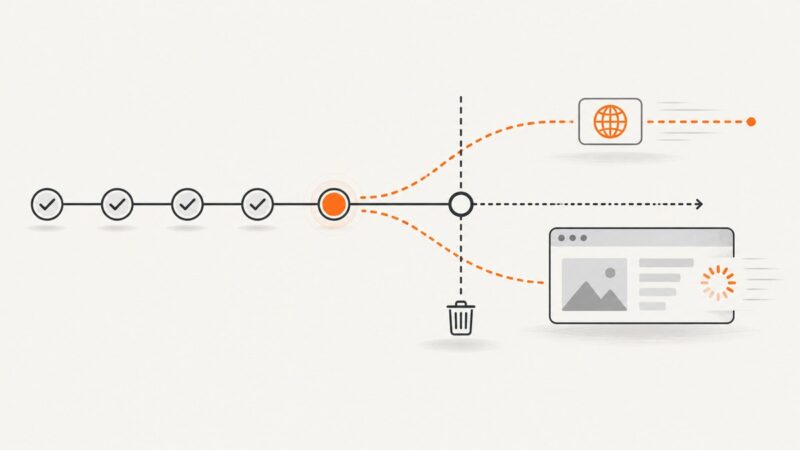
Handle Pyppeteer page.goBack() safely: distinguish None from exceptions, tune navigation options, inspect state, and fix common failures.
Save any webpage as a PDF on Android with Chrome, Firefox, or Galaxy print tools, plus fixes for missing menus and hard-to-find files.
Save any webpage as a PDF on iPhone with Safari’s built-in Markup workflow, choose where it goes, annotate it, and fix common problems.
Set up Selenium with TestNG in Java: dependencies, lifecycle hooks, testng.xml suites, parallel execution, troubleshooting, and CI guidance.
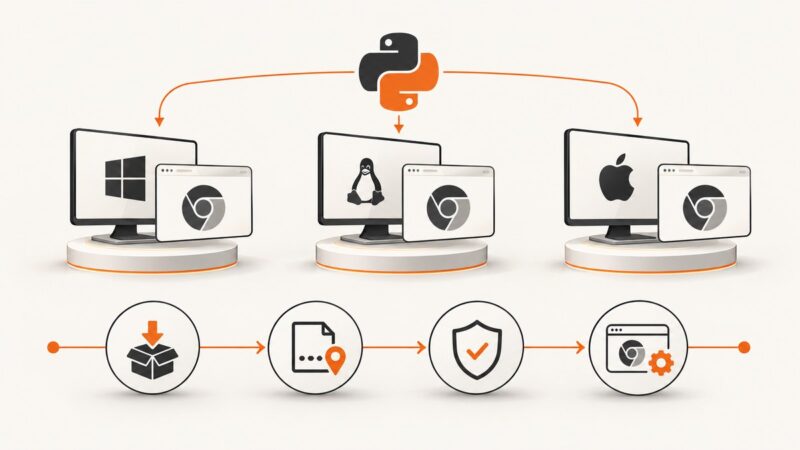
Pyppeteer is not Windows-only. Learn how to fix Chromium paths, installs, permissions, versions, and runtime differences across Linux, macOS, CI, and containers.
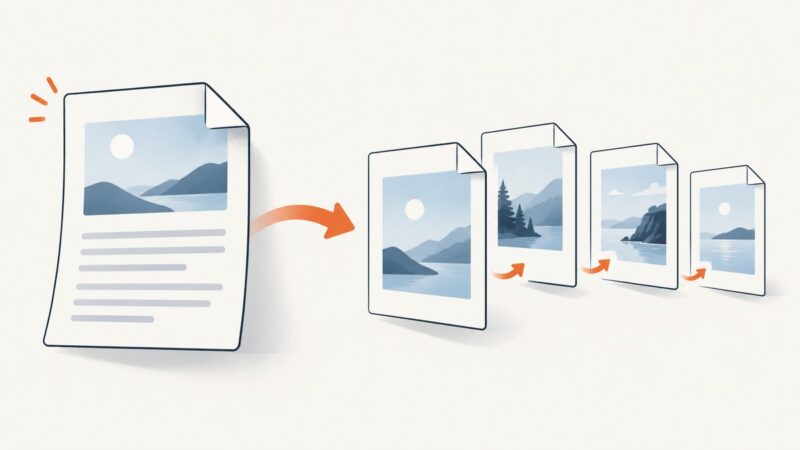
Convert a DOC to PNG page by page or extract an embedded picture. Use Word, LibreOffice, PDF and command-line workflows.
Learn Android’s built-in scrolling capture, Samsung Scroll Capture, and the best apps for saving long webpages, chats, and documents.
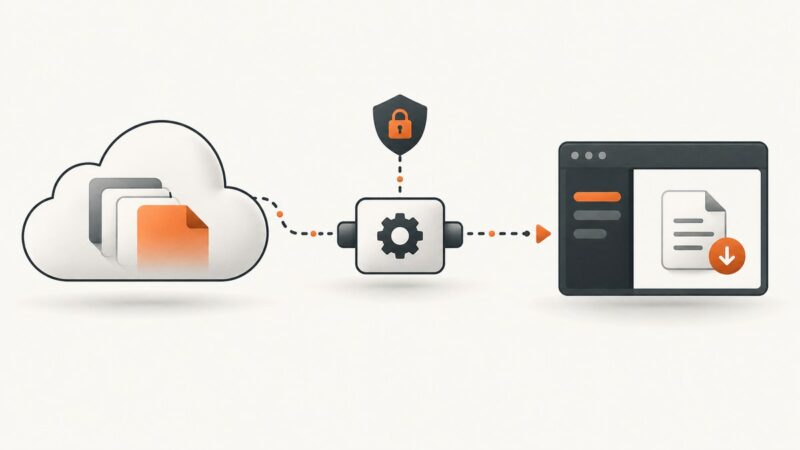
Learn the correct Graph API endpoint, permissions, redirects, browser flow, range requests, conversions, and production troubleshooting for file downloads.
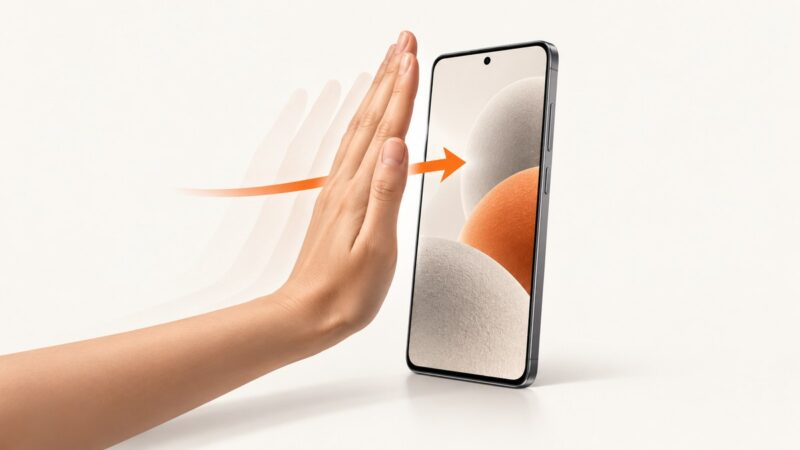
Enable Samsung’s Palm swipe to capture gesture, use it correctly, fix common problems, and learn reliable screenshot alternatives.
Capture an Android emulator screen from Python with Appium, UiAutomator2, and Selenium’s screenshot API, with setup, code, errors, and alternatives.