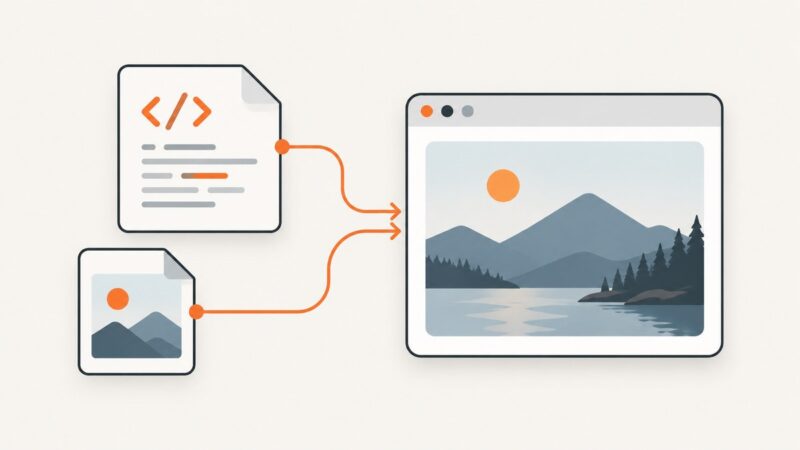
How to Convert an HTML Table to an Image in Python
Render an HTML table in Chromium with Playwright, capture one element or a full page, and control format, scale, styling, and reliability.
Render an HTML table in Chromium with Playwright, capture one element or a full page, and control format, scale, styling, and reliability.
Test Google Maps behavior reliably with Cypress: intercept requests, control geolocation, verify markers, handle authentication, and reduce flake.
Configure Fiddler and an iPhone or simulator to inspect HTTP and HTTPS traffic, trust the proxy certificate, and fix common capture failures.
Set Puppeteer’s executablePath correctly across local machines, Docker and CI, with validation, environment variables, troubleshooting and a hosted alternative.
Diagnose the generic Filesystem MCP attach error by checking allowed directories, startup commands, environment variables, logs, and timeouts.
Add a reliable PPTX download link in HTML with accessible text, download behavior, permissions, troubleshooting, and hosted viewer options.
Make any image clickable with one accessible HTML pattern, handle new tabs and actions correctly, and troubleshoot common mistakes.
Print cleaner, text-focused web pages by using Firefox Simplified, Chrome Reading mode, or Edge's background-graphics setting.
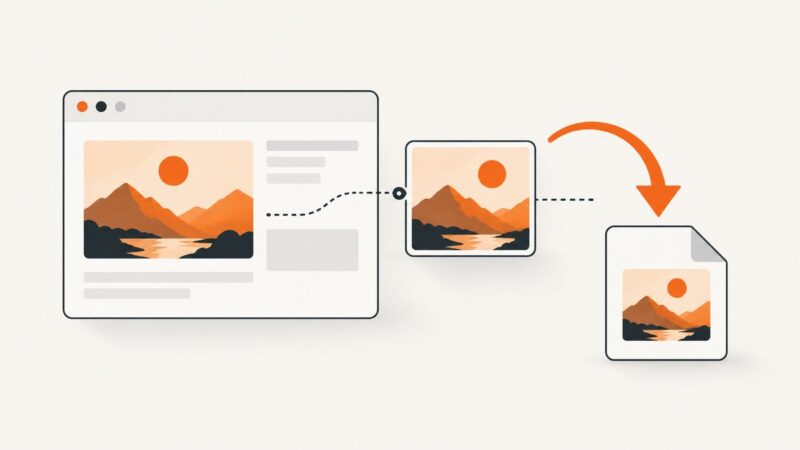
Learn how to save JPGs from HTML, build reliable download links, handle srcset and CORS, and automate captures with ScreenshotNeo.
Convert Mermaid code to PNG, SVG, or PDF with the Live Editor or Mermaid CLI, fix common errors, and automate captures with ScreenshotNeo.
Turn TXT, Word, or Google Docs files into JPG pages by creating a PDF first, then exporting each rendered page as a JPEG.
Capture a full webpage from top to bottom with Edge, Firefox, DevTools, extensions, or ScreenshotNeo’s screenshot API.
Capture an entire GitHub page in Chrome with DevTools, Android long screenshots, troubleshooting, and an API option for automation.
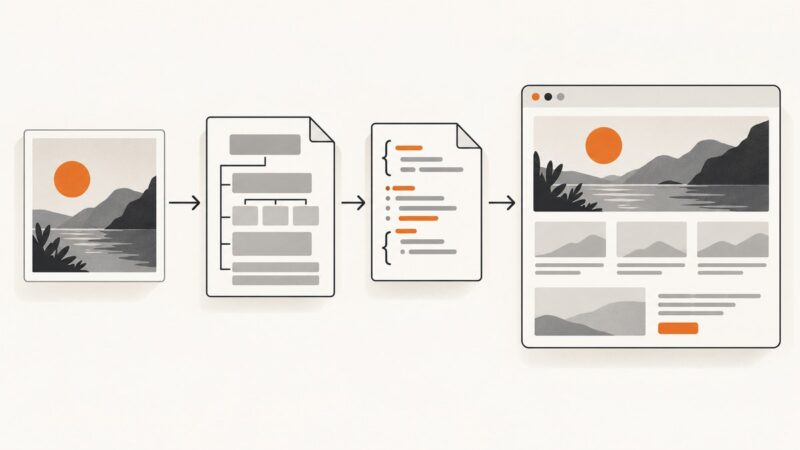
Learn when to embed an image, when to rebuild it with HTML and CSS, and how to use OCR and screenshot tools for an accurate result.
Use type="image/png" for PNG resources in HTML link elements, and send Content-Type: image/png from your server.
Learn how to capture a visible viewport, full page, mobile layout, or automated Chrome screenshot on desktop and Android.
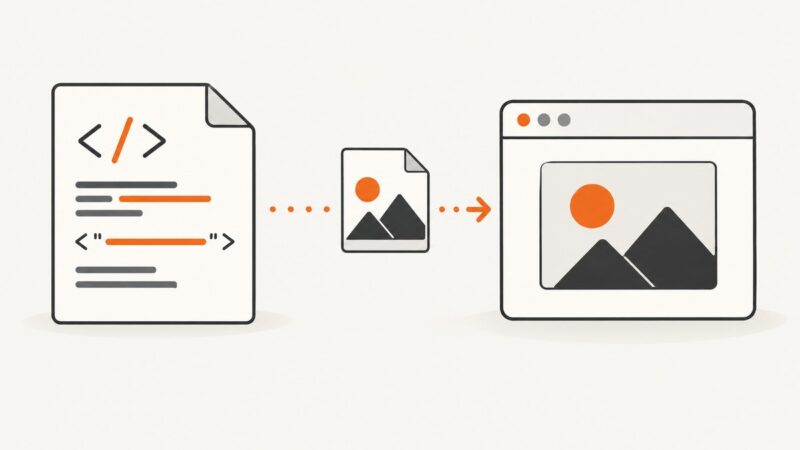
Learn the HTML img tag, image paths, alt text, responsive images, dimensions, troubleshooting, and a ScreenshotNeo shortcut.
Add a PNG logo with accessible HTML, responsive sizing, navigation links, troubleshooting, and complete examples for modern websites.