How to Create a Responsive Template
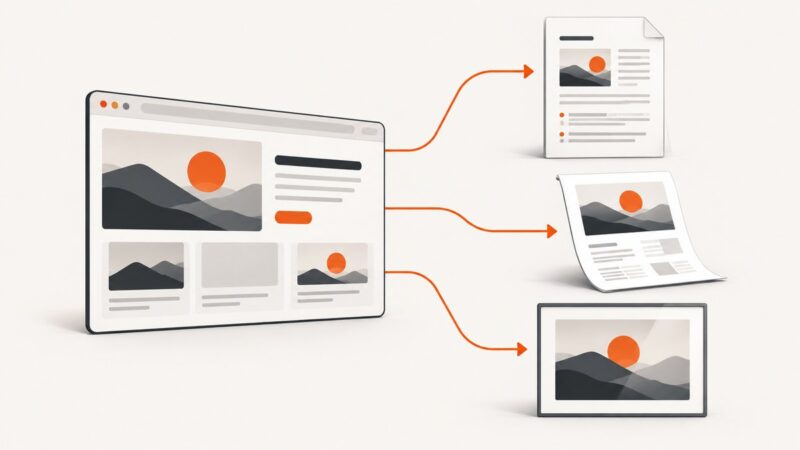
Build a responsive HTML template with mobile-first CSS, Flexbox or Grid, accessible reflow, testing steps, and automated screenshots.
Build a responsive HTML template with mobile-first CSS, Flexbox or Grid, accessible reflow, testing steps, and automated screenshots.
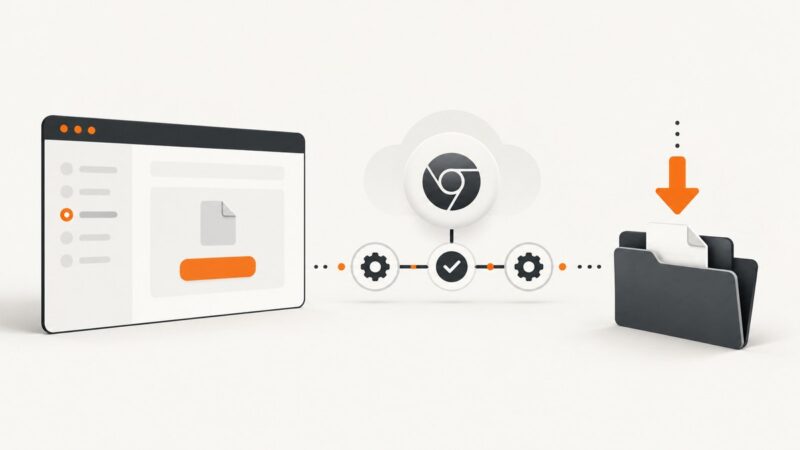
Diagnose Angular E2E download failures by identifying your runner, browser mode, and download API, then persist files reliably in CI.
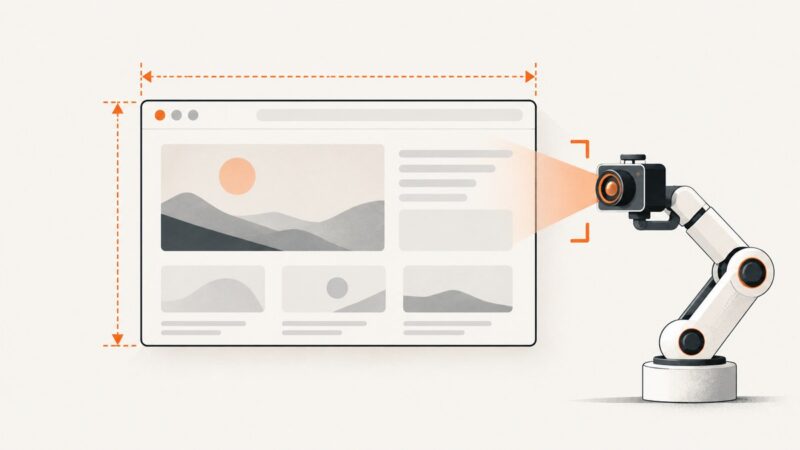
Capture Selenium screenshots at the existing browser size, preserve dimensions, and handle full-page output without changing the window.
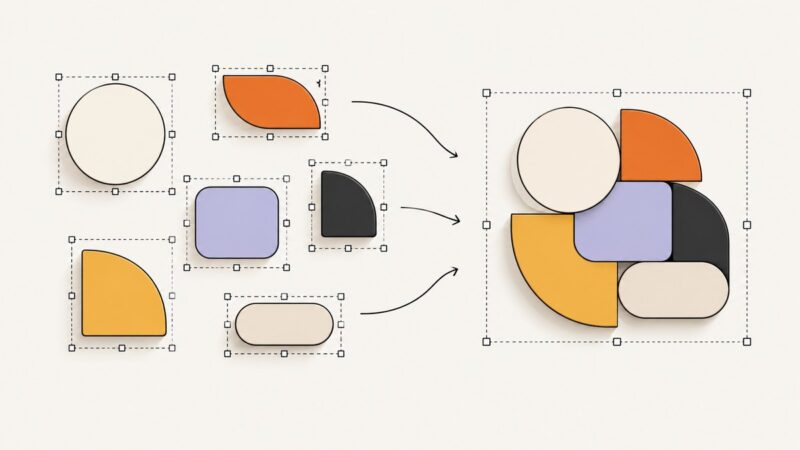
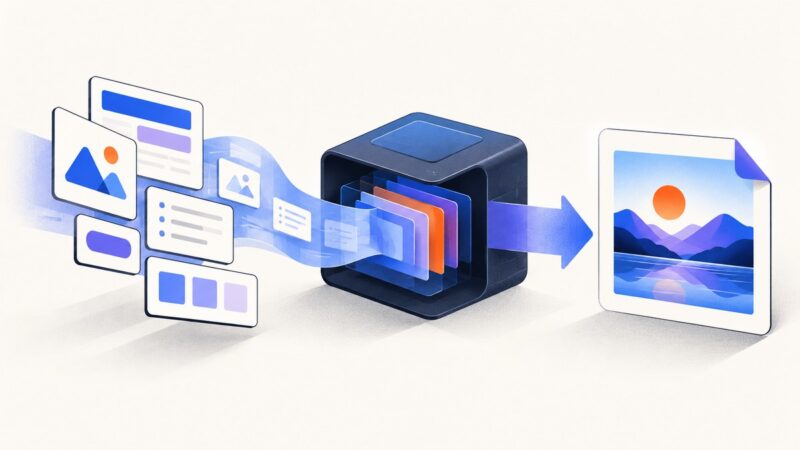
Learn how to group layers in Canva, Figma, Illustrator, and Photoshop, edit grouped items, ungroup safely, and avoid stacking-order surprises.
Remove Chrome’s unsupported certificate-bypass flag safely in headless tests, trust test certificates correctly, and troubleshoot driver-injected arguments.
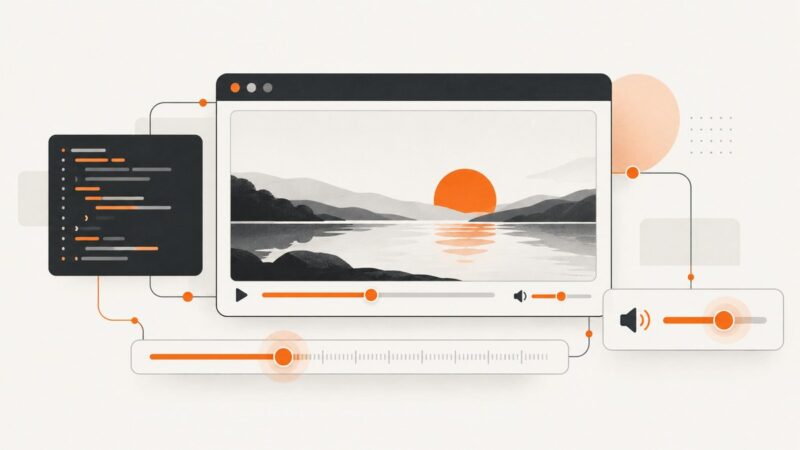
Build reliable HTML5 video seek, skip, volume, mute, autoplay, and accessible custom controls with complete JavaScript examples.
Use Chrome Headless to save rendered HTML, print a webpage to PDF, or capture a screenshot. Learn what each output contains and how to handle dynamic pages.
Attach a screenshot to GitHub Copilot, generate similar HTML/CSS, render it locally, and refine the result with a practical workflow.
Convert any HTML element to PNG, JPEG, or WebP in JavaScript with html2canvas, html-to-image, or Playwright—and fix CORS and rendering issues.
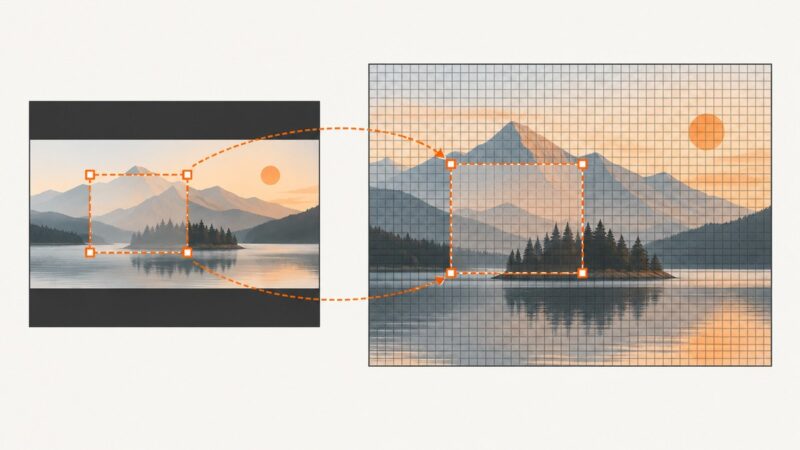
Fix shifted C# image crops by mapping preview coordinates to source pixels, handling EXIF orientation, and recalculating bounds after transforms.
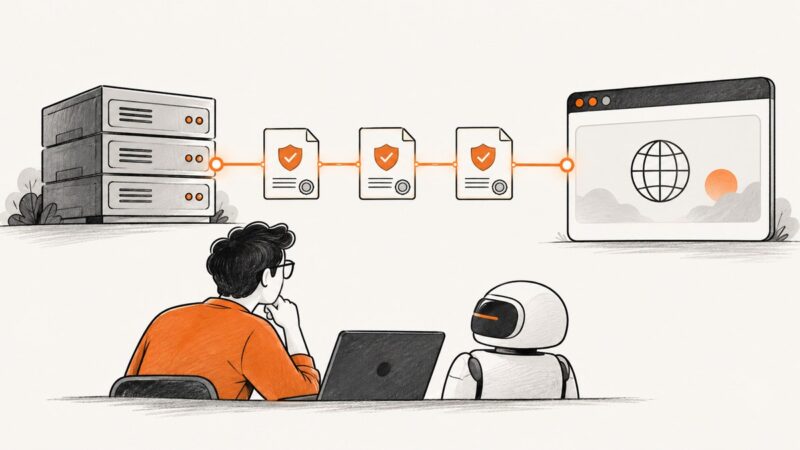
Fix Puppeteer HTTPS failures by repairing certificates, aligning trust stores, and using safe diagnostics for headless Chrome.
Diagnose Google IAP redirects, sessions, and Selenium visibility waits in headless Chrome with explicit checks and practical Python examples.
Use Chrome headless mode to keep Protractor screenshots from stealing focus, with headed-browser options, version checks, troubleshooting, and an API alternative.
Learn a permissioned, low-rate Python workflow for Amazon search pages, with pagination, parsing, validation, retries, and safer alternatives.
Capture screenshots from remote Selenium Grid 2 browsers, save artifacts correctly, handle full-page limits, and avoid common RemoteWebDriver errors.
Capture a browser request in Charles, reproduce it in code, handle HTTPS, export evidence, and avoid the common scraping mistakes.
Learn why Puppeteer cannot directly accept Chrome’s native client-certificate chooser, how to identify the dialog, and which documented options work.
Separate Chrome startup failures from viewport bugs, then fix --window-size issues in Selenium, Puppeteer, containers, and CI.