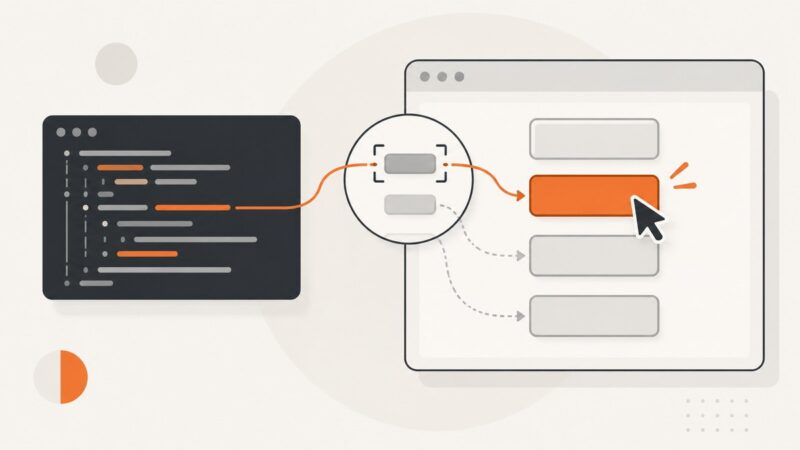
How to Click JavaScript Links with href=”javascript:void(0)” in Pyppeteer
Use Pyppeteer’s selector click for javascript:void(0) links, wait for the real result, and handle navigation, dialogs, and missing elements safely.
Use Pyppeteer’s selector click for javascript:void(0) links, wait for the real result, and handle navigation, dialogs, and missing elements safely.
Configure Playwright screenshots for failure artifacts and visual regression, with stable baselines, masks, diffs, snapshots, troubleshooting, and CI guidance.
Create, share, expire, retrieve, and delete Grafana dashboard snapshots with the Snapshot API, using cURL, Python, and Node.js.
Press Power and Volume Down together to screenshot your Galaxy S10. Learn Palm swipe, scrolling captures, voice commands, saved locations, and fixes.
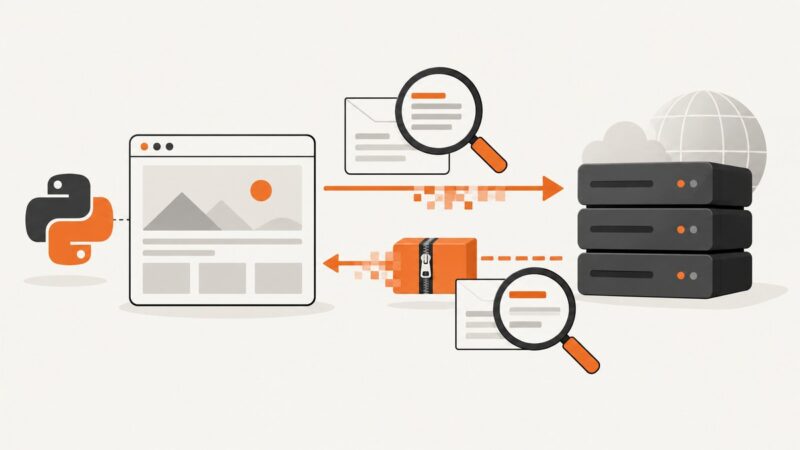
Set Accept-Encoding in Pyppeteer, inspect request and response headers, verify gzip safely, and troubleshoot Chromium-specific behavior.
Learn the right Playwright Java scrolling method for elements, wheel gestures, nested containers, infinite lists, and screenshots.
Save any webpage as a PDF on iPhone, iPad, or Android using built-in browser tools, then learn when an API is better.
Capture a Twitter profile reliably: browser shortcuts, full-page methods, privacy checks, automation options, and a ScreenshotNeo workflow.
Use Pyppeteer XPath selectors to find buttons by exact or partial text, verify matches, handle dynamic pages, and avoid common click failures.
Run, configure, and troubleshoot Playwright’s show-report command, including custom folders, ports, hosts, ZIP archives, CI, and report settings.
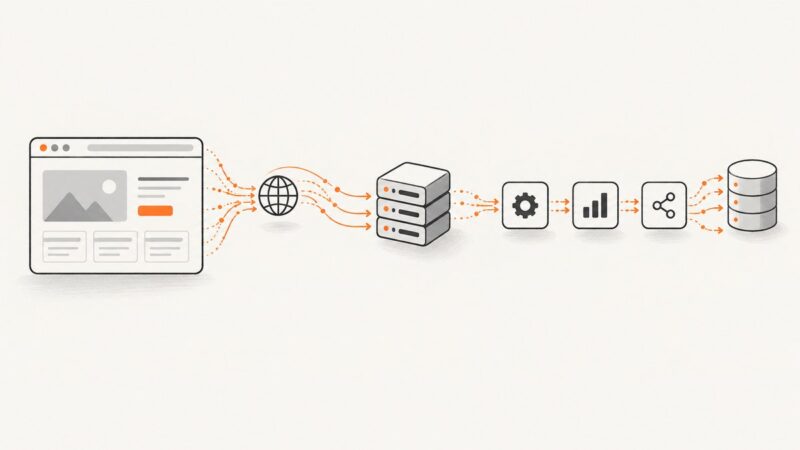
Learn how to find a page’s real data source, choose direct HTTP or browser scraping, wait for fresh content, and refresh responsibly.
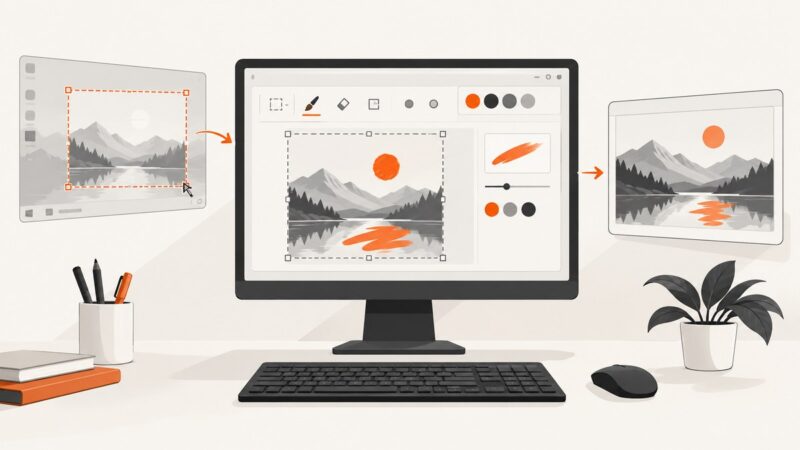
Capture part or all of your Windows screen, open it in Paint, edit it, and save the finished image with these step-by-step instructions.
Create YouTube thumbnails in Photoshop at the correct 16:9 size, export within upload limits, and avoid distortion, cropping, and Shorts mistakes.
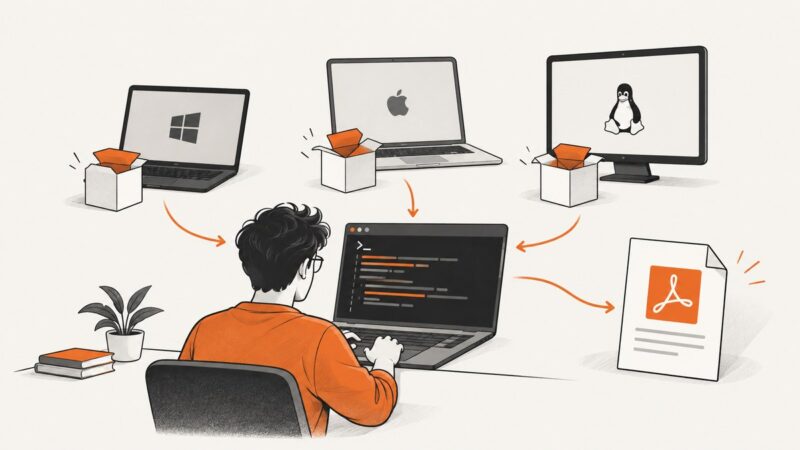
Download wkhtmltopdf 0.12.6, install it on Windows, macOS, Debian, Ubuntu and other Linux systems, then verify and troubleshoot it safely.
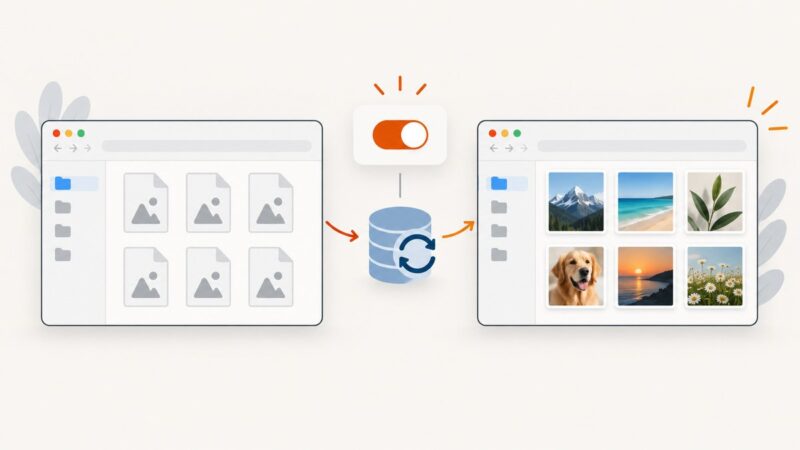
If Windows shows icons instead of image previews, check File Explorer’s thumbnail setting first. Then troubleshoot the cache, file format, and cloud files.
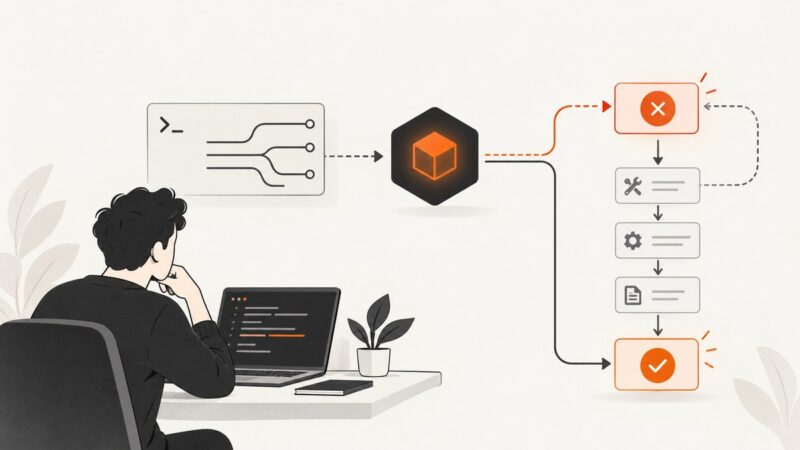
Fix MCP spawn npx ENOENT errors by checking command resolution, PATH inheritance, Windows wrappers, explicit paths, and client versions.
Route Pyppeteer traffic through HTTP or SOCKS proxies, handle authentication, troubleshoot failures, and compare Playwright and ScreenshotNeo.
Diagnose Pyppeteer’s “Browser closed unexpectedly” error on AWS Lambda with logs, dependency checks, compatible binaries, and working fixes.