How to Set the Window Size with PhantomJS and Selenium WebDriver in Python
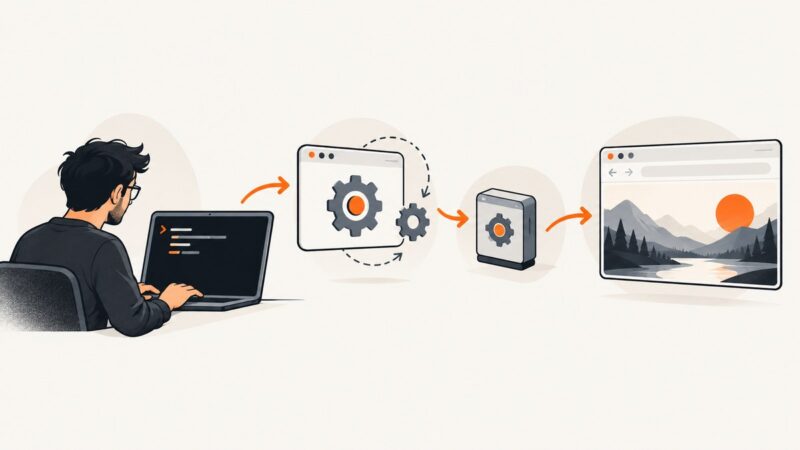
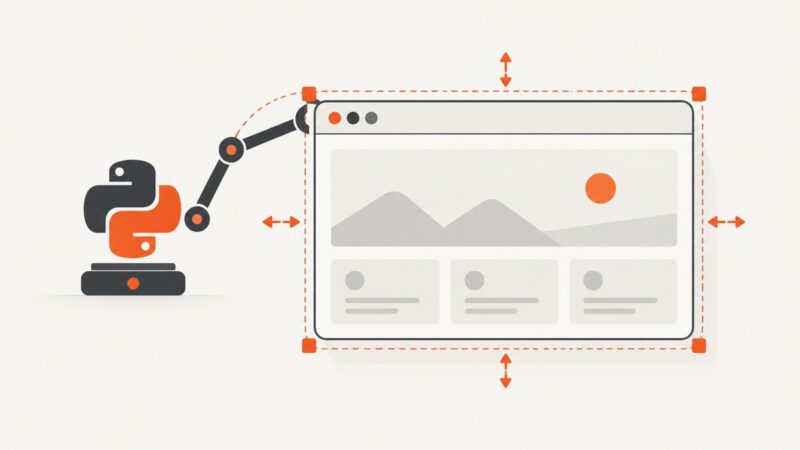
Set browser window dimensions with Selenium’s Python WebDriver, check the size, and understand what changes when you’re maintaining a legacy PhantomJS script.
Set browser window dimensions with Selenium’s Python WebDriver, check the size, and understand what changes when you’re maintaining a legacy PhantomJS script.
Learn how to capture native and custom dropdowns with Selenium in C#, including waits, screenshots, troubleshooting, and a ready-to-run example.
A practical IE11 diagnostic guide for html2canvas hangs: reduce scope, inspect resources and canvas limits, and know when to move capture server-side.
Fix Selenium click and sendKeys failures by diagnosing overlays, element state, timing, stale references, frames, and locators with reliable waits.
Keep Chart.js labels and lines sharp in jsPDF by rendering enough pixels, sizing the chart correctly, and capturing it after its final resize.
Fix black Mapbox captures by separating WebGL export, map readiness, html2canvas limits, cross-origin assets, and browser canvas constraints.
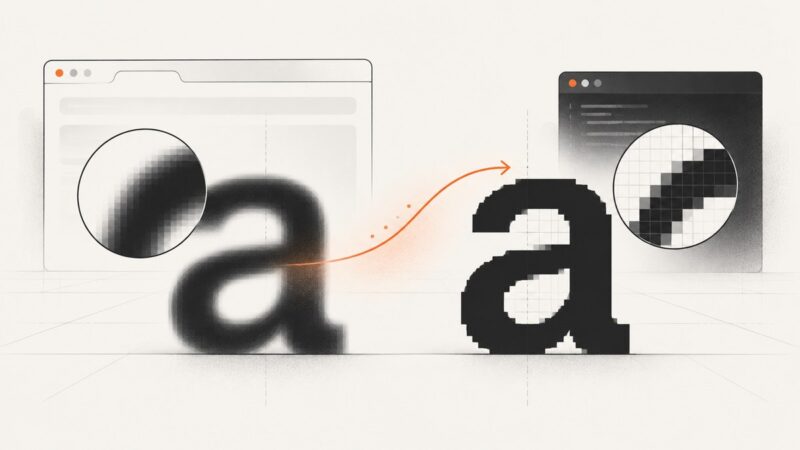
Configure Fontconfig to disable font antialiasing in PhantomJS screenshots on Linux, pass the setting to the WebDriver process, and troubleshoot common issues.
Combine HTML canvases with drawImage(), handle scaling and CORS, and export a reliable PNG, JPEG, or WebP image.
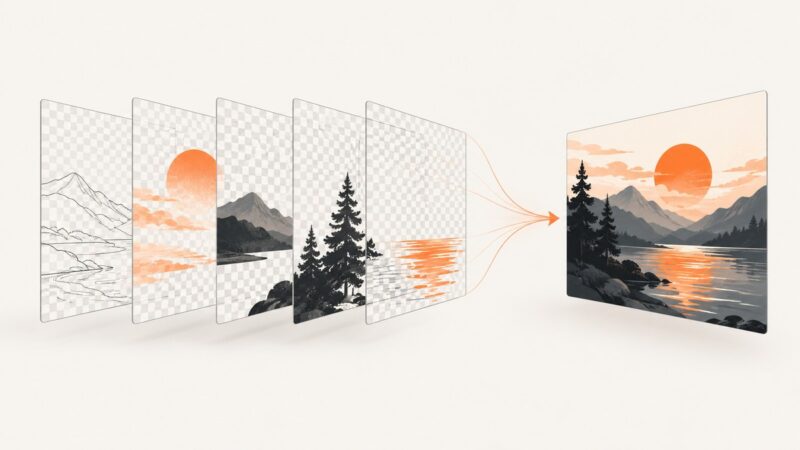
Combine separate canvases, layers, or artboards into one PDF by choosing the export workflow that matches how your images are organized.
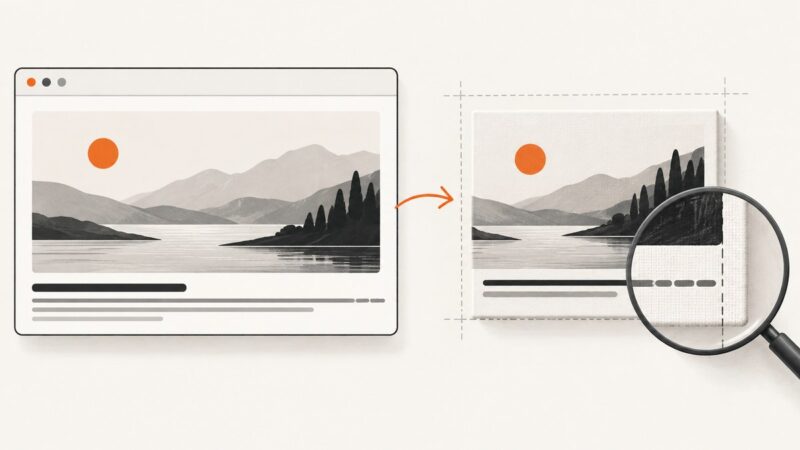
Diagnose whether html2canvas is truncating the canvas or clipping text, then fix dimensions, crop offsets, scale, or cloned styles.
When absolute elements jump to the top in an html2canvas result, compare live layout with the canvas, then isolate scroll, viewport, CSS, and SVG causes.
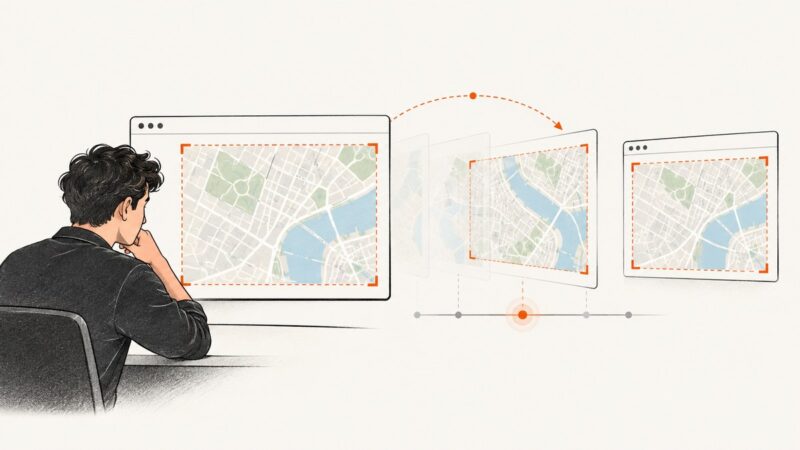
Fix shifted or blank Google Maps exports: wait for idle and tilesloaded, handle CORS, and choose a reliable screenshot path.
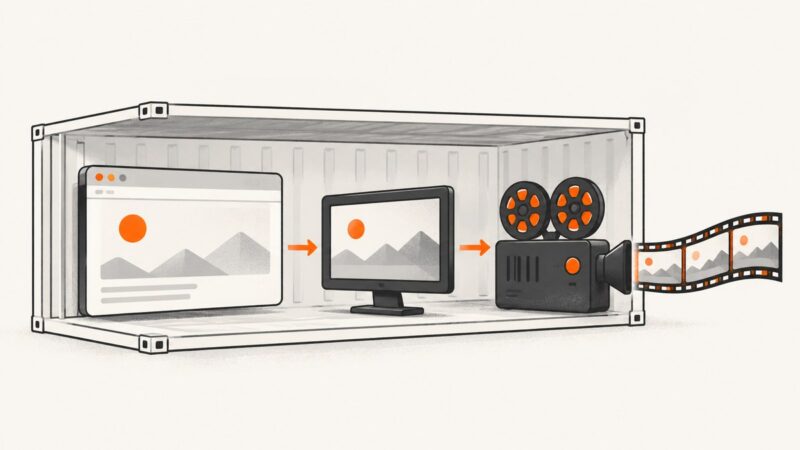
Record Selenium tests in Docker reliably: use Xvfb, the selenium/video recorder, persistent volumes, capabilities, CI artifacts, and troubleshooting.
Fix jsPDF addHTML() body-only PDFs by migrating to html(), verifying selectors, isolating canvas capture, and handling browser limits.
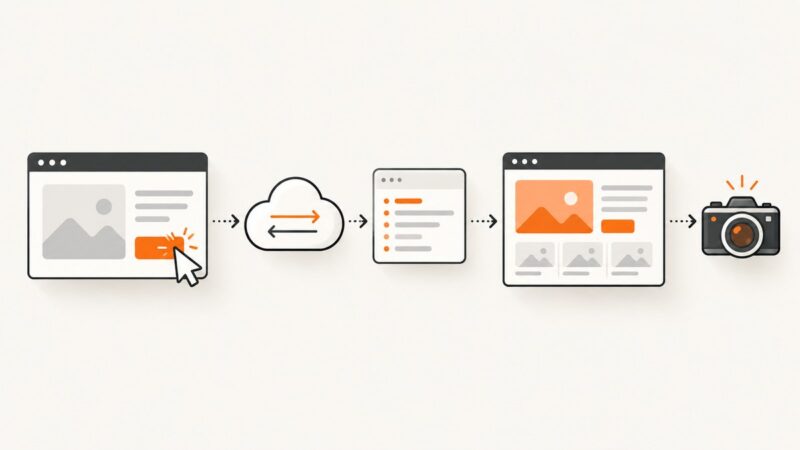
Use Playwright’s expect_response to synchronize screenshots with real network events, then wait for the UI state your users must see.
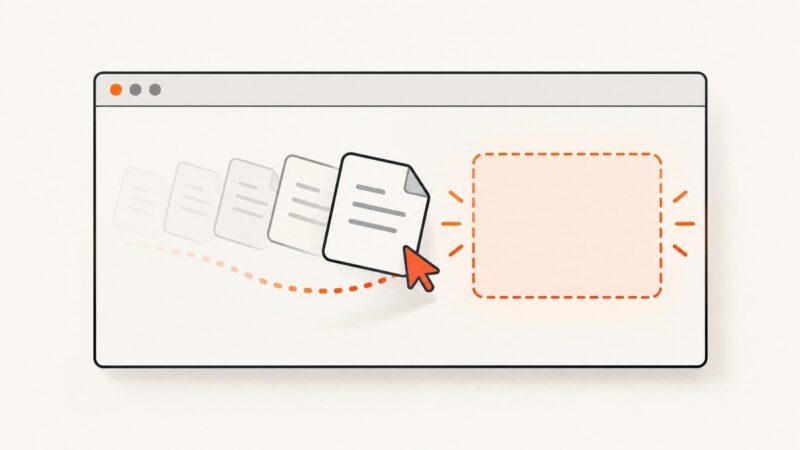
Choose the right Playwright API for element drags, file drop zones, and dynamic file choosers, with runnable JavaScript examples and fixes for common failures.
GeckoDriver can be on PATH and still be invisible to the process running Selenium. Identify whether the failure is driver discovery, browser startup, or a later WebDriver command, then choose the right fix.
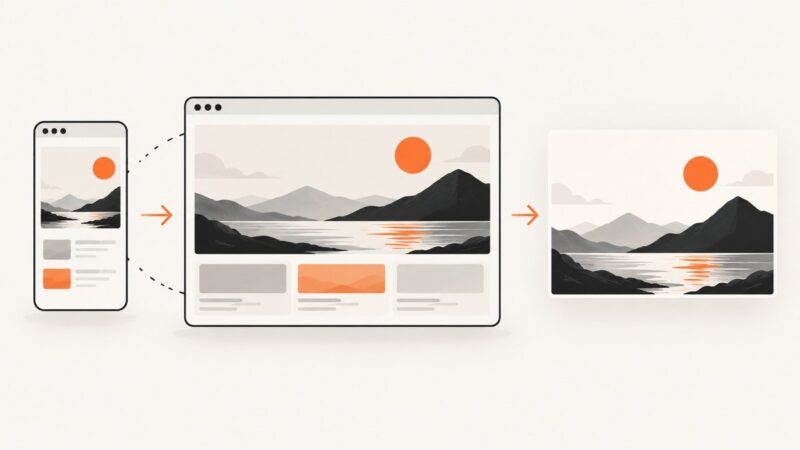
Set html2canvas render dimensions correctly, separate viewport from canvas size, and fix clipping, media-query, CORS, and scaling problems.