How to Remove a Black Background From jsPDF PDFs
Fix black backgrounds in jsPDF PDFs by tracing the problem through your DOM, html2canvas output, image format, and PDF drawing settings.
Fix black backgrounds in jsPDF PDFs by tracing the problem through your DOM, html2canvas output, image format, and PDF drawing settings.
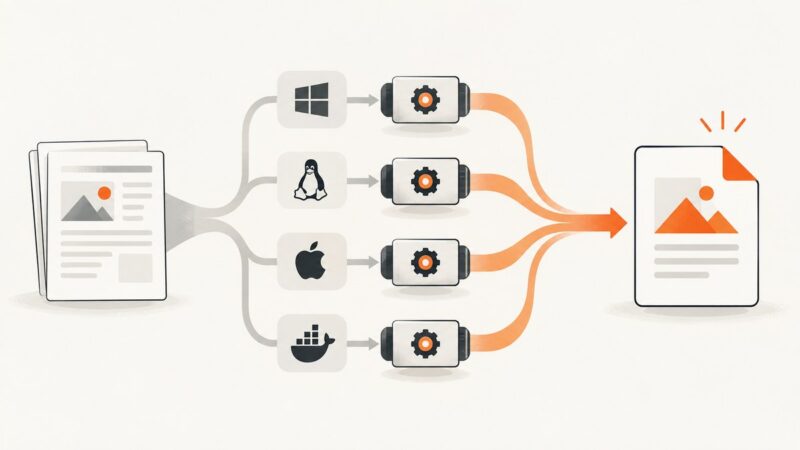
Compare IronPDF, SelectPdf, Playwright, and PuppeteerSharp for ASP.NET Core. Choose by rendering needs, deployment dependencies, operations, and licensing.
Learn how jsPDF html() pagination works, how to prevent clipped content, and how to build reliable multi-page PDFs from browser HTML.
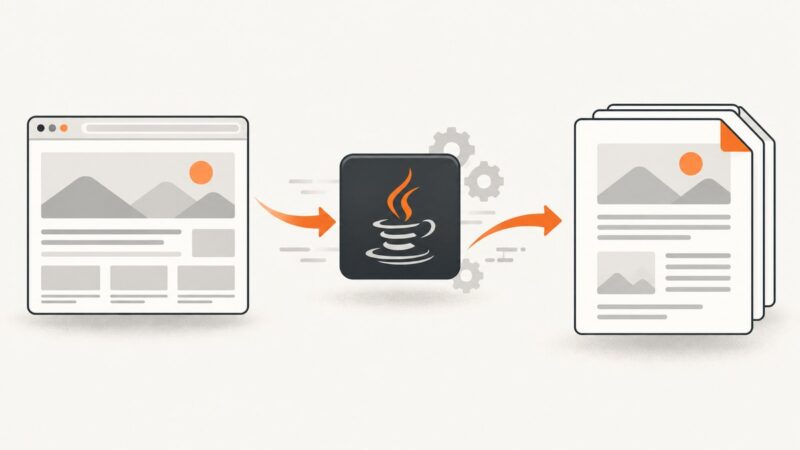
Convert a remote HTML URL to PDF in Java with iText pdfHTML or Flying Saucer, including assets, CSS limits, licensing, errors, and production tips.
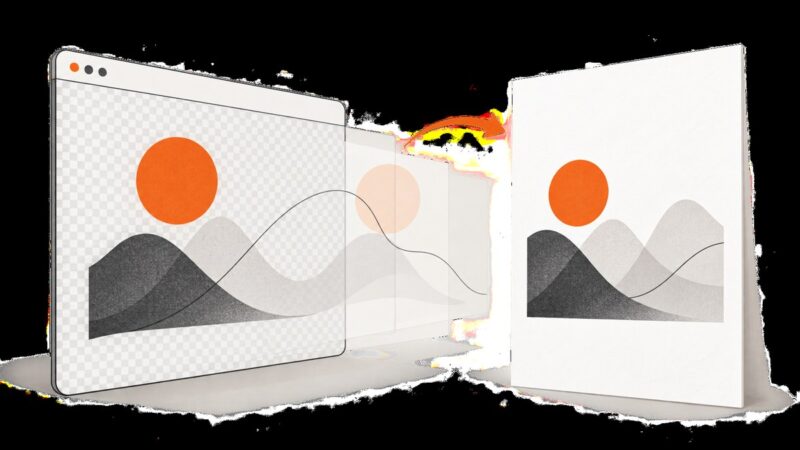
Keep transparent PNGs transparent in jsPDF, add reliable page margins, and paginate html2canvas output without hiding backgrounds.
Make jsPDF and html2canvas PDFs sharper, more reliable, and easier to search with scale, CORS, pagination, and text-preserving techniques.
Make Firebase Storage images available to html2canvas, avoid canvas CORS failures, and turn the captured content into a PDF with jsPDF.
html2canvas turns HTML into pixels. Learn why jsPDF output is not selectable and how to create searchable, text-aware PDFs.
Learn how to scale HTML to A4 with html2canvas and jsPDF, preserve readable proportions, handle long pages, and avoid clipping.
Capture long pages with html2canvas by sizing the render window to the content, handling canvas limits and fixed elements, and assembling a readable PDF.
Use SelectPdf’s ConvertHtmlString overload with a base URL to resolve relative CSS files. Here’s how to configure it and diagnose missing styles.
Keep paragraphs, figures, and headings together in HTML-to-PDF output with break-inside, renderer-specific settings, and practical fixes.
Learn when to use pdfmake’s native SVG node, when html2canvas is better, and how to handle sizing, CORS, Node.js, and PDF quality.
Puppeteer PDFs use print CSS by default, so divs can differ from the browser. Compare media, paper size, scale, fonts and page readiness to find the cause.
Control PDF width with jsPDF’s width option, CSS layout with windowWidth, and image sharpness with html2canvas.scale.
Capture a React element with html2canvas and save it as a PDF with jsPDF. Learn page sizing, multipage output, CORS, rendering limits, and fixes for common problems.
Stop html2pdf.js downloads by replacing save() with output('blob'). Preview, upload, troubleshoot, and add an explicit download only when needed.
Fix shifted text, extra spacing, blurry output, clipping, and wrapping differences when exporting HTML with html2canvas and jsPDF.