How to Render a Full-Screen Page in jsPDF on Smaller Screens
Make a jsPDF document fit smaller screens by separating page size, HTML render scale, and the PDF viewer’s initial zoom setting.
Make a jsPDF document fit smaller screens by separating page size, HTML render scale, and the PDF viewer’s initial zoom setting.
Stop unexpected font changes in iText 7 PDFs by registering the right faces, controlling fallback, and checking CSS, glyphs, and versions.
Control responsive layout, canvas scale, PDF geometry, page breaks, and cross-origin assets when exporting consistent PDFs with html2canvas and jsPDF.
html2pdf.js has no documented repeated-header option. Learn what works, what does not, and when to use a table-aware PDF renderer.
Enable TCPDF automatic page breaks before writing dynamic HTML, configure margins correctly, and troubleshoot overflow, footers, and version differences.
Fix overlapping jsPDF text with correct wrapping, line heights, units, fonts, pagination, and reliable layout code.
Find where your image ratio changes, then fix html2canvas capture dimensions or jsPDF placement without stretching the image.
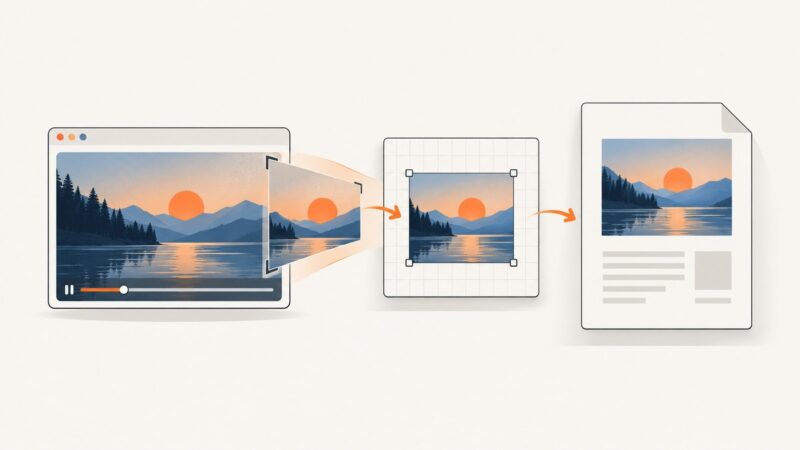
html2canvas does not capture a playing video frame automatically. Draw the frame to a canvas, then add it to your jsPDF document with the right timing and CORS checks.
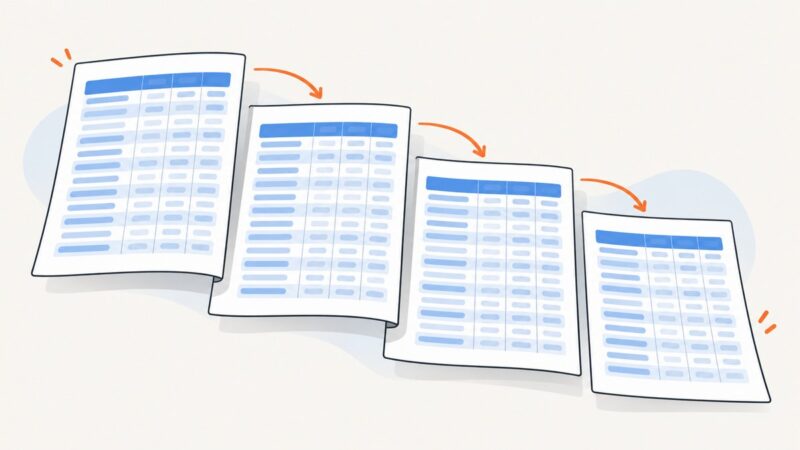
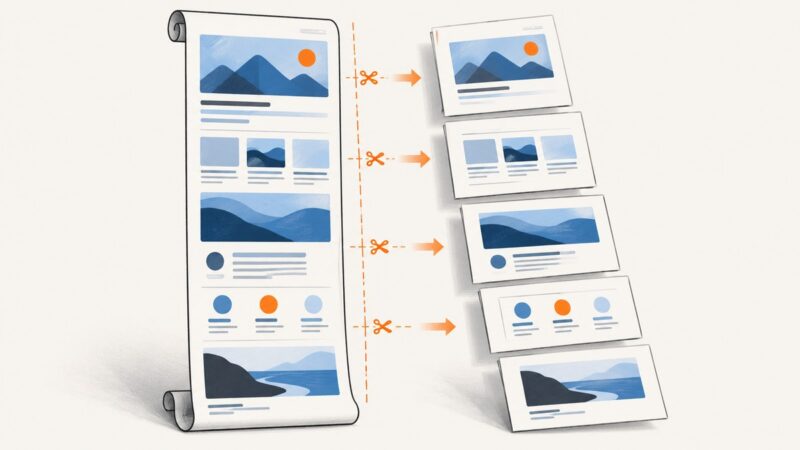
Split an html2canvas render into predictable jsPDF pages with correct units, margins, image handling, CORS fixes, and production-ready code.
Generate PDFs in Node.js without Puppeteer or Chromium using PDFKit, non-browser HTML renderers, conversion pipelines, and hosted APIs.
Make hidden content renderable for jsPDF’s HTML-to-PDF workflow, with runnable examples, clone-based options, and fixes for blank or incorrectly paginated PDFs.
Position HTML elements in iTextSharp PDFs with XML Worker, page-aware coordinates, and valid XHTML. Learn when to use PdfContentByte and how to fix common layout failures.
Create a sharp React-to-PDF export with html2canvas, jsPDF, pagination, CORS fixes, and production troubleshooting.
Build tagged, accessible PDFs with iText 7 by fixing layout tables, configuring PDF/UA, and using custom TagWorkers only when necessary.
Fix fuzzy jsPDF output by choosing native text, correcting px scaling, increasing raster resolution, and embedding fonts correctly.
Fix missing images in Flying Saucer PDFs with correct XHTML, base URLs, print CSS, resource loading, and complete Java examples.
Reduce EVO-generated PDF sizes by tuning JPEG compression and image scaling. Learn how to choose settings, measure quality, and troubleshoot version differences.
Keep screen styling, colors, fonts, backgrounds and page geometry when exporting HTML to PDF with Puppeteer, Playwright or ScreenshotNeo.