How to Convert HTML to PDF in Python with urllib3
Use urllib3 to fetch HTML, then render it reliably with WeasyPrint or xhtml2pdf, including CSS, images, fonts, authentication, security, and scaling.
Use urllib3 to fetch HTML, then render it reliably with WeasyPrint or xhtml2pdf, including CSS, images, fonts, authentication, security, and scaling.
Edit a rendered page in Puppeteer, wait for updates, choose print or screen CSS, and generate a predictable PDF with complete code and fixes.
Fix clipped Puppeteer Sharp PDFs by checking page-size settings, print CSS, margins, fonts, and scale in a clear diagnostic sequence.
Add repeating headers, footers, page numbers, dates, titles, and URLs to Puppeteer PDFs with margins, CSS guidance, and working code.
Create reliable PDFs from HTML in PHP with Dompdf, browser renderers, pagination, fonts, security checks, troubleshooting, and a managed API option.
Generate a PDF from submitted form data in Node.js with Puppeteer, print CSS, and a reliable server-side workflow. Includes alternatives for existing PDF templates.
Enable Chrome’s PDF header and footer templates in Puppeteer or Browsershot, add page numbers, and troubleshoot margins, placeholders, and versions.
Render an Express route with Puppeteer, wait for client-side data, match print styles, and return a reliable PDF from your Node.js server.
Build PDF endpoints in Express with PDFKit, Puppeteer, or pdf-lib. Includes runnable code, response handling, troubleshooting, and a ScreenshotNeo option.
Learn how Chromium renders a page, waits for JavaScript, and prints it to PDF with CLI flags or Page.printToPDF automation.
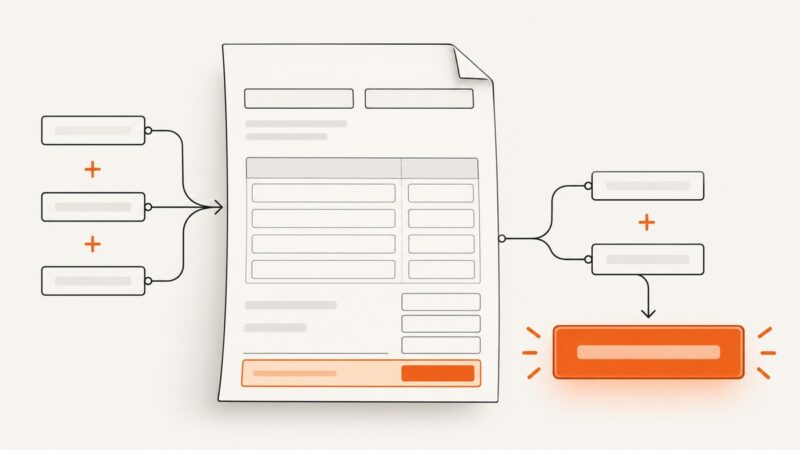
Learn how to make PDF forms calculate totals, averages, taxes, and dependent values in Acrobat and Acrobat Sign, with scripts, testing, and fixes.
Build browser previews and automated PDFs with Paged.js in Rails, including assets, print CSS, CLI rendering, debugging, and production options.
Learn how to convert HTML strings, files, and URLs to PDF in .NET with C#, Syncfusion, IronPDF, deployment guidance, troubleshooting, and ScreenshotNeo.
Learn how to execute JavaScript from an HTML string and create reliable PDFs in PHP with headless Chrome, hosted APIs, and practical fixes.
Yes, PDFs can contain clickable links to websites, pages within the document, files, and other destinations. Learn how to add links and fix common problems.
Generate reliable PDFs with Selenium and headless Chrome: print_page, Page.printToPDF, margins, page ranges, troubleshooting, and an API shortcut.
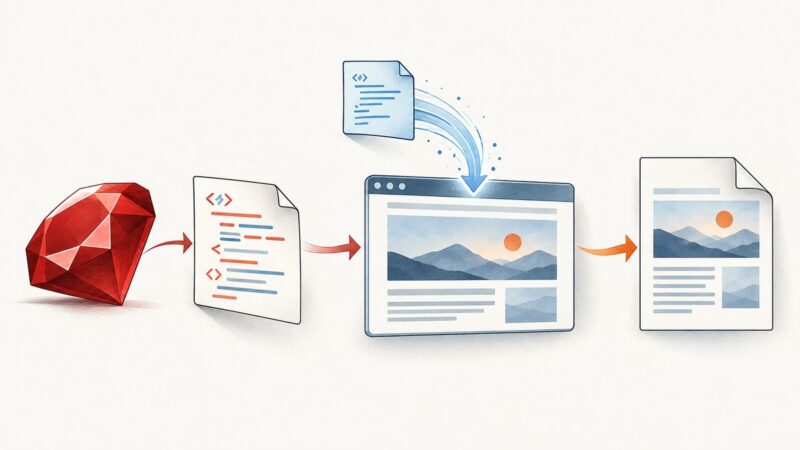
Use Grover and Chromium to load remote JavaScript, wait for rendering to finish, and generate reliable JavaScript-powered PDFs in Ruby.
Learn how to load images, CSS, JavaScript, fonts, and data reliably into generated PDFs while keeping builds reproducible and license-compliant.