How to Deploy a Playwright PDF Application to Azure App Service
Deploy a Node.js Playwright PDF app to Azure App Service with the right startup, production dependencies, and matching browser runtime.
Deploy a Node.js Playwright PDF app to Azure App Service with the right startup, production dependencies, and matching browser runtime.
Choose a Ruby PDF library by how you want to author documents: draw layouts in Ruby, manipulate existing PDFs, or render HTML and CSS.
Build a full-height PDF endpoint with aiohttp and Playwright, handle fonts and images, avoid pagination bugs, and return reliable PDF bytes.
Fetch a URL asynchronously with aiohttp, render it with WeasyPrint or Playwright, and handle redirects, assets, authentication, streaming, and failures.
Make web-page PDFs more consistent with explicit print CSS, ready fonts and assets, deliberate page geometry, and repeatable browser settings.
Generate reliable PDFs from webpages in Go with chromedp, Chrome, print controls, troubleshooting, and a managed ScreenshotNeo option.
Convert any webpage URL to a PDF in Ruby with Grover, PDFKit, or Rails integrations, with complete code, options, troubleshooting, and a hosted alternative.
Use Puppeteer to render a URL as a PDF in Node.js. Learn how to control page size, CSS, readiness, output, and common rendering failures.
Connect a form, CRM, or spreadsheet to a document template, generate a PDF, and deliver it reliably with a no-code workflow.
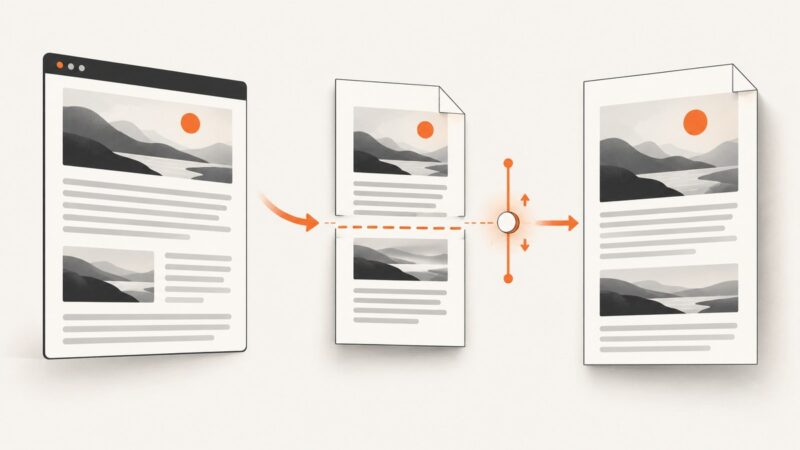
Puppeteer has layout controls, but no general PDF compression slider. Learn how to trim generated content, inspect large assets, and compare qpdf or Ghostscript safely.
Learn where JavaScript runs in PDF templates, how to add it safely, and how to troubleshoot rendering, data, libraries, and PDF-reader issues.
Save any open webpage as a PDF, convert local HTML, or render a public URL with clear steps, code, troubleshooting, and free options.
Learn how PuppeteerSharp handles scrolled and lazy-loaded pages, configure print output, and generate reliable PDFs in .NET.
Diagnose why Puppeteer PDFs wrap differently from browser previews, then match the fix to line wrapping, long tokens, or page breaks.
Fix unwanted page breaks in Puppeteer PDFs by checking print CSS, CSS fragmentation rules, and PDF page-size settings.
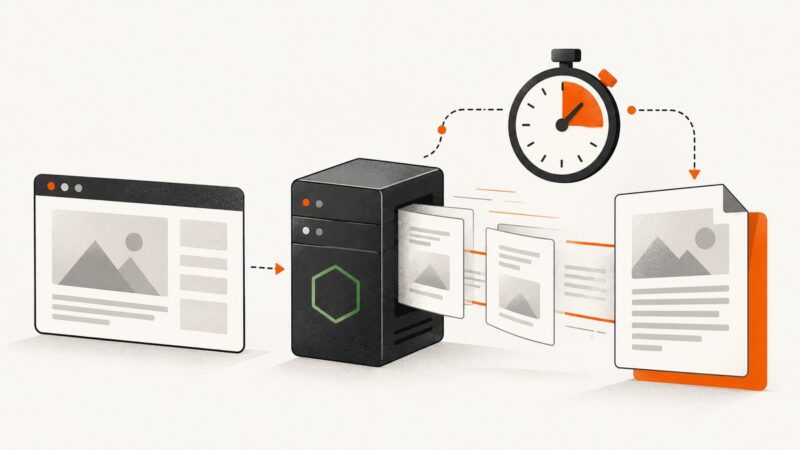
Set Puppeteer’s PDF timeout correctly, separate it from navigation limits, handle fonts and cancellations, and avoid hanging Node.js requests.
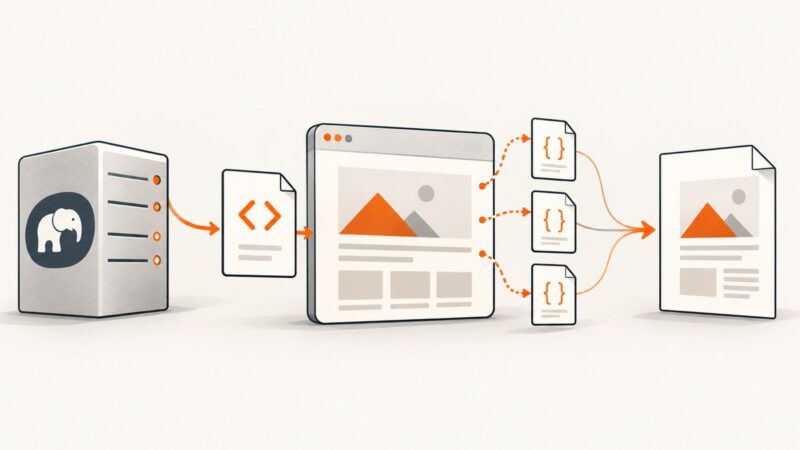
Learn which PHP PDF renderers execute external JavaScript, how to configure wkhtmltopdf, why Dompdf behaves differently, and how to troubleshoot failed scripts.
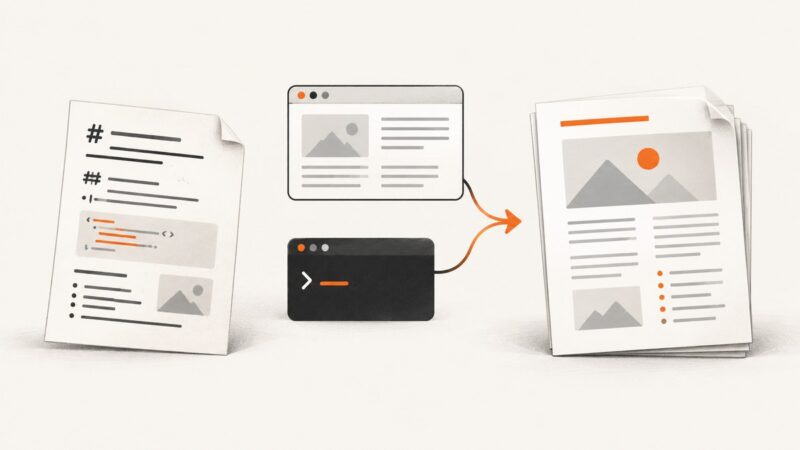
Compare free ways to turn Markdown into PDF, from Pandoc’s browser app to a repeatable local workflow, with setup steps and fixes for common issues.