How to Fix Empty PhantomJS and CasperJS Website Screenshots
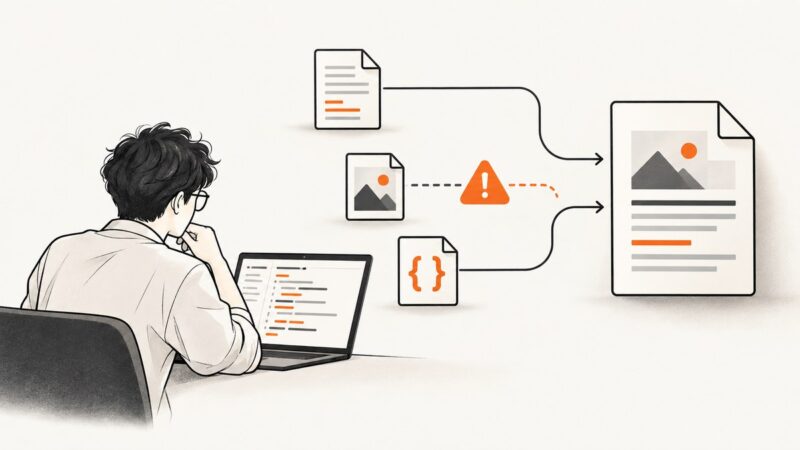
Diagnose blank PhantomJS and CasperJS screenshots by checking page readiness, viewport, errors, network requests and image transparency.
Diagnose blank PhantomJS and CasperJS screenshots by checking page readiness, viewport, errors, network requests and image transparency.
Learn how to create sharper, larger wkhtmltoimage captures with width, height, zoom and smart-shrinking controls.
Diagnose Selenium C# PDF print timeouts in headless Chrome with the right waits, matching driver versions, logs, and a reliable fallback.
Learn when to use for...of, Promise.all, and for await...of in Puppeteer, with race-free navigation, bounded concurrency, error handling, and cleanup.
Learn when to use multiple Puppeteer pages, browser contexts, or browser processes, with bounded concurrency patterns, cleanup, troubleshooting, and a hosted option.
Launch Chrome without a visible window and in an isolated Incognito context on Linux, macOS, and Windows, with flags for screenshots, PDFs, debugging, and automation.
Diagnose Headless Chrome REPL errors by finding which process or page produced them, then use the right DevTools or Puppeteer logs to investigate.
Capture jsPlumb connectors reliably with the patched html2canvas package, preserve pan and zoom, handle export failures, and download a PNG.
Set Xvfb’s virtual screen with xvfb-run --server-args, then configure wkhtmltoimage’s viewport separately. Here are runnable commands, troubleshooting steps, and the key differences.
Render every matching div in the browser with html2canvas, download PNG or JPEG files, and optionally send validated image bytes to PHP.
Send Authorization and other custom headers in Chrome Headless with Puppeteer, Playwright, CDP, or a screenshot API. Includes code, edge cases, and fixes.
Chromium supports --proxy-server, but whether Chromeless passes it through depends on how Chrome is launched. Here’s how to configure and verify it.
Fix pdfkit ProtocolUnknownError by tracing blocked resources, enabling trusted local files, and checking wkhtmltopdf paths, versions, and dependencies.
Fix clipped wkhtmltopdf headers by reserving top margin, tuning header spacing, and isolating version, footer, and layout issues.
Use Puppeteer to save the live DOM, capture the original HTTP response, or extract an iframe. Choose the right source and wait for the page state you need.
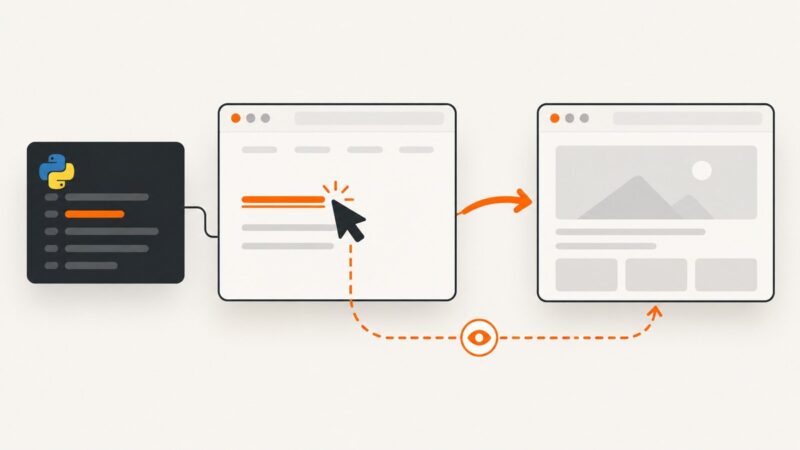
Use Pyppeteer’s concurrent waitForNavigation and click pattern to avoid races, handle redirects and SPA updates, and troubleshoot missed navigations.
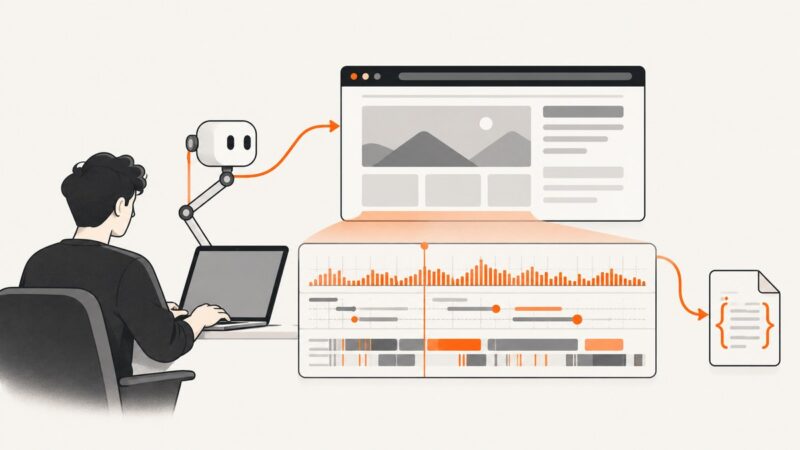
Record Chrome performance timelines in Puppeteer, save trace.json, open it in DevTools, capture screenshots, tune categories, and troubleshoot large or sensitive traces.
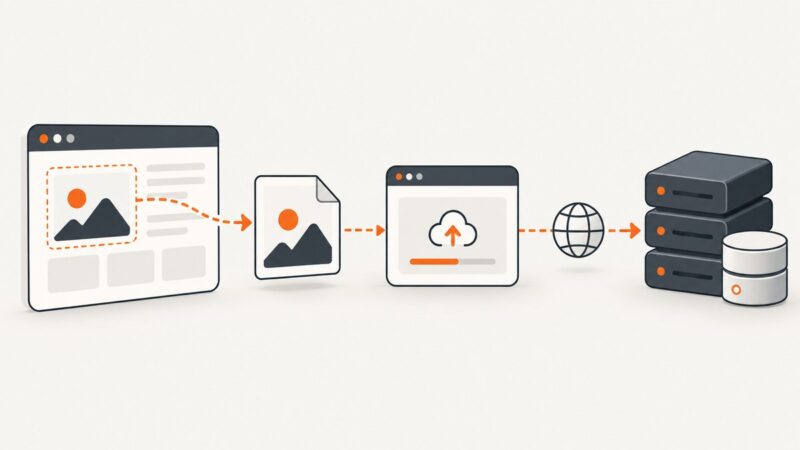
Capture an element with html2canvas, upload a PNG with jQuery, and safely save it in ASP.NET. Includes CORS fixes, validation, limits, and ScreenshotNeo.