How to Fix Puppeteer Cluster Unable to Get Browser Page Errors
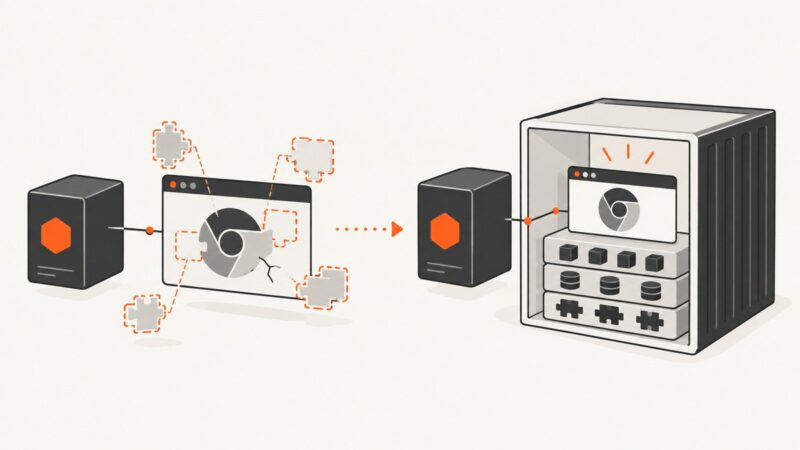
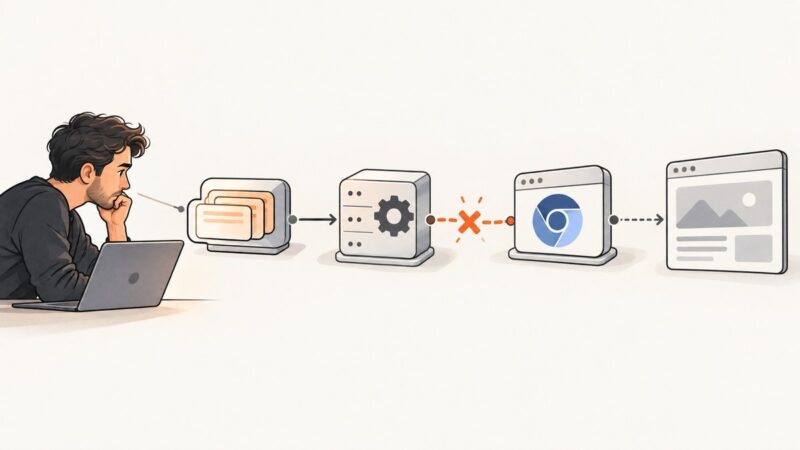
Fix Puppeteer Cluster’s “Unable to get browser page” error by identifying whether the failure is in Cluster, Chrome startup, page creation, or navigation.
Fix Puppeteer Cluster’s “Unable to get browser page” error by identifying whether the failure is in Cluster, Chrome startup, page creation, or navigation.
Fix S3 image CORS errors by matching your bucket rule to the browser’s origin, method, headers, and delivery path.
Fix Chromium launch failures on Azure App Service by diagnosing missing Linux libraries and choosing managed Code or a custom container.
Test link destinations and click behavior in Karma with Mocha and ChromeHeadless, while keeping real navigation in dedicated browser-flow tests.
Set Accept-Language correctly in headless Chrome with CDP, Puppeteer, and Playwright, then verify headers, locale behavior, and common failures.
Diagnose missing Chrome, launch failures, cache issues, and R14 memory errors when Puppeteer screenshots fail on Heroku.
Selenium can finish navigation before a JavaScript app renders. Diagnose blank pages with explicit waits, saved evidence, and ChromeDriver logs.
Fix Puppeteer’s missing-browser error on Linux by checking the package, installing or selecting a browser, and verifying cache, permissions, and proxy settings.
Run Angular end-to-end tests with Selenium and headless Chrome. Configure ChromeDriver, wait for stable UI state, troubleshoot CI, and capture screenshots.
Render a DOM element with html2canvas, export it as a PNG Blob, and upload it as a WordPress Media Library attachment with REST or PHP.
Configure Puppeteer for a dedicated GPU, verify hardware acceleration, troubleshoot drivers and containers, and choose the right headless mode.
Install wkhtmltoimage on CentOS and call it safely from Perl, with rendering options, troubleshooting, security guidance, and a no-install API alternative.
Make wkhtmltoimage produce predictable, content-width PNGs. Set the CSS width and viewport together, control page height, and handle dynamic content and local assets.
Fix “Invalid node channel message” in headless Chrome by checking fonts, dependencies, ChromeDriver versions, and server configuration.
Configure headless Chrome downloads in Ruby on CentOS, wait for completion, handle cookies, and choose a reliable HTTP-client workflow.
Learn why JavaScript alerts do not automatically reach PHP, how to wait safely in wkhtmltoimage, and when a hosted screenshot API is simpler.
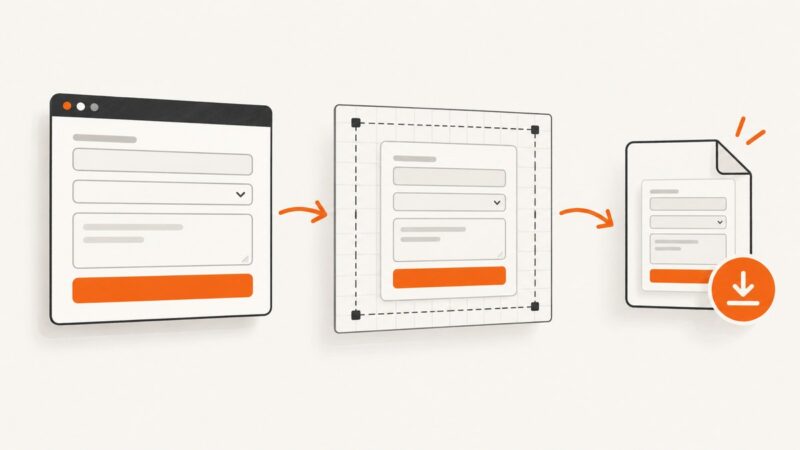
Capture a form when it is submitted, export the result as an image, and handle live field values, cross-origin images, styling, and browser limits.
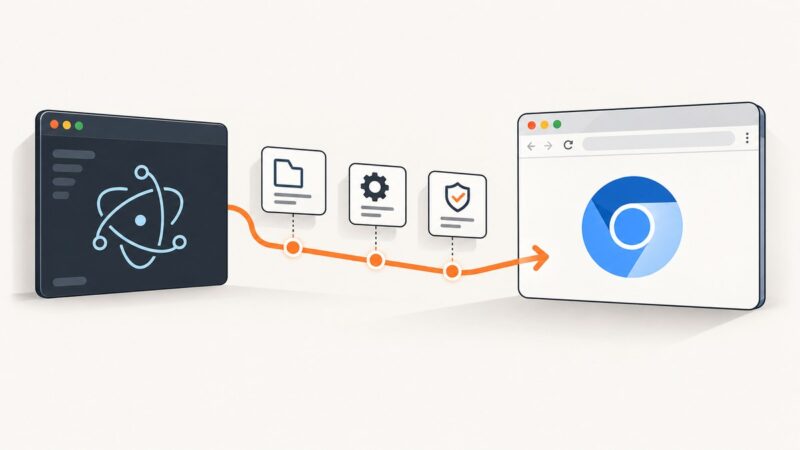
Diagnose Puppeteer launch failures in Electron by symptom, then fix browser paths, version mismatches, Linux dependencies, sandbox errors, and process setup.