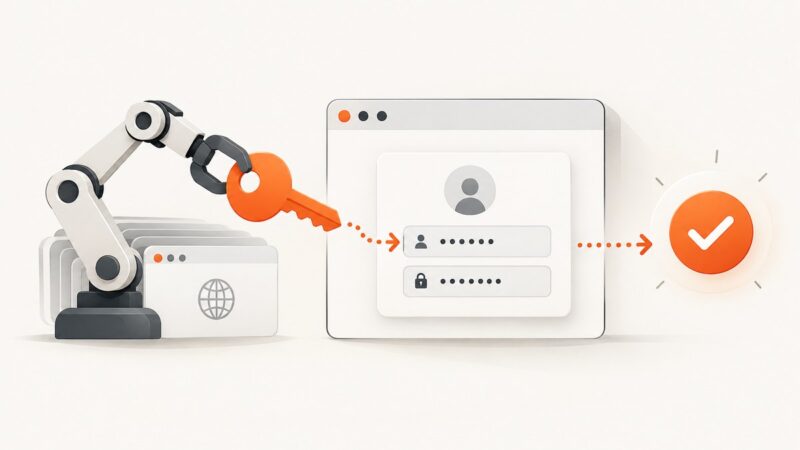
How to Autofill Login Credentials in Headless Chrome
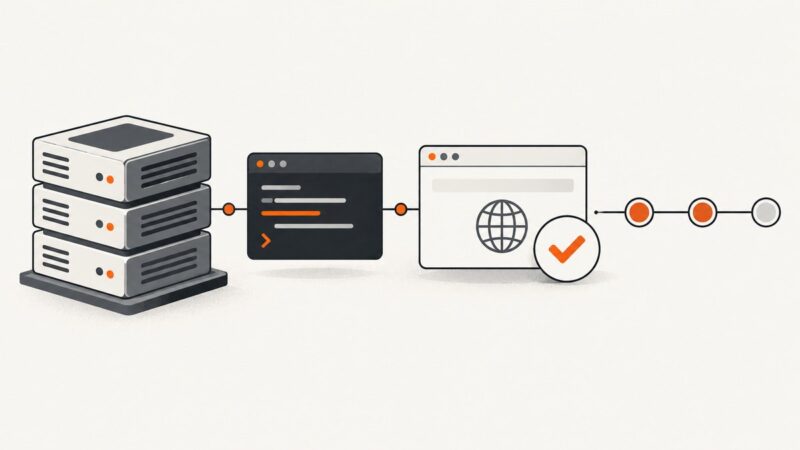
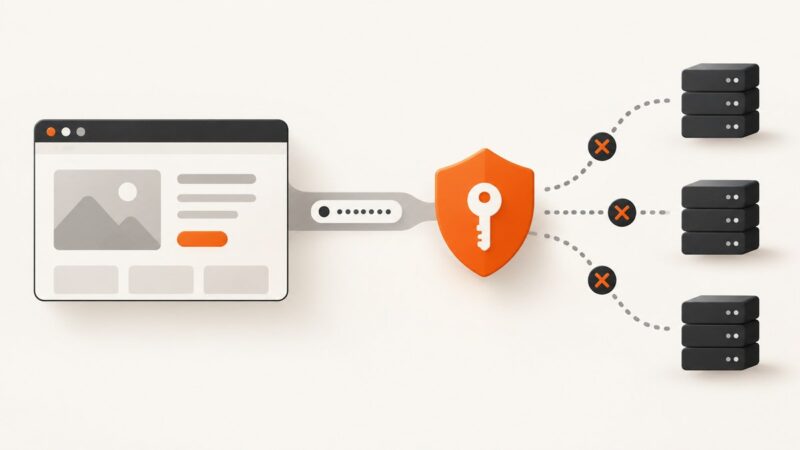
Use runtime secrets and scripted form filling for reliable Headless Chrome logins. Learn Puppeteer, Selenium, and CDP patterns, plus how to verify authentication safely.
Use runtime secrets and scripted form filling for reliable Headless Chrome logins. Learn Puppeteer, Selenium, and CDP patterns, plus how to verify authentication safely.
Diagnose data:, PNG fallbacks, SecurityError, CORS tainting and oversized exports from canvas.toDataURL(), with working fixes and code.
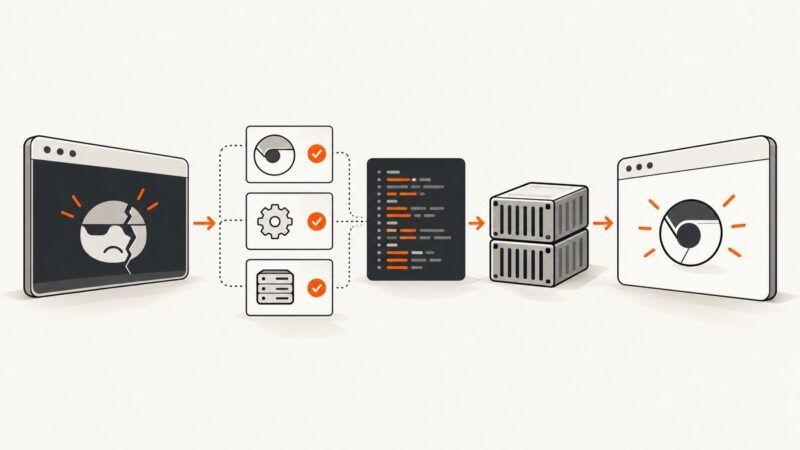
Diagnose Chrome headless crashes with version checks, logs, minimal launch tests, container fixes, and safer alternatives.
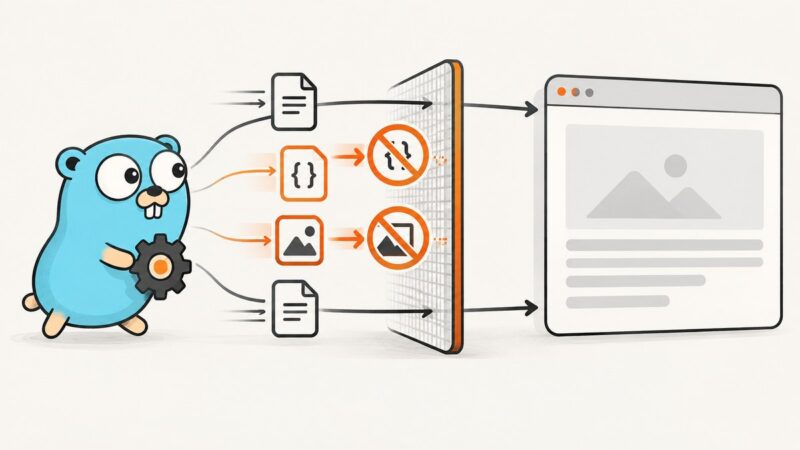
Block CSS and image traffic in chromedp with CDP Network rules or Fetch interception, verify requests, handle fallbacks, and avoid common failures.
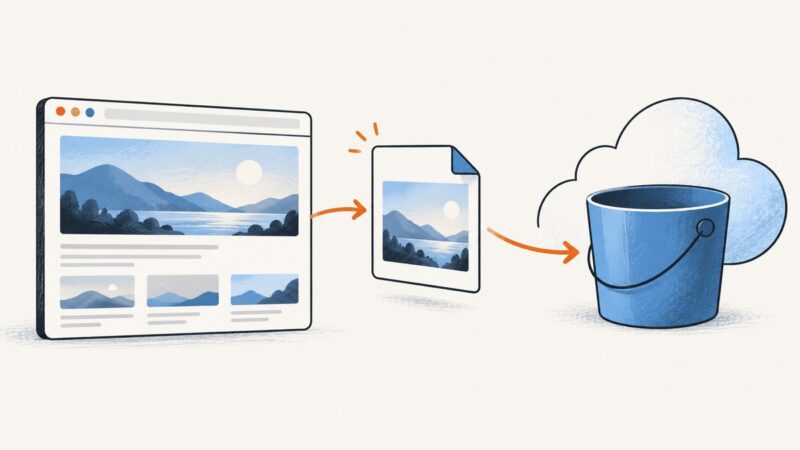
Upload Puppeteer screenshots straight to Amazon S3 from memory, or save them locally first. Includes AWS SDK v3 code, permissions, formats, retries, and troubleshooting.
Install Chrome and its matching ChromeDriver on the Jenkins Linux agent that runs your tests, then launch Chrome in headless mode with a reproducible Pipeline setup.
Configure a proxy endpoint for headless Chrome, understand why credentials in proxy URLs fail, and choose an authentication method that fits your proxy.
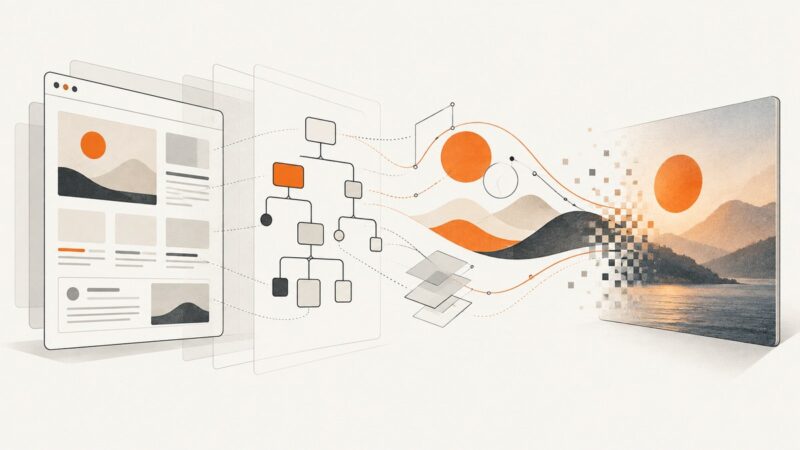
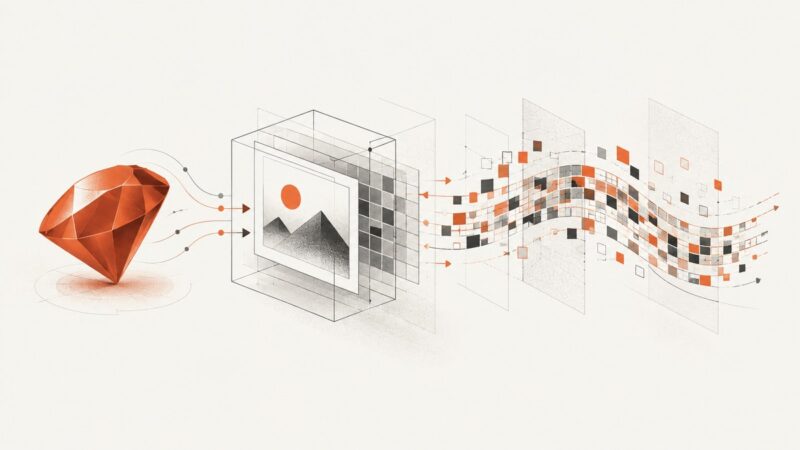
Render inline SVGs with html2canvas, then troubleshoot missing or mismatched output with practical checks for bounds, resources, and renderer modes.
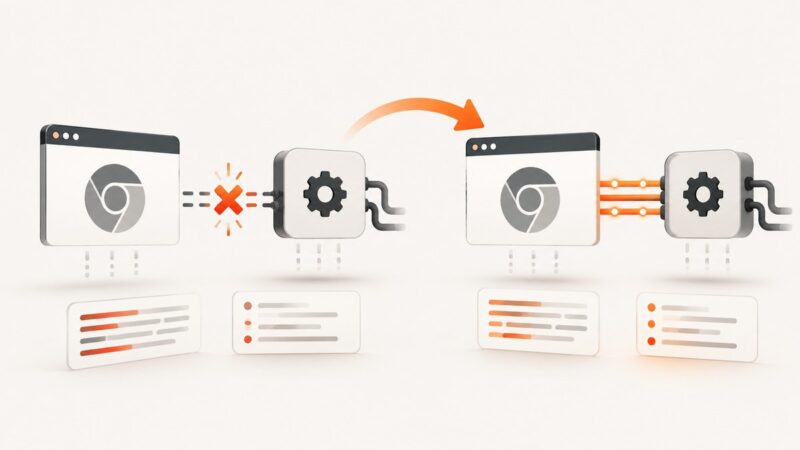
Diagnose “Chrome not reachable” in headless Chrome with a version checklist, minimal Selenium tests, logs, fixes, and a browser-free API option.
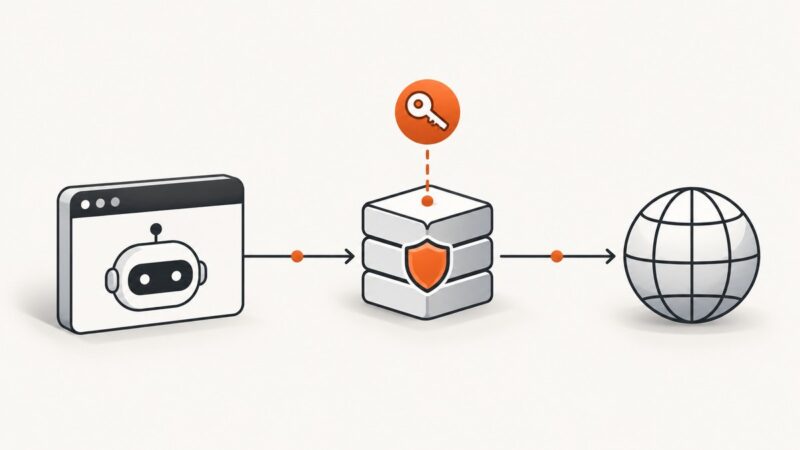
Send Puppeteer Basic Auth only to your main origin with request interception, while keeping credentials away from third-party requests.
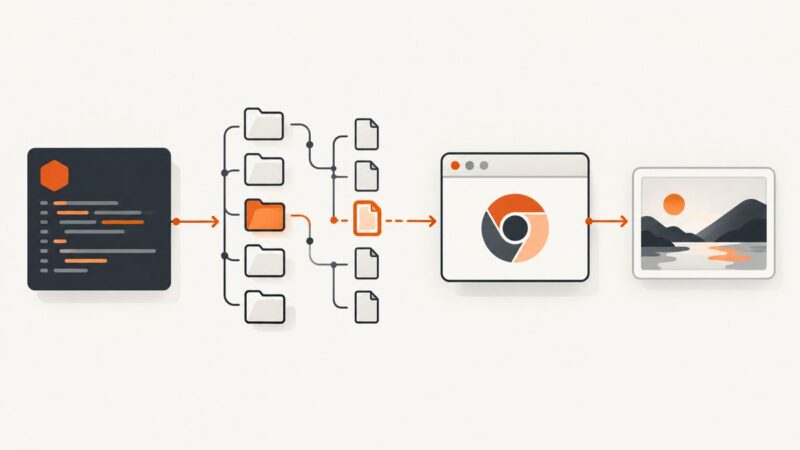
Fix Puppeteer’s “Could not find Chrome” error by checking browser installation, cache paths, package choice, and deployment configuration.
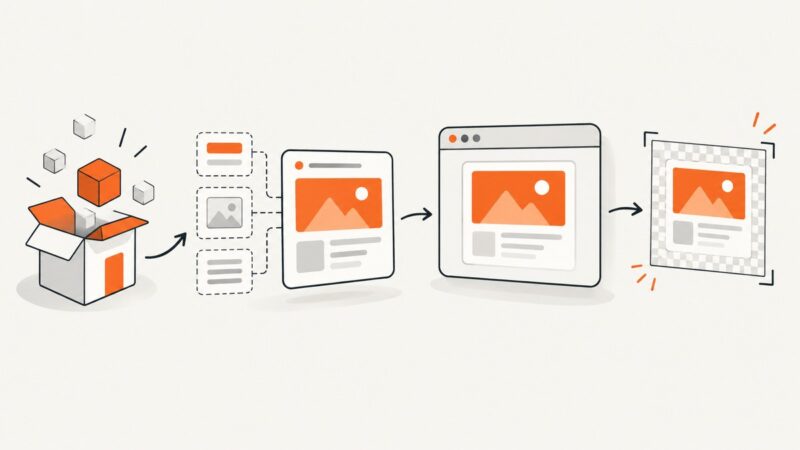
Install the matching html2canvas package, import it correctly, capture Angular elements after rendering, and fix common browser and CORS errors.
Use Puppeteer’s page.evaluate() to change a page immediately before capture. Learn how to hide elements, inject CSS, wait for rendering, and troubleshoot screenshots.
Fix IMGKit’s undefined `to_file` error by keeping the IMGKit object separate from the image string returned by `to_img`.
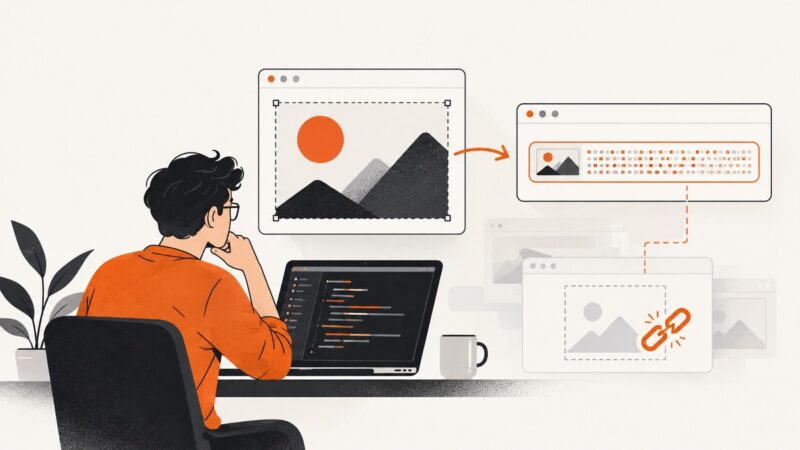
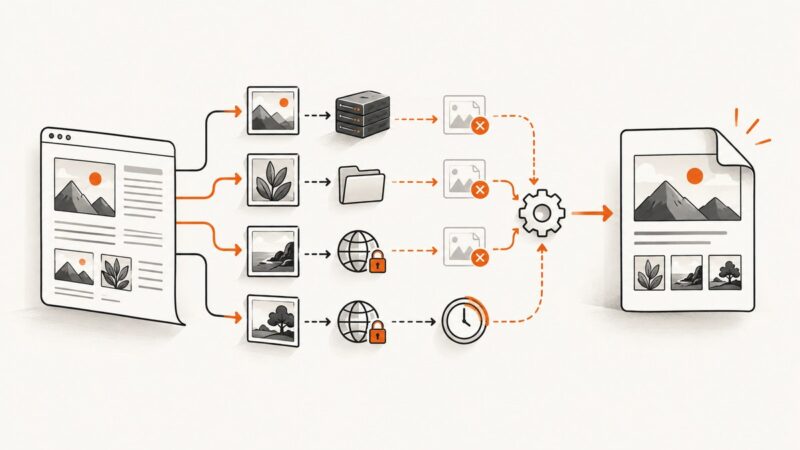
Fix missing images in phpwkhtmltopdf PDFs with a practical path, permissions, HTTPS, JavaScript, and logging checklist.
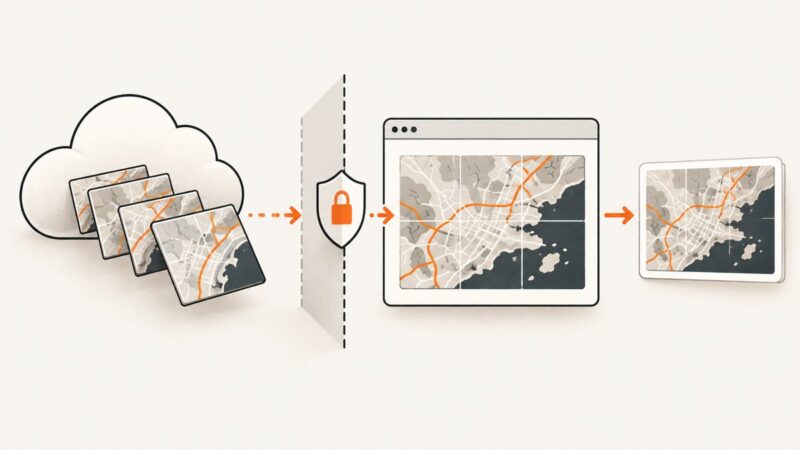
Fix Leaflet map screenshots by aligning S3 CORS, Leaflet crossOrigin, and html2canvas useCORS, with diagnostics and proxy options.
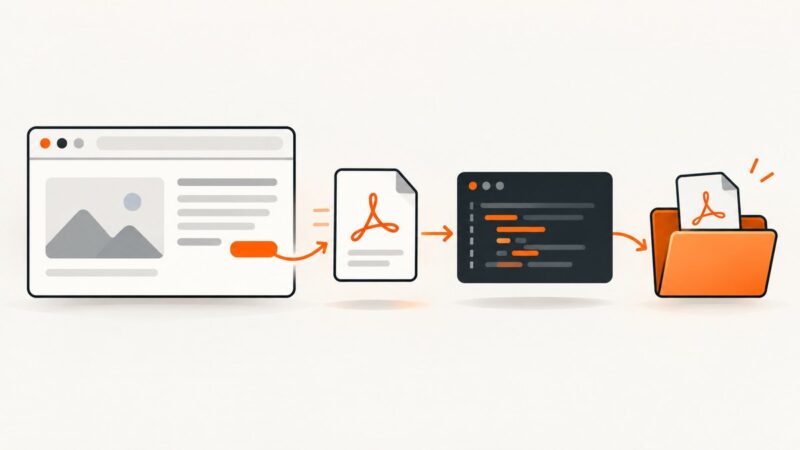
Use Selenium to find and authenticate to a PDF, download it reliably, and save it under a chosen name with Java. Includes local browser and remote Grid approaches.
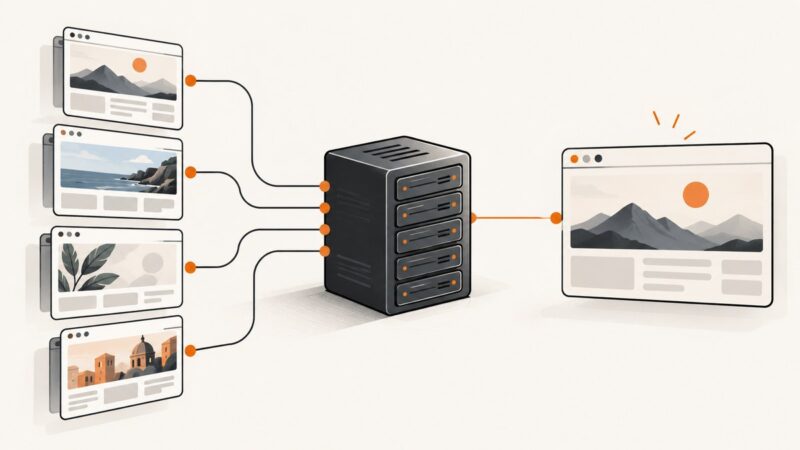
Render the correct virtual host with wkhtmltoimage by preserving the hostname, fixing DNS or proxy resolution, and choosing reliable capture settings.