How to Use the No-Background Option with Python IMGKit
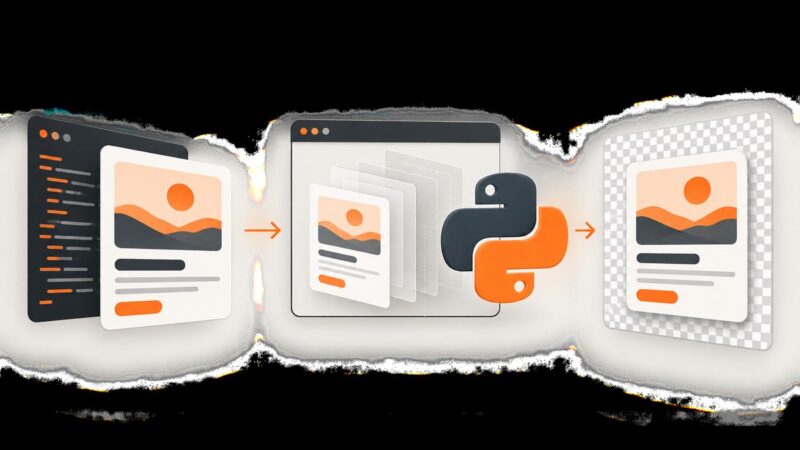
Use IMGKit’s transparent flag—not no-background—to create PNGs with transparent backgrounds. Includes code, troubleshooting, CSS guidance, and an API alternative.
Use IMGKit’s transparent flag—not no-background—to create PNGs with transparent backgrounds. Includes code, troubleshooting, CSS guidance, and an API alternative.
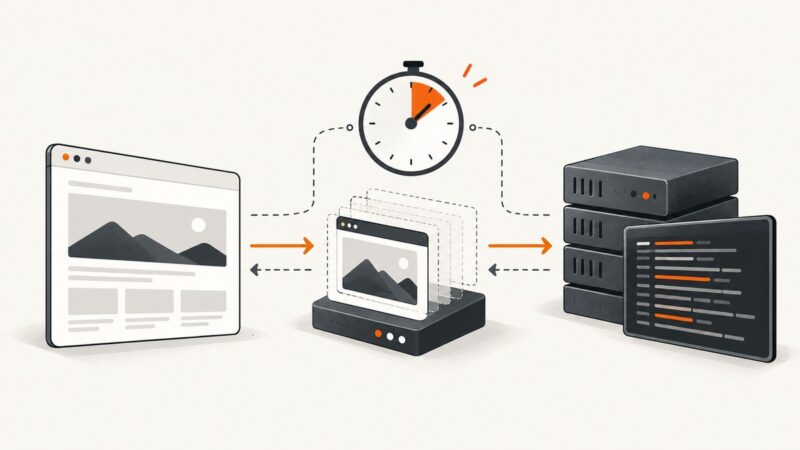
Diagnose Puppeteer screenshot timeouts, separate navigation from capture failures, and fix protocol, concurrency, Docker, and browser issues.
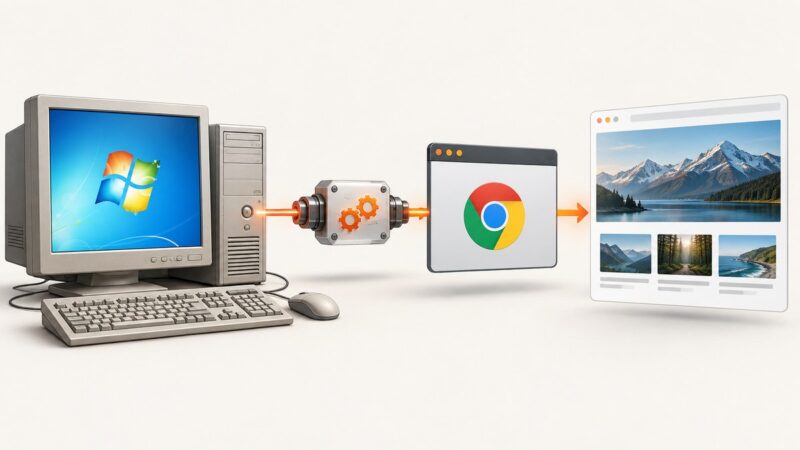
Launch headless Chrome on Windows 7 with a pinned Chrome 109 and ChromeDriver 109 setup, Selenium code, fixes, and a browser-free ScreenshotNeo option.
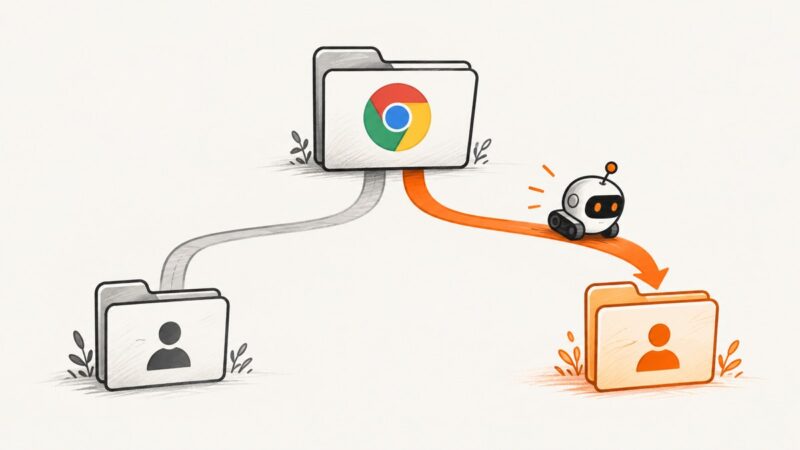
Chrome Headless usually uses the wrong profile because its user-data parent, executable, or process differs. Learn deterministic fixes for CLI, Puppeteer, Selenium, and CI.
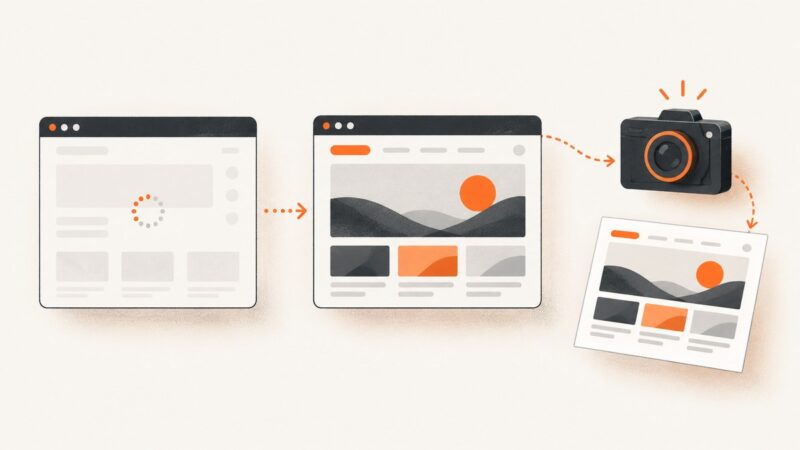
Wait for the browser signal that matches the content you need, then capture. Here are runnable Puppeteer and Playwright examples, troubleshooting tips, and alternatives.
Configure Selenium to route Chrome through a proxy, then handle authentication in a way that matches the proxy scheme and browser runtime.
Overlapping colors in html2canvas usually come from blend modes, transparency, or paint order. Fix them with an explicit background, capture-only style overrides, and an asset check.
Export a Nuxt page section to PDF with jsPDF and html2canvas, while handling SSR, pagination, image CORS, and browser canvas limits.
Learn how Selenium Grid URLs differ from Chrome’s remote debugger, how to connect safely, troubleshoot remote sessions, and capture clean screenshots.
Stop Puppeteer screenshots from changing viewport dimensions with explicit settings, stable capture patterns, troubleshooting, and full-page alternatives.
Translate a website, verify the translated view, and save a reliable screenshot on desktop, iPhone, Android, or with an API.
Fix Puppeteer waitForSelector timeouts in headless mode by checking selectors, frames, visibility, navigation, browser mode, and timeout settings.
If Karma tests finish but the command stays open, identify whether Chrome, Karma, or an outer CI process is still running. Follow the lifecycle evidence to find the right fix.
Fix captures stuck at 1024 pixels by setting both Xvfb’s virtual screen and wkhtmltoimage’s render width, then checking the display and binary options.
Fix wkhtmltoimage startup failures by matching the ICU runtime to your binary, checking dependencies, and avoiding unsafe symlinks.
Render JavaScript tables with Selenium and headless Chrome, extract them with pandas, handle waits and errors, and automate reliable table scraping.
Diagnose ChromeDriver startup failures, DevToolsActivePort errors, version mismatches, Linux permissions, and CI issues with a repeatable troubleshooting process.
Capture a page region when a user clicks a button, crop it with html2canvas, download the image, and avoid common CORS and canvas-limit failures.