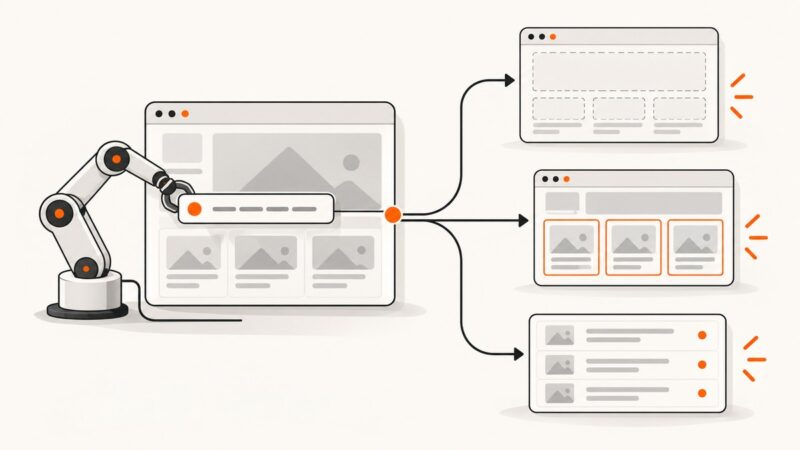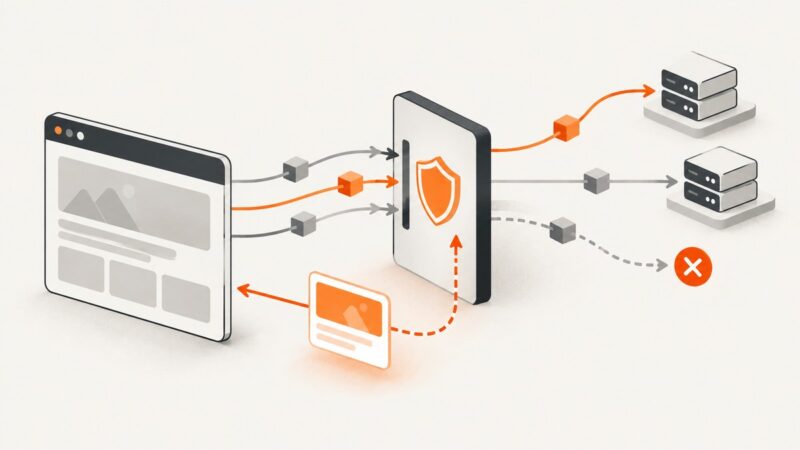
How to Use Network.requestIntercepted with Puppeteer
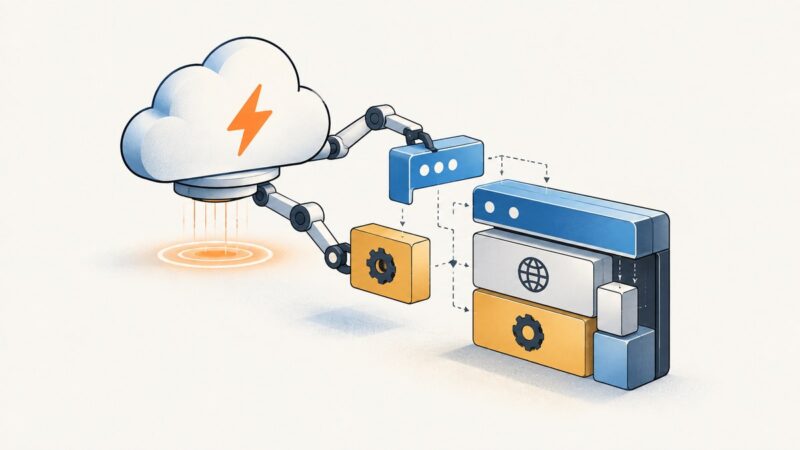
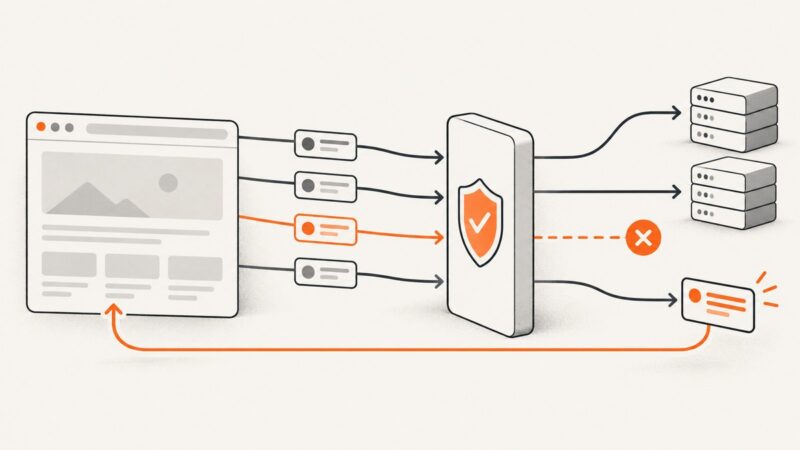
Learn the current Puppeteer request interception API, why Network.requestIntercepted is deprecated, and how to continue, abort, or mock requests safely.
Learn the current Puppeteer request interception API, why Network.requestIntercepted is deprecated, and how to continue, abort, or mock requests safely.
Diagnose empty arrays, undefined returns, timing issues, frames, Shadow DOM, and navigation races in Puppeteer page.$$eval().
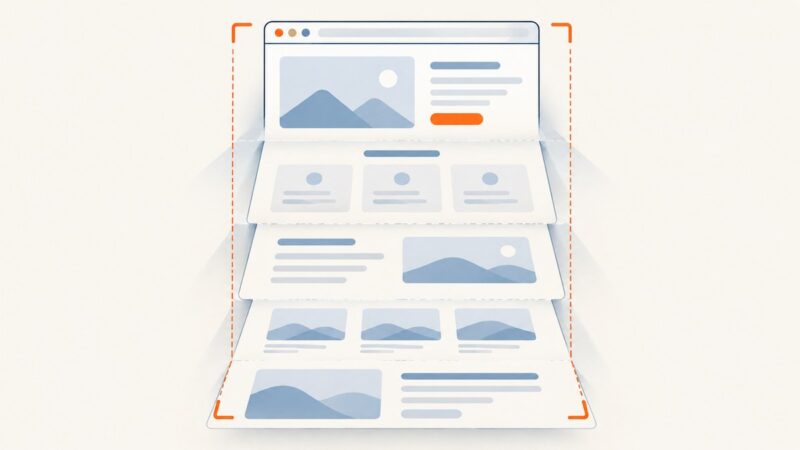
Capture an entire Safari webpage on iPhone or iPad, save it as a PDF, and learn what Safari on Mac can preserve.
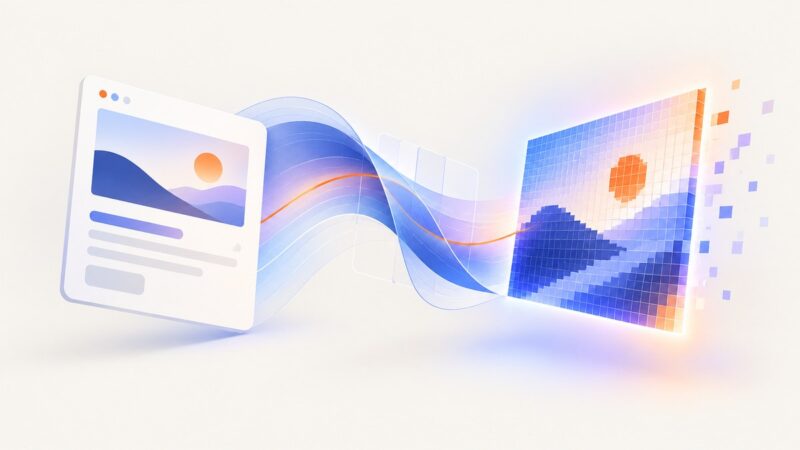
Convert a styled div to a canvas without html2canvas using SVG foreignObject, with working code, browser caveats, and export tips.
Switch into the iframe before locating its input. This guide covers reliable waits, nested frames, headless Chrome setup, troubleshooting, and a complete Selenium example.
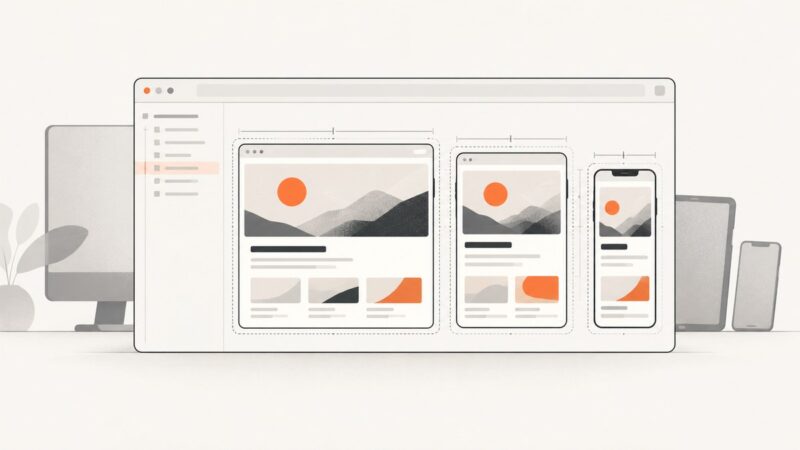
Capture a Safari responsive preview with macOS Screenshot, or save a precise webpage rectangle from Safari 18.4’s Web Inspector. Learn which method fits your goal.
Package headless Chromium for AWS Lambda with a ZIP and layer or a container image, then launch it with Puppeteer Core and @sparticuz/chromium.
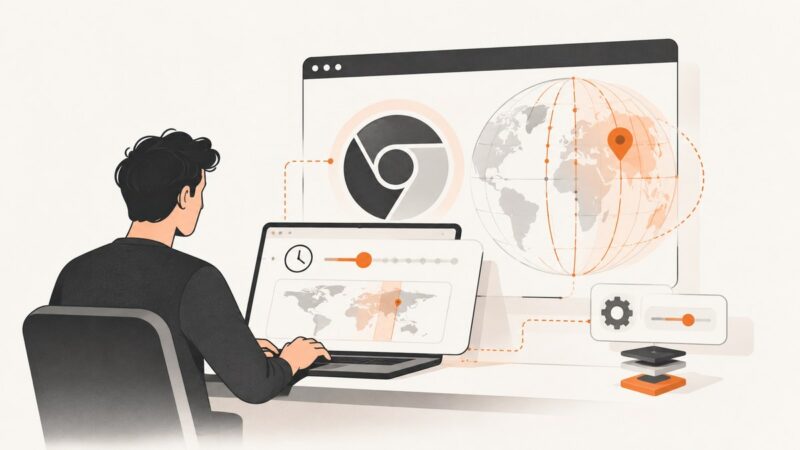
Set a page’s timezone in headless Chrome on Windows with the Chrome DevTools Protocol. Includes a runnable Node.js example, verification steps, and fixes for common errors.
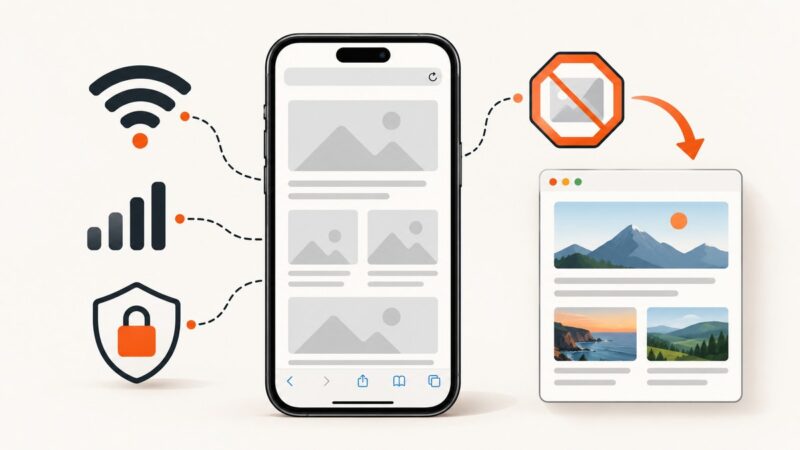
Images missing on your iPhone? Use this step-by-step Safari checklist to find whether the cause is your network, settings, blocker, or the site.
Hide local IP addresses in Puppeteer by setting Chromium’s WebRTC IP-handling policy. See the headless and normal-browser switches, tradeoffs, runnable code, and fixes for common issues.
Learn what Chrome’s “Lost UI shared context” message means, when to ignore it, and how to fix the real headless test failure.
Capture a complete webpage with GoFullPage, export it as an image or PDF, and troubleshoot permissions, large pages, and missing content.
Remove page margins or Chrome’s generated headers and footers in Headless Chrome. Includes CLI, print CSS, and Puppeteer fixes.
Fix partial python-imgkit screenshots by checking crop settings, viewport width, JavaScript timing, renderer errors, and headless display setup.
Install wkhtmltoimage, configure its full Windows path, and diagnose service-account, DLL, permissions, and rendering errors on a local server.
Convert any public URL into a reliable PNG, JPEG, or WebP with browser rendering, full-page capture, waits, security, and API options.
Diagnose why wkhtmltoimage substitutes or misses custom fonts by checking CSS, font URLs, fontconfig, and runtime differences.
Compare Playwright, Puppeteer, html2canvas, shot-scraper and ScreenshotNeo for reliable HTML and CSS image conversion.