How to Display Selenium Screenshots in TestNG Results Under Jenkins
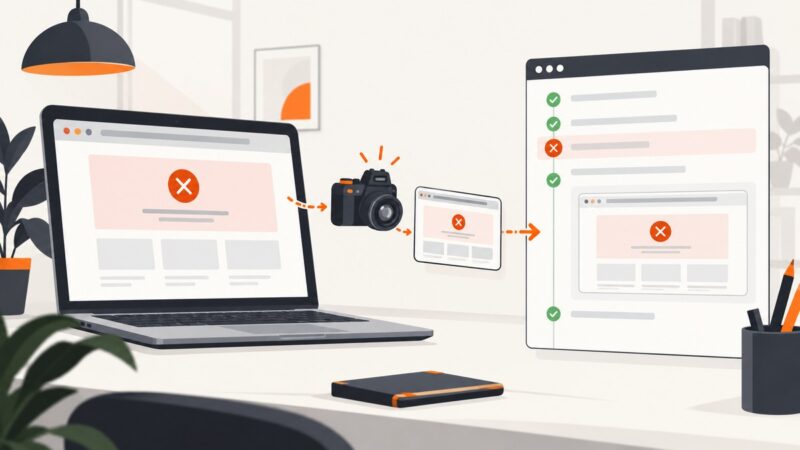
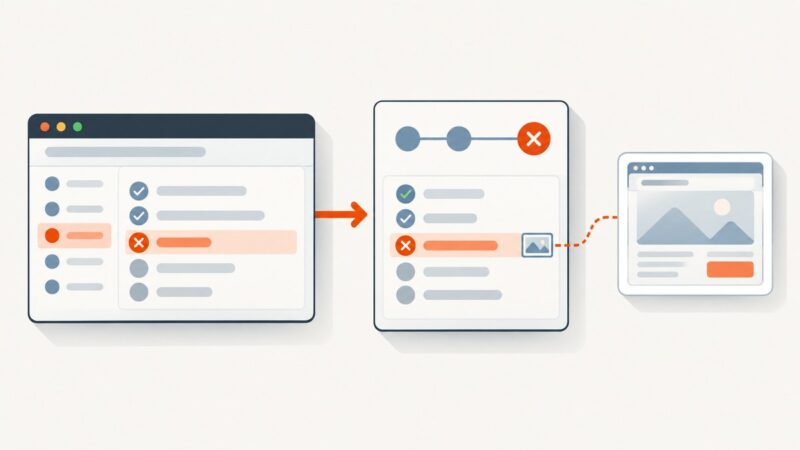
Capture Selenium screenshots when TestNG tests fail, publish results in Jenkins, and link retained images from a report that developers can open.
Capture Selenium screenshots when TestNG tests fail, publish results in Jenkins, and link retained images from a report that developers can open.
Find the right CKEditor editing surface, switch into classic editor frames, and enter text reliably with Selenium WebDriver.
Read live values from inputs, textareas, and dynamic output elements with Selenium Python, with waits, troubleshooting, and production patterns.
Diagnose Puppeteer Headless Shell download failures on CI, from blocked install scripts and missing caches to incompatible versions and launch errors.
Use a reliable Selenium Java wait for image completion, lazy loading, frames, broken assets, and full-page screenshots.
Use Chrome DevTools Protocol to capture one DOM element: find its bounds, pass them as a screenshot clip, and save the returned image.
Install Selenium Wire, capture browser requests, intercept traffic, limit storage, configure proxies, and avoid compatibility problems.
Hide print controls and other screen-only HTML in html2pdf PDFs with data-html2canvas-ignore or ignoreElements, without changing the live page.
Save a Firefox page as a PNG with built-in screenshots, Developer Tools, command-line options, and an automated API workflow.
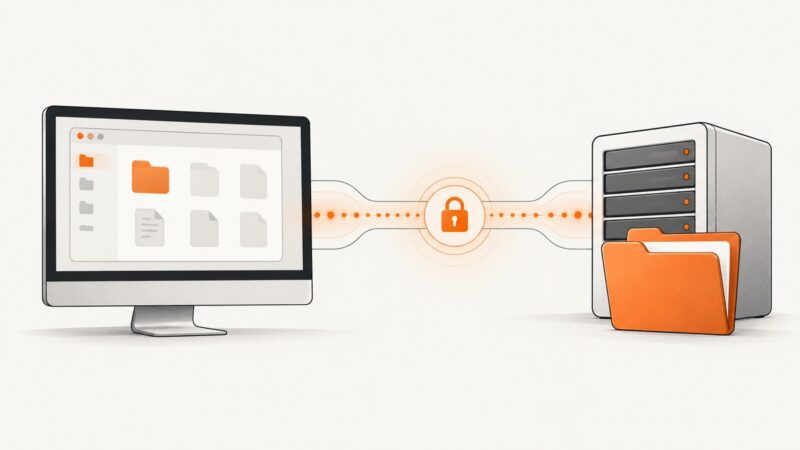
Capture a screenshot, save the bytes, and upload them to WebDAV with an authenticated PUT. Includes Windows, Python, cURL, browser, and automation workflows.
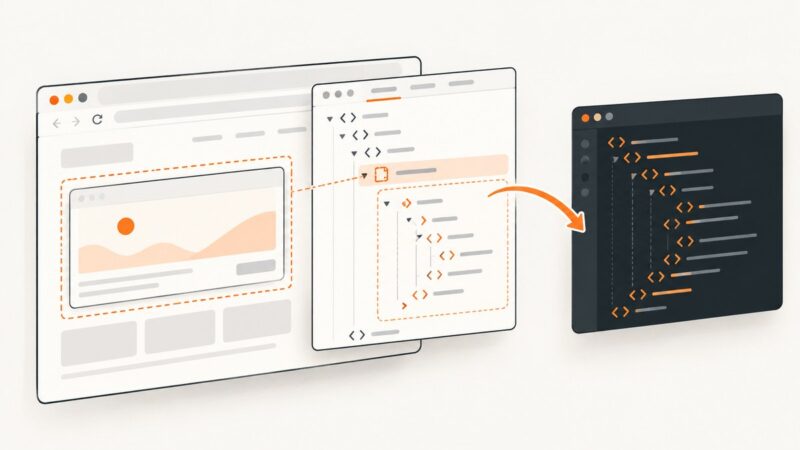
Use Puppeteer's contentFrame() and Frame APIs to extract complete iframe documents or selected innerHTML, with fixes for cross-origin and timing errors.
Catch Puppeteer navigation timeouts, read the current HTML safely, validate readiness, and troubleshoot partial pages with runnable Node.js patterns.
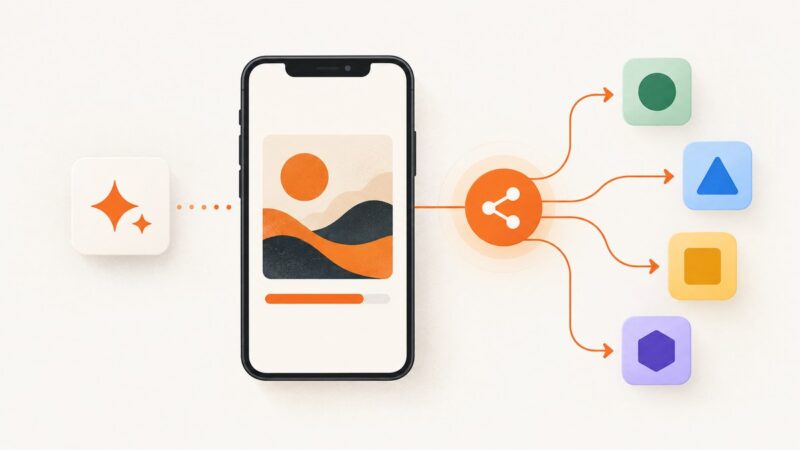
Use the Web Share API to send generated image files from a PWA, detect support correctly, preserve user activation, and provide reliable fallbacks.
Configure Nightwatch.js and ChromeDriver for headless Chrome on CentOS, with setup steps, runnable examples, troubleshooting, and a browser-free screenshot option.
Capture Selenium screenshots on TestNG failures and attach them to ExtentReports with reliable paths, Base64, parallel-safe drivers, and CI troubleshooting.
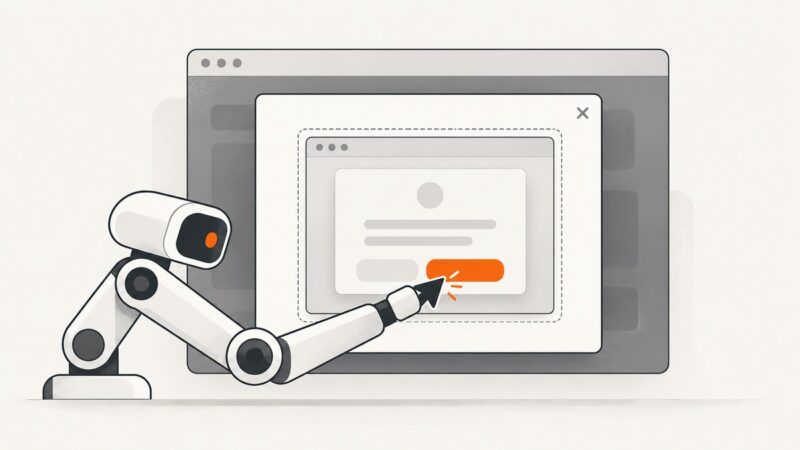
Learn how to click buttons in JavaScript alerts, HTML modals, iframes, and new windows with reliable Protractor waits and selectors.
Capture the page body with html2canvas and download it as an image. Learn the options, CORS fixes, limits, and when a real browser screenshot is a better fit.
Use `.//` or the `descendant::` axis to find elements inside a Selenium WebElement. Learn the context rules, robust locators, waits, and common fixes.