How to Detect Page Loads and Refreshes with WebdriverIO
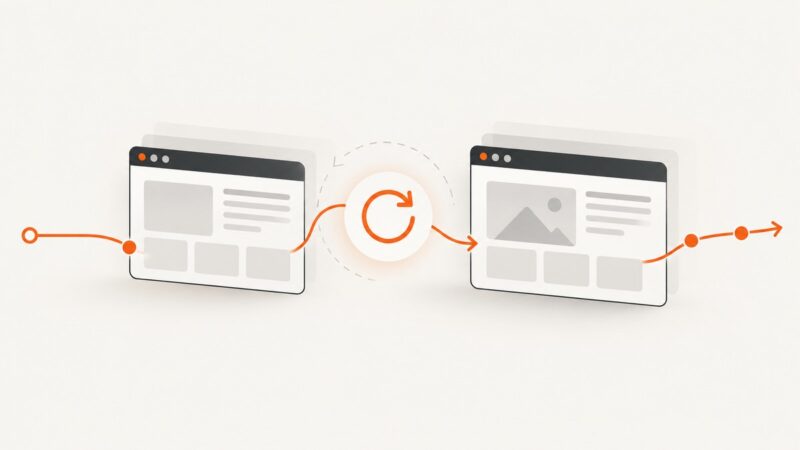
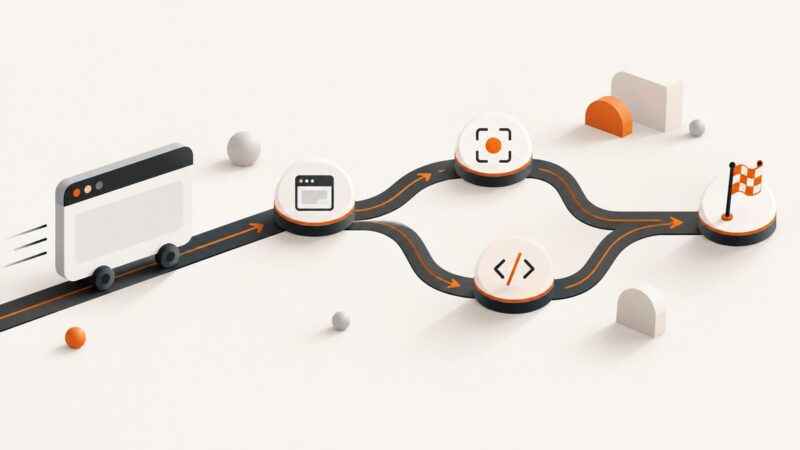
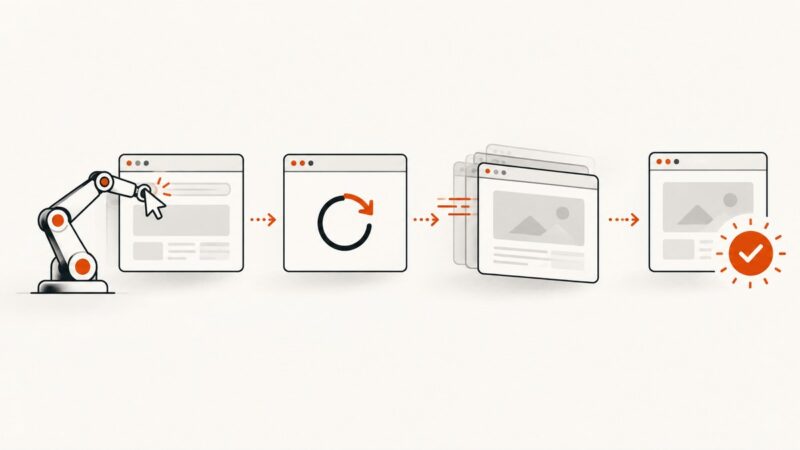
Learn how to detect navigation, refresh completion, and application readiness in WebdriverIO with reliable waits and troubleshooting.
Learn how to detect navigation, refresh completion, and application readiness in WebdriverIO with reliable waits and troubleshooting.
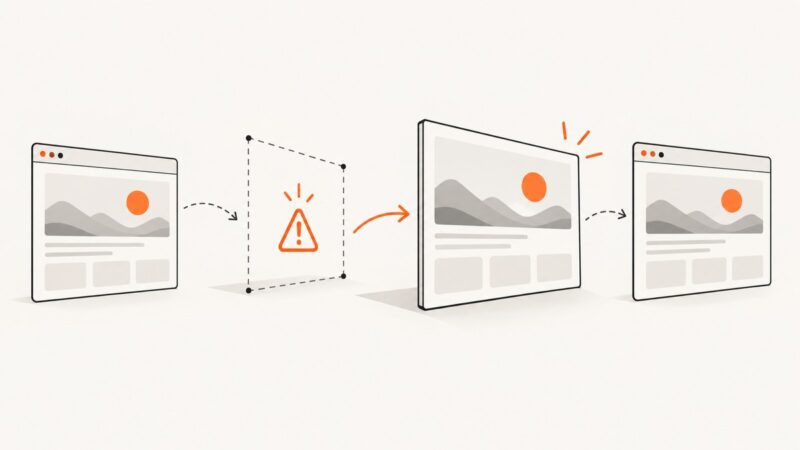
Reloading replaces the document and invalidates old elements. Learn the waits, selectors, timeouts, and recovery patterns that keep WebdriverIO tests running.
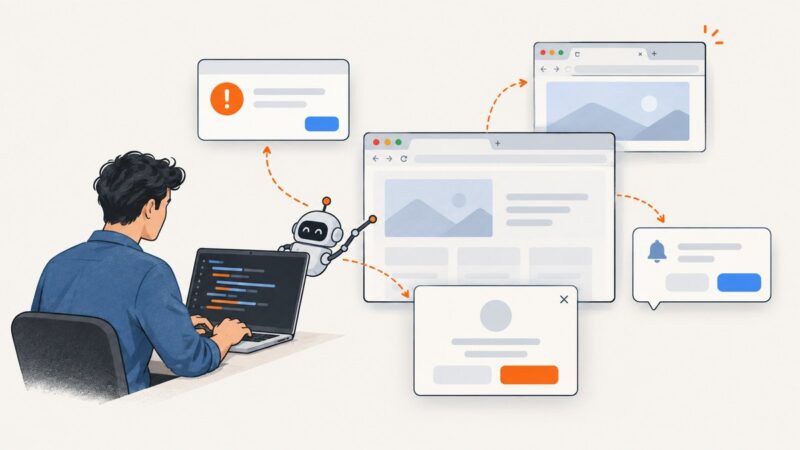
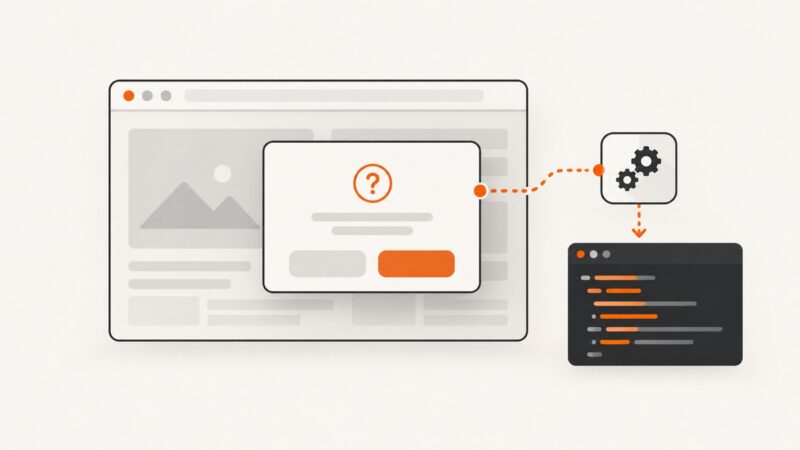
Identify the kind of Chrome pop-up first, then use Selenium’s Alert API, window handles, or DOM locators to close it reliably.
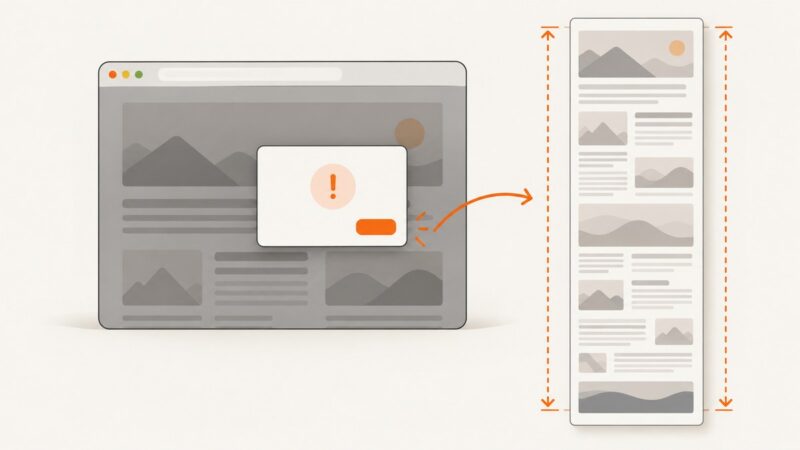
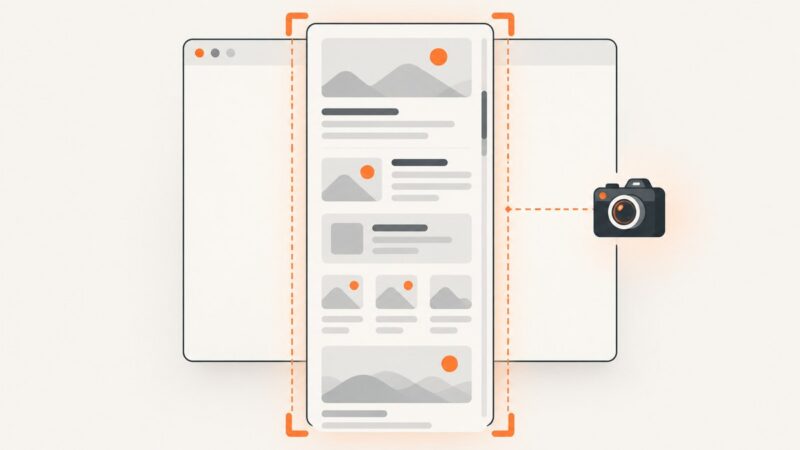
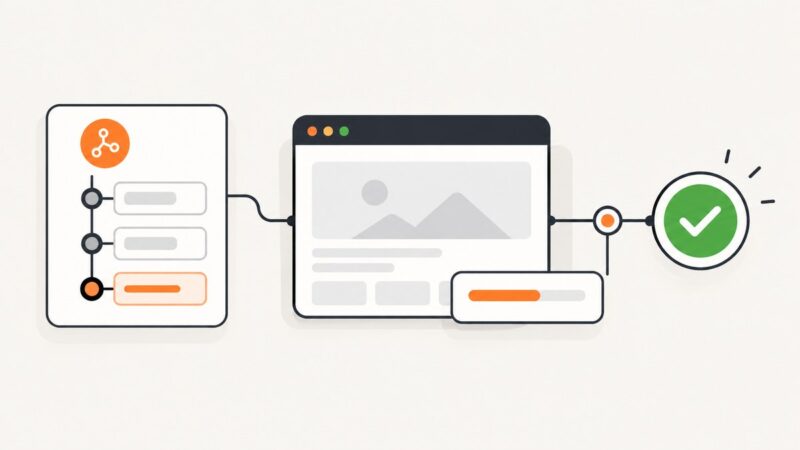
Handle the unexpected JavaScript prompt first, then capture again. Learn what Selenium’s screenshot APIs guarantee—and how full-page capture depends on your browser and driver.
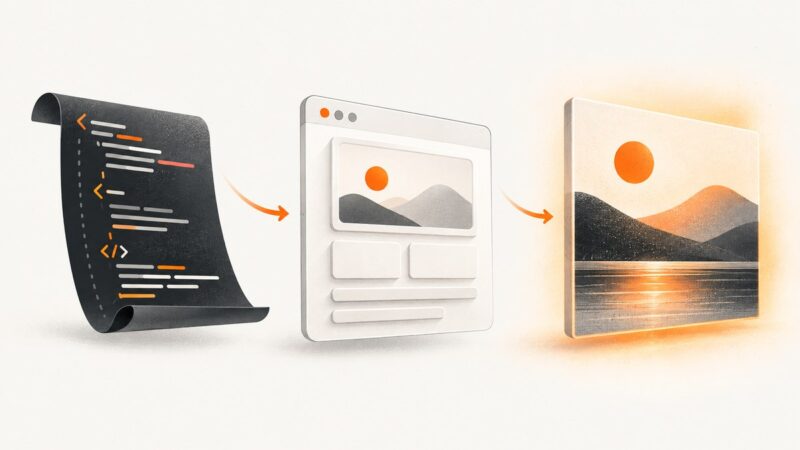
Render an HTML string with html2canvas by placing it in a live DOM element, waiting for resources, and exporting the resulting canvas safely.
Learn how to capture an entire page or every pixel inside a scrollable element with Playwright Python, including stitching, lazy loading, and fixes.
Find the exact URL Chrome rejects, check JSTree’s rendered markup and data, and run JavaScript-dependent tests with Capybara’s Selenium Chrome driver.
Fix html2canvas IndexSizeError by eliminating zero-sized canvases, waiting for layout and assets, and capturing safely in large or cross-origin pages.
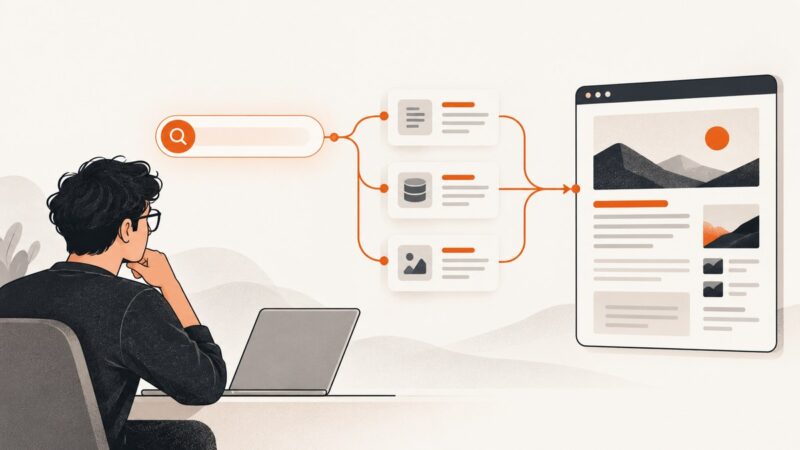
Learn how to collect results from a website’s own search or a search engine, choose an API or HTML parser, and handle changing pages reliably.
Capture one visible DOM element in Safari with Selenium, handle clipping and versions, and avoid full-window screenshots.
DevTools Local Overrides is an interactive workflow. In headless Puppeteer, intercept requests and fulfill them with versioned fixtures for repeatable tests.
Fix html2canvas screenshots that stop halfway, miss images, or render blank with correct dimensions, scaling, scrolling, CORS, and limits.
This Selenium error means Chrome’s renderer did not answer a WebDriver command in time. Diagnose whether the cause is headless mode, Chrome startup, container limits, or one specific site.
Set the right timeout for Chrome navigation, element waits, scripts, and tests in Puppeteer, Playwright, and Selenium—with runnable examples and fixes.
Run reliable Selenium browser checks in GitHub Actions with complete workflows, waits, caching, artifacts, troubleshooting, and CI design guidance.
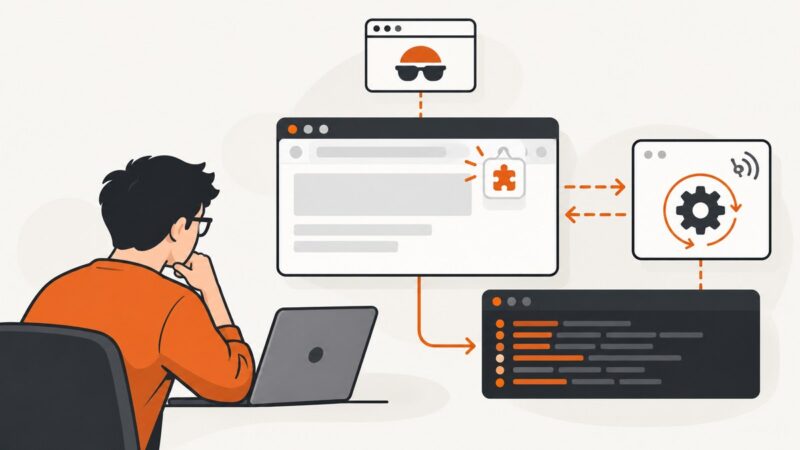
Fix Chrome extension load errors in headless Selenium by checking new headless mode, paths, versions, and Manifest V3 workers.
Read native JavaScript confirmation text in Selenium, handle alerts reliably, troubleshoot failures, and capture evidence with ScreenshotNeo.
Handle ad banners, popups, new tabs, and JavaScript dialogs in Selenium with C#. Choose the right browser context, wait reliably, and avoid brittle fixes.