How to View and Render a Headless Selenium Browser Session
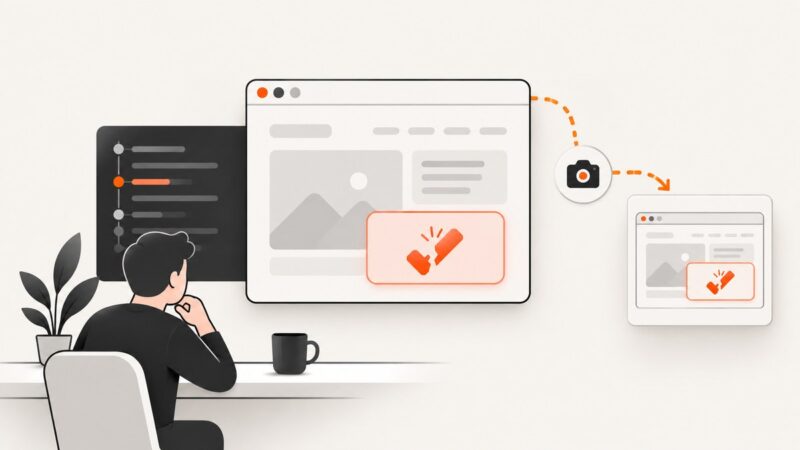
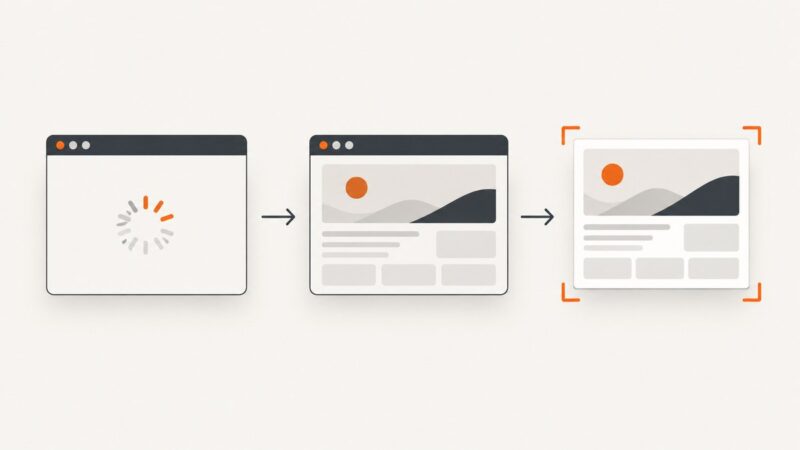
Learn how headless Selenium renders pages, inspect Chrome live with DevTools, capture screenshots or PDFs, and fix blank or incorrect output.
Learn how headless Selenium renders pages, inspect Chrome live with DevTools, capture screenshots or PDFs, and fix blank or incorrect output.
Record visible Playwright tests, save execution video, annotate actions, generate Java code, and handle Selenium workflows with practical examples.
Selenium can capture the browser’s rendered view, but Flash is retired. Learn the supported workflow, element captures, timing limits, and safer alternatives.
Fix Selenium’s StaleElementReferenceException by waiting for the right page state and locating the current element again. Includes safe retries, troubleshooting, and runnable Python examples.
Capture Selenium screenshots, attach them to ExtentReports, and publish both the report and images in GitLab CI. Add JUnit attachments for screenshots in GitLab test details.
Capture the browser state when TestNG assertions fail with a reliable Selenium listener, durable artifacts, parallel-safe drivers, and CI troubleshooting.
Capture full-screen images from separate Xvfb displays in CI. Compare ImageMagick, xwd, and framebuffer files, with setup, timing, and troubleshooting guidance.
Diagnose QSslSocket SSLv3_client_method errors in Rails by matching Qt’s OpenSSL build, runtime library, and loaded ABI.
Build Selenium visual regression checks that tolerate small rendering differences, ignore dynamic regions, and produce useful diff artifacts for review.
Set up Node Unblocker as Express middleware, understand its documented compatibility gaps, and decide when a managed screenshot or scraping API fits better.
Capture a website in Make.com, route the image to storage or email, and choose the right method for JavaScript-heavy pages, page elements, and APIs.
Run Selenium tests unattended with NSSM or WinSW, capture failure screenshots, preserve logs, and configure safe Windows service recovery.
Await screenshot capture and wait for the page state you need. Learn reliable Playwright and Puppeteer patterns, visual assertions, troubleshooting, and API options.
Learn how to open hover and click menus, wait for submenu items, and fix intercepted, stale, or non-interactable clicks with Selenium WebDriver.
Move driver paths, ports, and driver-process arguments from deprecated Selenium Ruby initializer options into a browser-specific Service object.
Capture Selenium screenshots when tests fail, attach them to reports, and publish them as CI artifacts without hiding the original error.
Capture browser-rendered video pages with Chrome Headless, Puppeteer, and reliable timing controls—and learn when an API is simpler.
Upload files in Python Selenium by sending an absolute path to the page’s file input, then submit and verify the application result.