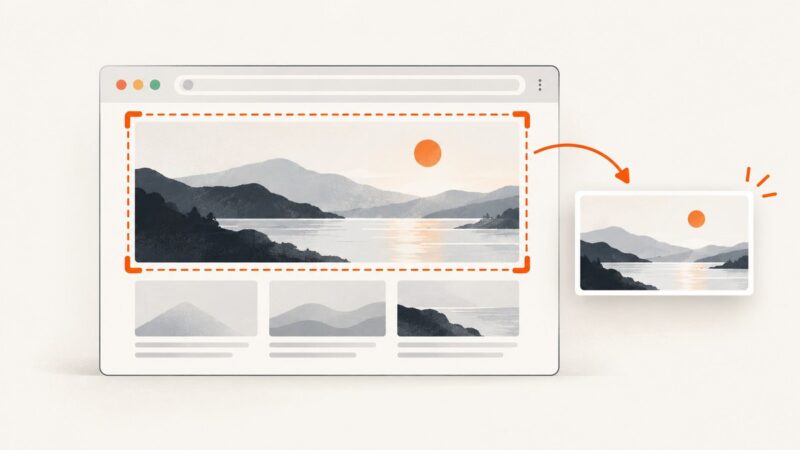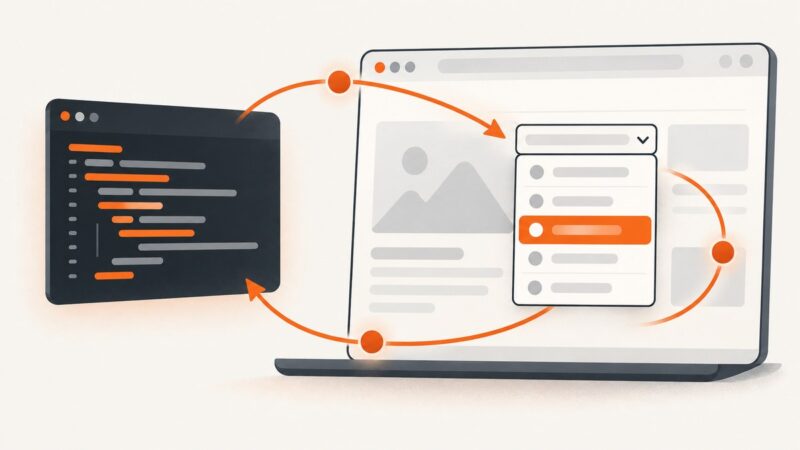
How to Run an OnClick JavaScript Function with Selenium Without Clicking
Call an onclick handler with Selenium’s JavaScript execution bridge, choose the right approach for event listeners and async code, and troubleshoot frames and results.
Call an onclick handler with Selenium’s JavaScript execution bridge, choose the right approach for event listeners and async code, and troubleshoot frames and results.
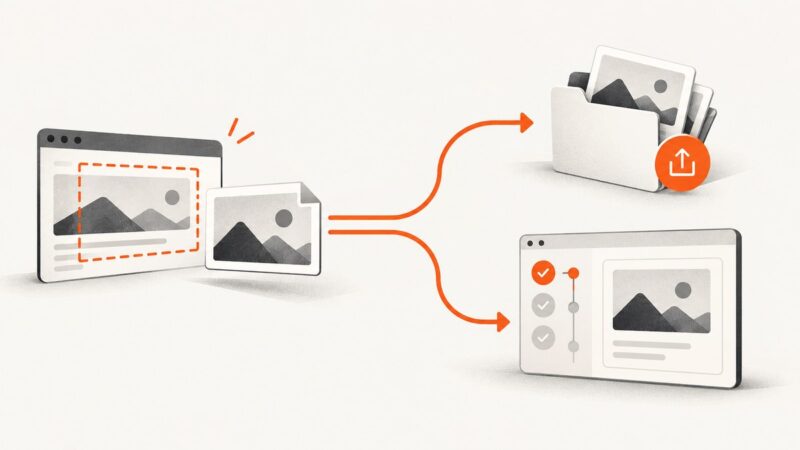
Selenium captures webpage content, not the browser’s address bar. Learn how to capture the visible URL bar with Python desktop tools, and when to use a page-only screenshot instead.
Diagnose Appium's UnreachableBrowserException with endpoint, driver, capability, context, and cloud checks before your next screenshot.
Render WebGL in headless Chrome with Selenium .NET: wait for the canvas, capture a full page or element, and troubleshoot blank or inconsistent screenshots.
Save Selenium screenshots from Jenkins agents, keep failure evidence, and archive files reliably from local or remote browsers.
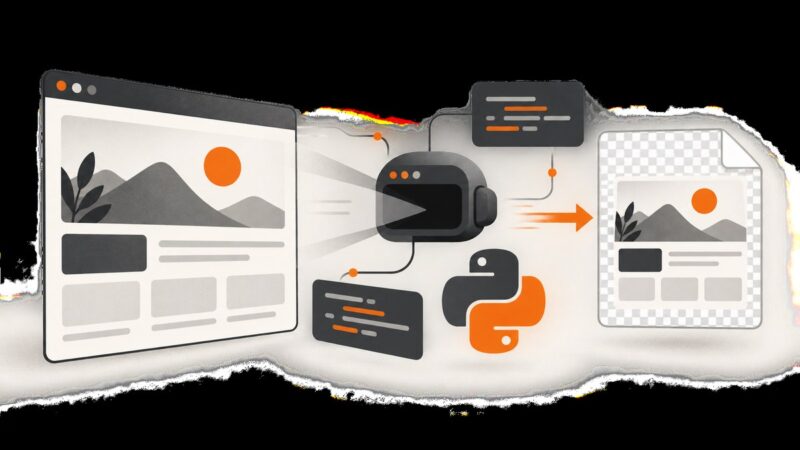
Capture transparent PNGs with Selenium and headless Chrome by setting a zero-alpha CDP background override, checking page CSS, and handling full-page output.
Capture the browser state behind a failed Mocha test with Selenium’s JavaScript WebDriver, save reliable artifacts, and troubleshoot common failure cases.
Fix Selenium screenshots that come from the wrong browser by tracing driver identity, session, window handle, callback target, and parallel test state.
Diagnose wkhtmltopdf hangs in PHP by checking pipes, environment, Xvfb, and JavaScript waits. Replace shell_exec with supervised process execution and timeouts.
Learn how to loop through native and custom dropdowns in Selenium, handle rerenders and waits, and avoid stale elements and intercepted clicks.
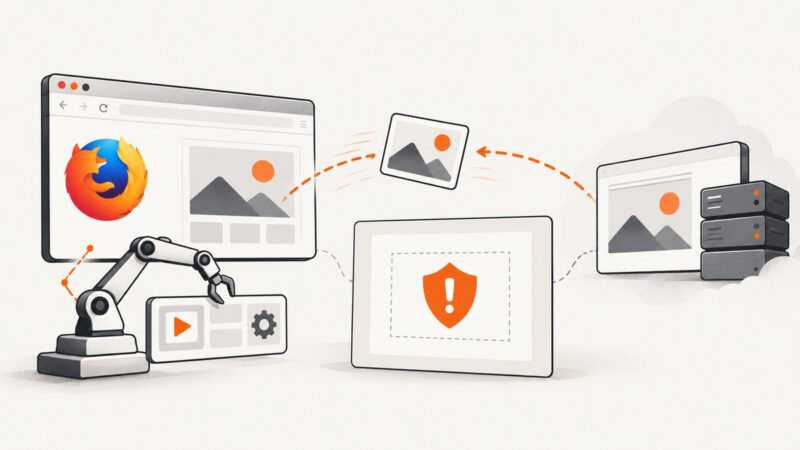
Fix Firefox SecurityError errors by identifying canvas tainting, configuring CORS correctly, or using Selenium’s browser screenshot APIs.
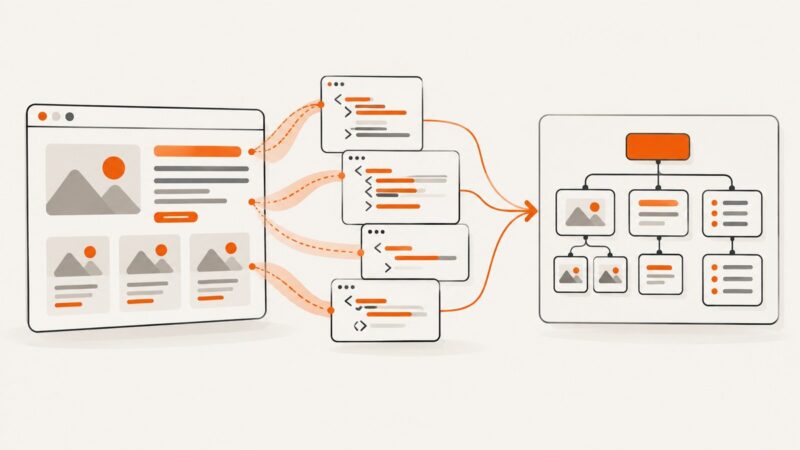
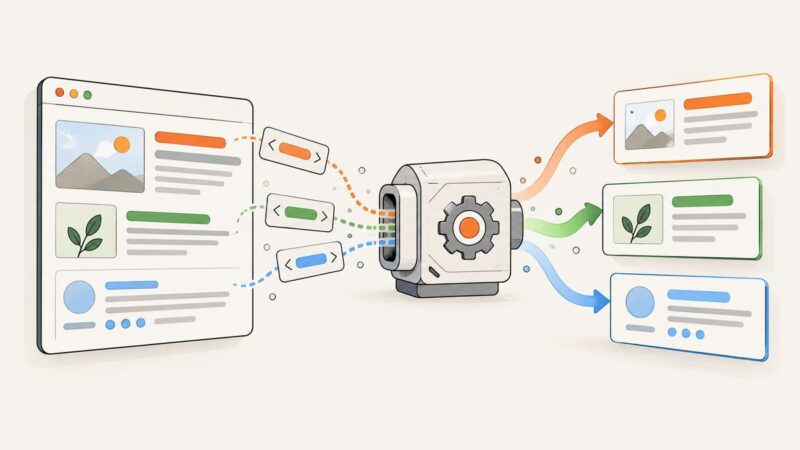
Learn how to extract Schema.org Microdata with Python, cURL, and Node.js, including nested items, itemref, machine-readable values, validation, and rendered pages.
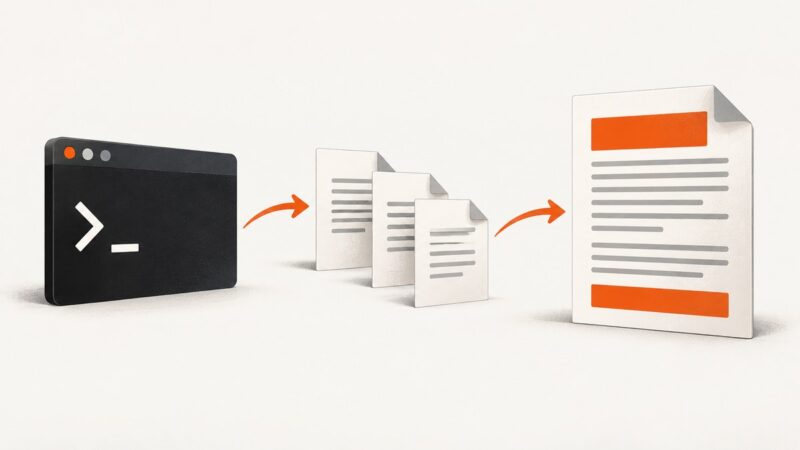
wkhtmltopdf cannot read header or footer markup directly from stdin. Use temporary files or a local URL, then pass those paths with --header-html and --footer-html.
Missing screenshots in a Klo report? First check whether you mean Klov/ExtentReports or Katalon, then follow the right capture and report checks.
Learn why PhantomJS screenshots can be transparent, how to capture and verify PNG alpha in Selenium, and how to migrate to maintained browsers.
Learn how to find h-card, h-entry, h-product, h-recipe, and h-review data in HTML, parse it into JSON, and handle real-world markup reliably.
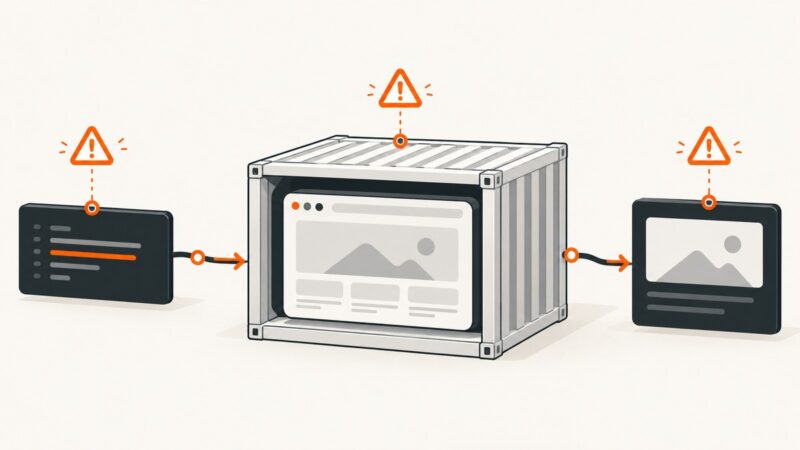
Diagnose Selenium JavaScript failures in Docker by separating startup, command, and result errors, then fix timeouts, drivers, shared memory, and readiness.
Capture a long mobile webpage or form as one image on iPhone, Android, or Galaxy, and learn what to do when scrolling capture is unavailable.