Where Wget Saves Downloaded Files and How to Change the Location
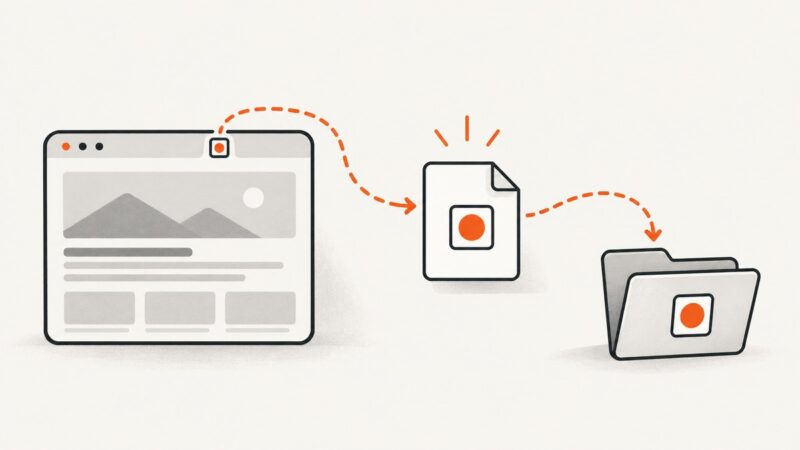
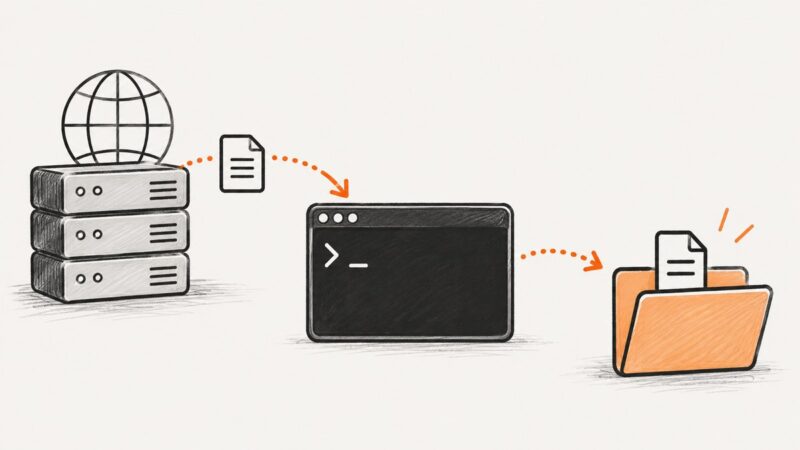
Wget saves files in the current directory by default. Learn how to choose a folder, name one output file, control recursive paths, and troubleshoot locations.
Wget saves files in the current directory by default. Learn how to choose a folder, name one output file, control recursive paths, and troubleshoot locations.
Create and publish a website subpage in WordPress, Wix, or Squarespace, then verify its menu, URL, access, and indexing settings.
Build your first Playwright Test, install browsers, run and debug it, then learn fixtures, projects, CI setup, reliability and troubleshooting.
Fix missing SVG foreignObject content in Rotativa by testing the wkhtmltopdf renderer, simplifying markup, and validating the deployed binary.
Create, nest, publish, hide, and troubleshoot Google Sites subpages with the current Pages workflow and hierarchy limits.
Keep Chromium running after a Pyppeteer script disconnects, then reconnect through its WebSocket endpoint and send CDP commands to a target.
Save static pages with their assets, or use a real browser when JavaScript builds the content. Compare browser save, wget and Playwright workflows.
Copyable cURL commands to fetch pages, save HTML, inspect headers, follow redirects, reuse cookies, and handle common errors.
Capture a dom-to-image element without blank space or clipping by measuring its CSS dimensions and passing width and height explicitly.
Learn how to scrape JavaScript-rendered pages with Pyppeteer, wait for content, extract data safely, handle failures, and know when to use an API.
Open an MHTML archive in Edge, capture the rendered page, or extract its original images when you need individual JPG files.
Save generated HTML or fetch and download a page with JavaScript using Blob URLs, anchor downloads, and browser-safe cleanup.
Make screenshots clearer by recapturing at the right size, preserving the right format, editing carefully, and using upscaling only when appropriate.
Find a site's declared favicon, resolve its URL, and download the right file with a browser, cURL, Python, or Node.js.
Diagnose failed downloads by error type: missing files, permissions, browser security, network policies, and local storage problems.
Learn when to use Wget, HTTrack, or direct URLs to save page assets, linked files, and bounded site sections safely.
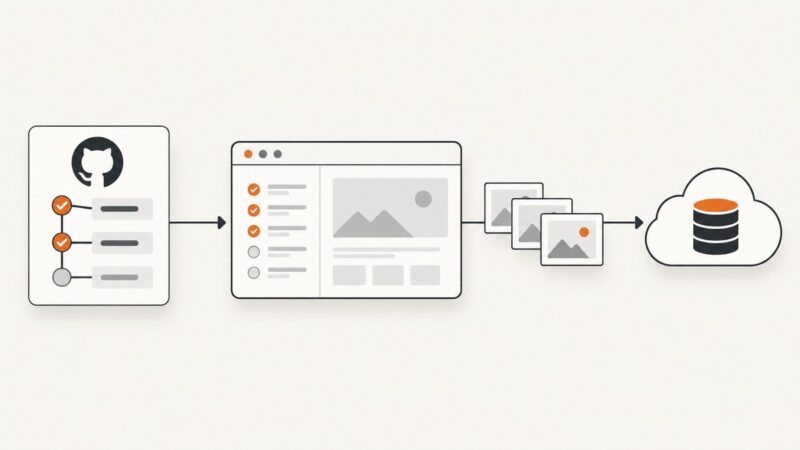
Save Cypress screenshots in GitHub Actions, upload them as artifacts, keep only failures, and troubleshoot paths, retention, and CI failures.
Safari can display SVGs, but dependable PNG conversion requires an export workflow. Learn the Safari, Inkscape, canvas, and API options.