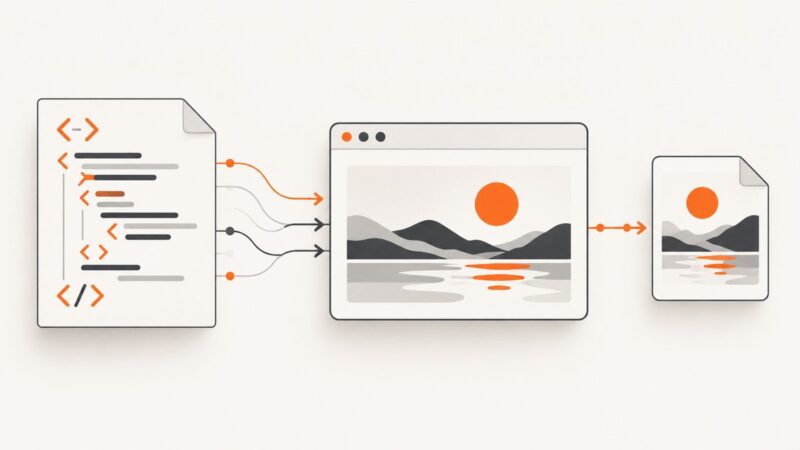
How to Generate a JPEG from HTML with JavaScript or PHP
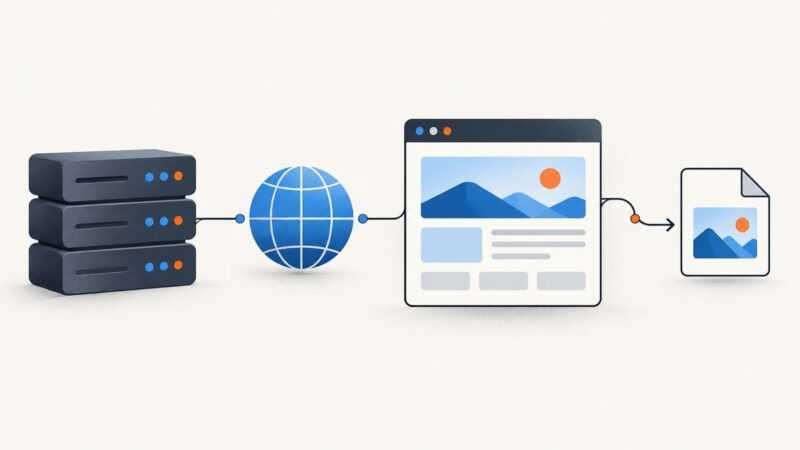
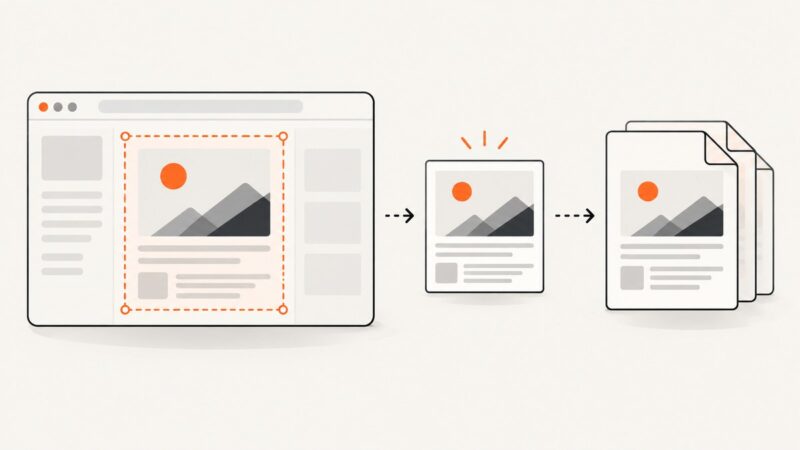
Generate a JPEG from HTML in the browser with JavaScript, or render HTML on the server with PHP, Browsershot, and headless Chrome.
Generate a JPEG from HTML in the browser with JavaScript, or render HTML on the server with PHP, Browsershot, and headless Chrome.
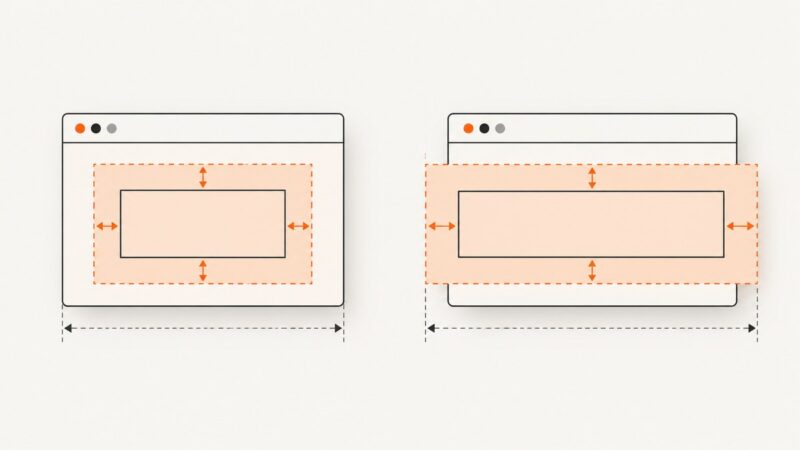
Diagnose PhantomJS box-sizing problems with a minimal fixture, computed-style checks, geometry tests, and a safe migration path.
Make rSelenium screenshots match the reference by controlling viewport, timing, pixel density, browser environment, and capture scope.
Capture authenticated pages with Python Selenium, restore session state safely, and understand why PhantomJS is legacy.
Seed Spring data through SQL, APIs, or Testcontainers before Selenium drives React, with isolation, cleanup, troubleshooting, and runnable examples.
PhantomJS is deprecated. Learn the legacy Selenium pattern, modern Chrome and Firefox alternatives, and how HTTP and HTTPS navigation works in Python 3.
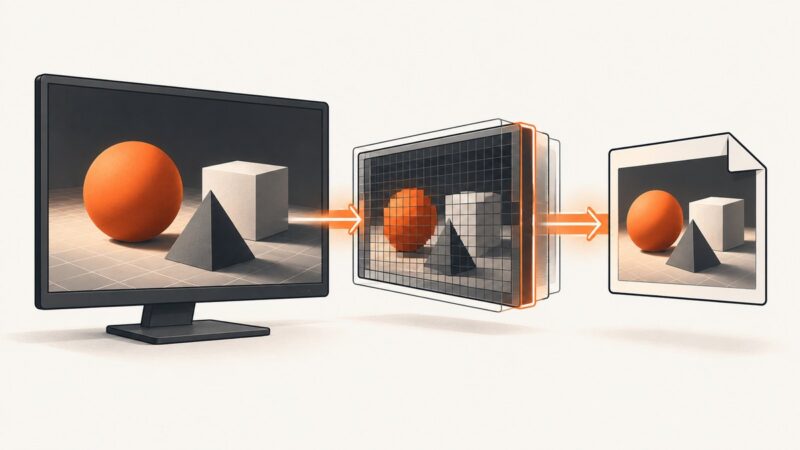
Run browser automation on the remote server, capture the viewport, full page, or an element, then save or return the image bytes.
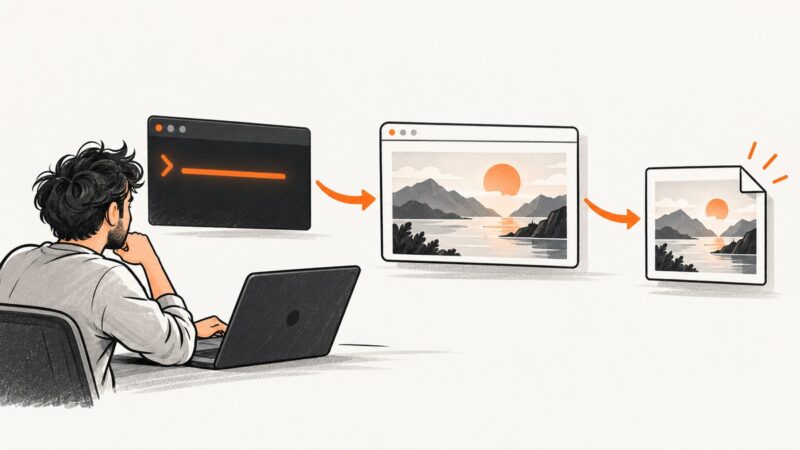
Capture a fully rendered website remotely with Playwright, Chrome DevTools Protocol, or ScreenshotNeo, including full-page, element, format, and reliability options.
Render a ScrollView’s complete off-screen content into a Bitmap with Kotlin, avoid deprecated drawing caches, and handle memory, tiling, and fidelity.
Selenium RC has no verified C# screenshot call for IE8. Learn the safe migration path to WebDriver and an API option that avoids browser setup.
Capture a live webcam panel from a website with Firefox, Chrome, OBS, or code, including permissions, selectors, timing, troubleshooting, and automation.
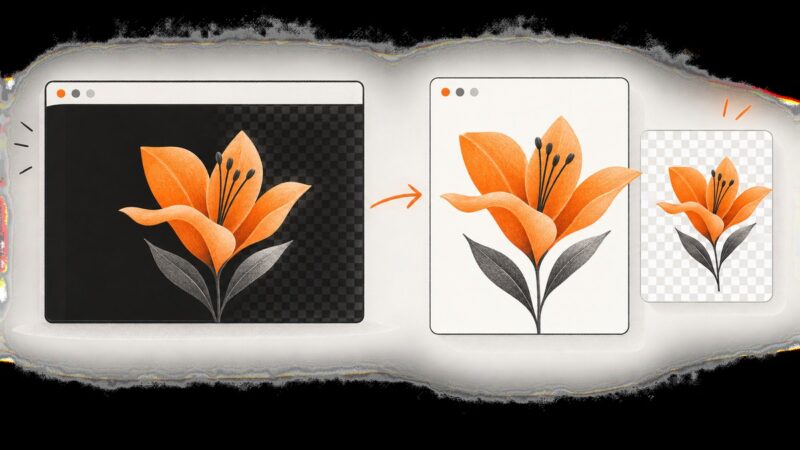
Learn whether you need a clean crop or true transparency, then fix black, checkerboard and unwanted backgrounds on Windows, Mac, iPhone and editors.
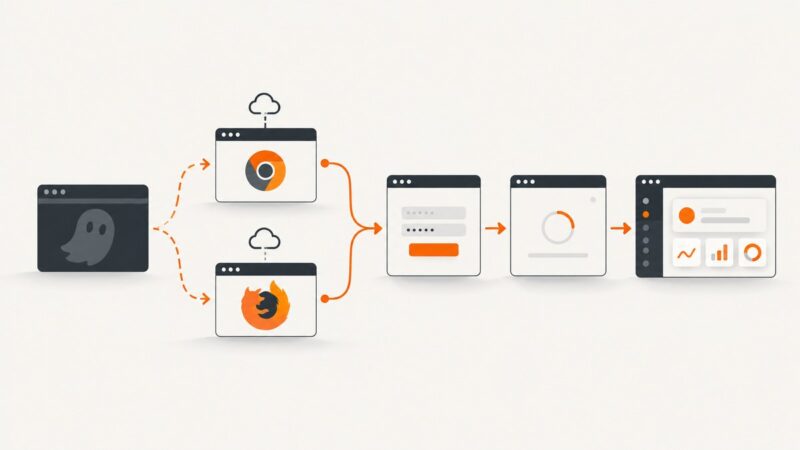
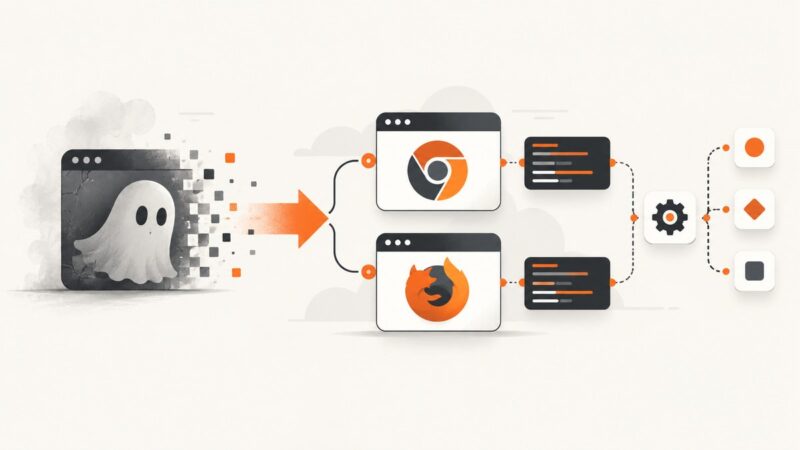
PhantomJS is deprecated. Replace it with headless Chrome or Firefox, synchronize login on real page state, and diagnose browser, network, and auth failures.
Use Puppeteer to capture full pages or export a div to PDF, with screen CSS, print settings, troubleshooting, and an API shortcut.
Capture JOGL renderings with the archived Screenshot helper or glReadPixels, convert framebuffer pixels to BufferedImage, fix orientation, and save PNG files.
Learn every Selenium 3 locator for PhantomJS 2.1.1, with JavaScript and Python examples, waits, iframe handling, errors, and migration guidance.
Fix missing, blank, or incomplete Chrome CLI screenshots by checking the command, working directory, viewport, timeout, and Headless version.
Replace PhantomJS, fix driver and session errors, and stabilize Selenium tests in Python with explicit waits and practical diagnostics.