How to Take Screenshots With Selenium HtmlUnitDriver
HtmlUnitDriver is useful for headless DOM tests, but current versions do not promise Selenium screenshots. Learn the compatibility check and reliable alternatives.
HtmlUnitDriver is useful for headless DOM tests, but current versions do not promise Selenium screenshots. Learn the compatibility check and reliable alternatives.
Capture XHR and Fetch calls in headless Chrome with CDP, retrieve response bodies, handle failures, and avoid common logging traps.
Diagnose browser.keys() failures in Firefox with WebdriverIO: key constants, focus checks, element methods, and geckodriver setup.
Diagnose and fix black Selenium screenshots with synchronization, browser, driver, headless, output, and CI checks.
Diagnose empty page source in Headless Chrome on Unix by checking navigation, DOM state, JavaScript timing, Selenium waits, and browser version.
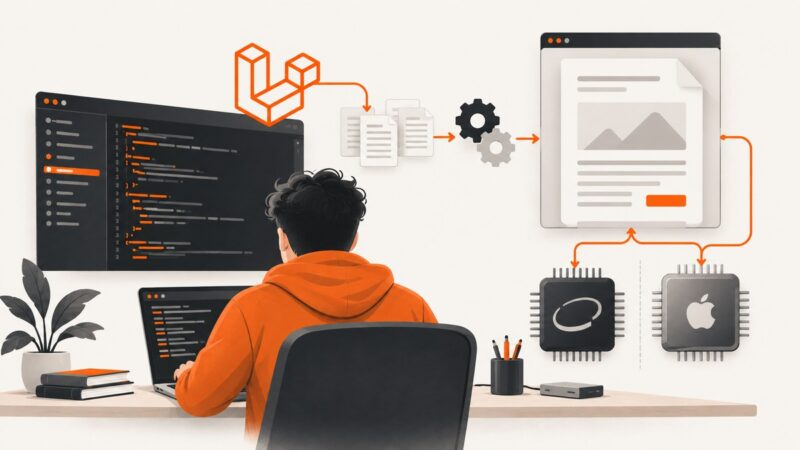
Fix wkhtmltopdf failures in Laravel on macOS by checking the binary, architecture, paths, permissions, libraries, fonts, and local-file security.
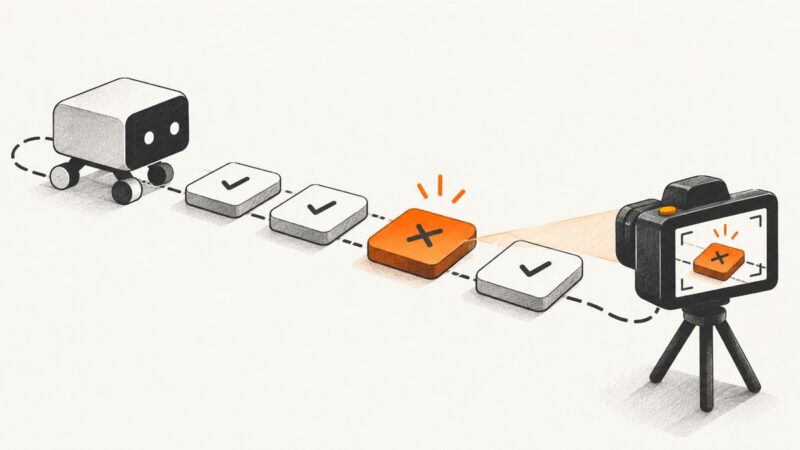
Use AfterStep to detect a failed Cucumber.js step and After to inspect a scenario. Learn status handling, screenshots, troubleshooting, and version differences.
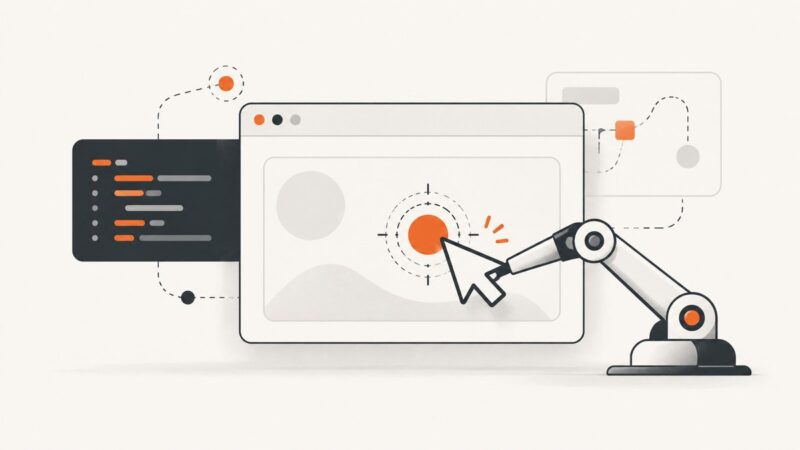
Click a viewport point, an offset inside a canvas, or a point relative to the pointer with Selenium’s C# Actions API. Learn how to choose coordinates, avoid common failures, and verify the result.
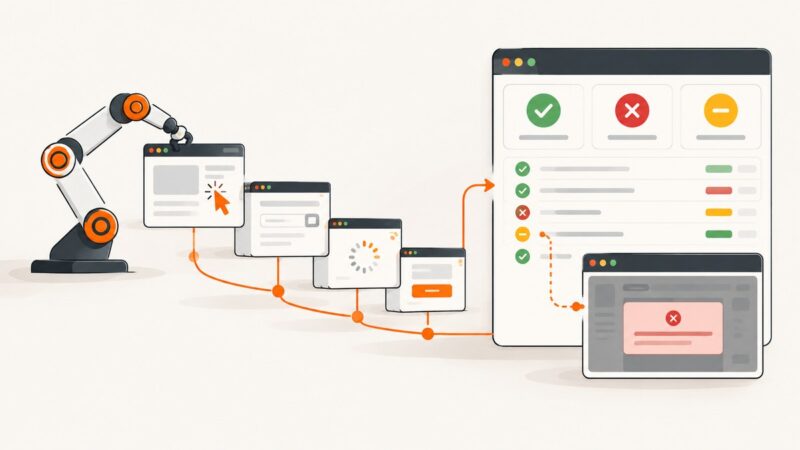
Configure ExtentReports so pass, fail, skip, and failure screenshots stay accurate, portable, and useful in CI.
Fix Selenium’s Chrome process startup error with version checks, profile isolation, CI diagnostics, dependency fixes, and runnable Python examples.
Build an n8n workflow that captures reviews, removes duplicates, classifies sentiment, alerts your team, and drafts replies with human approval.
Fix Selenium ElementNotVisibleException in headless Chrome with explicit waits, better locators, iframe handling, viewport diagnostics, and stable CI patterns.
Connect Puppeteer to Chrome on another machine over your LAN: start remote debugging safely, find the browser WebSocket URL, and fix common connection errors.
Find out whether a stale screenshot comes from a saved file, screenshot-service cache, CDN, or page rendering—and how to fix the right layer.
Capture one element in Selenium with Python or Java, save it as a file or bytes, and handle scrolling, waits, failures, and report artifacts.
Trace pdfkit failures to executable discovery, renderer errors, network access, or platform dependencies—with practical diagnostics and fixes.
Diagnose HTTP 406 responses and blank or incomplete wkhtmltopdf output with a reproducible pdfkit workflow, asset checks, fixes, and alternatives.
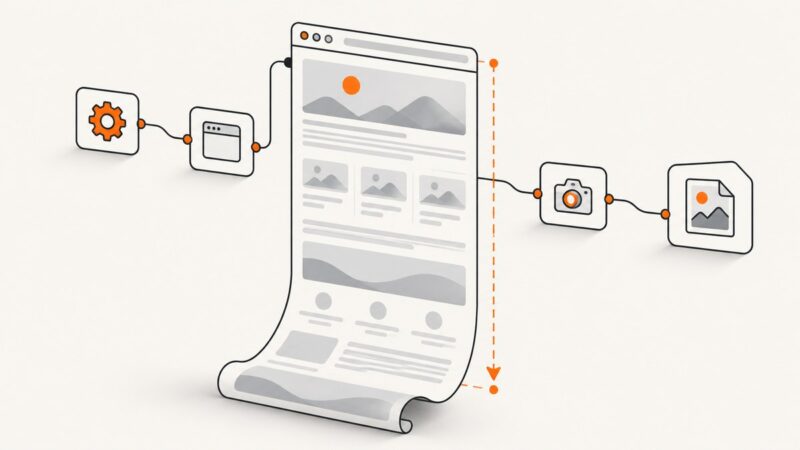
Capture an entire WebdriverIO page with fullPage: true, configure formats and clipping, fix driver issues, and automate reliable visual checks.