How to Take Scrolling Screenshots at Scale
Learn manual scrolling screenshots on Android and iPhone, automate full-page captures with Playwright, and scale reliable webpage shots with ScreenshotNeo.
Learn manual scrolling screenshots on Android and iPhone, automate full-page captures with Playwright, and scale reliable webpage shots with ScreenshotNeo.
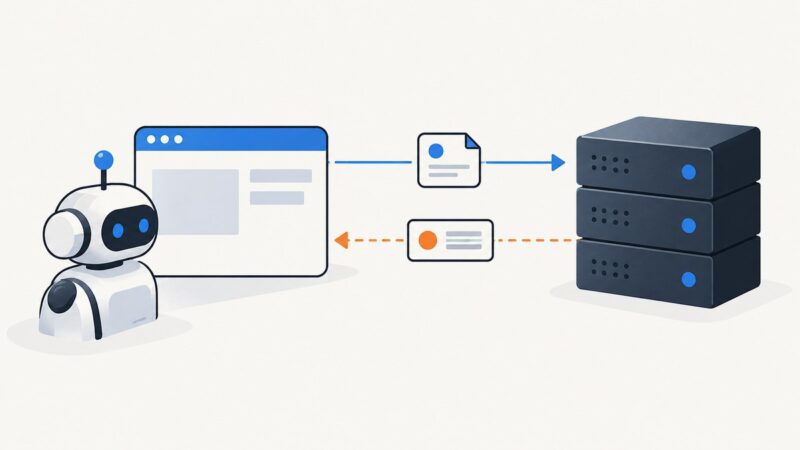
Use Playwright’s APIRequestContext.head() to check a URL’s status and headers without downloading its response body. Here’s how to choose a request context, handle redirects, and troubleshoot failures.
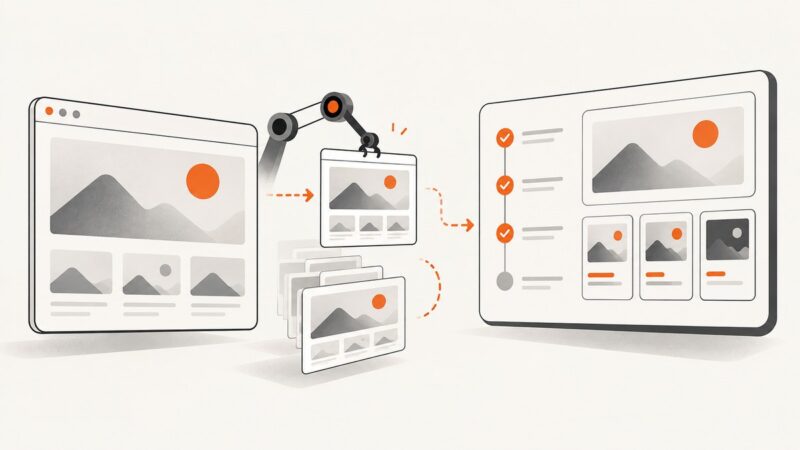
Build repeatable full-page screenshot checks with stable sections, explicit boundary review, and diffs that help explain why screenshot tests fail.
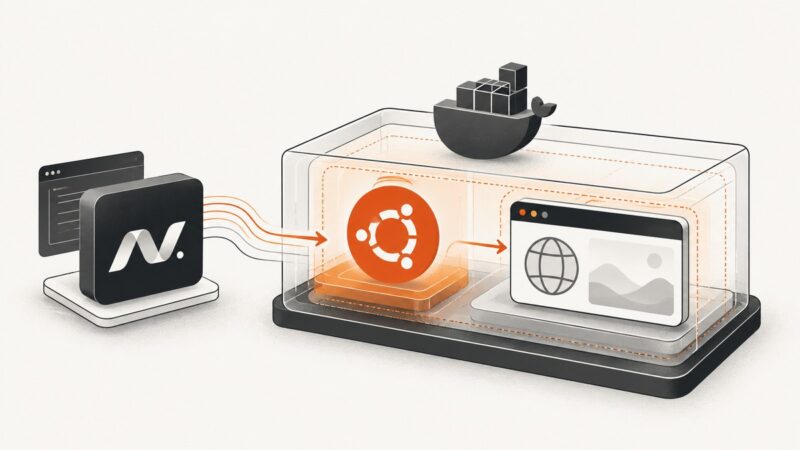
Run Playwright reliably in Ubuntu Docker with .NET using Microsoft’s images or a custom build, with versioning, security, and troubleshooting covered.
Scraping a Shopify store depends on your authorization, purpose, data, and jurisdiction. Here’s how to choose a permitted approach, limit collection, and handle blocks responsibly.
Bound slow screenshot jobs in Ruby by setting the timeout for the operation that is actually waiting: navigation, page readiness, remote WebDriver, or capture.
A practical workflow for creating accurate event graphics across social, email, web and print, with prompts, sizing, review and export guidance.
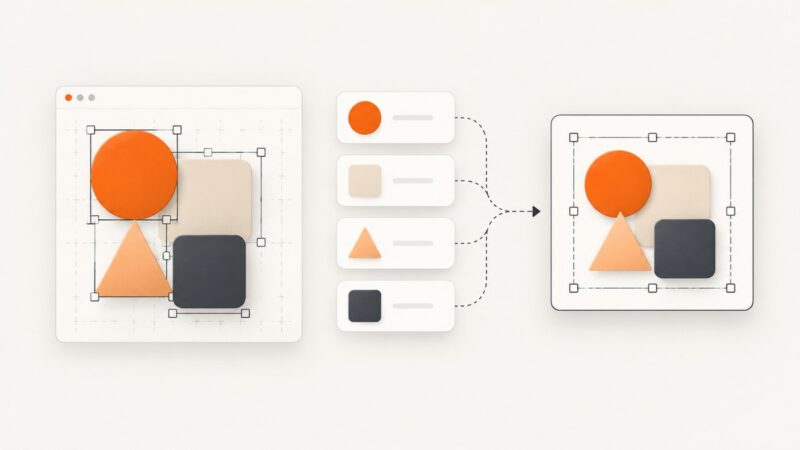
Resize screenshots without distortion, crop fixed frames, build responsive images, and choose the right CSS, HTML, and API workflow.
Learn reliable document and inner-container scrolling with Scrapy-Playwright, wait for new content, stop safely, and avoid common browser pitfalls.
Capture Playwright screenshots and attach them to Allure tests or steps with correct MIME types, failure handling, and reusable fixtures.
Select and capture the right website element with Chrome DevTools, Firefox Inspector, CSS selectors, XPath, and automation options.
Learn a repeatable, reliable workflow for scraping every page of a statically paginated website with Python, cURL, Node.js, validation, and stopping rules.
Learn how to capture hidden, off-screen, hover-triggered, and lazy-loaded elements with DevTools, Puppeteer, Playwright, and ScreenshotNeo.
Use list.index() for the first match, enumerate() for custom searches, and safe patterns for missing values, duplicates, ranges, and all matches.
Learn how to collect URLs from open tabs, tab history, recently closed pages, and full browser history in Chrome and Firefox.
Use Playwright to collect Google page buttons by accessible role or native HTML tag, then extract their text and attributes reliably.
Learn the documented TikTok Research API workflow for Shop products, approval requirements, pagination, quotas, freshness, and safer screenshot-based research.
Remove an element from the live DOM, an HTML string, or the response your server sends. The right method depends on which layer you need to change.